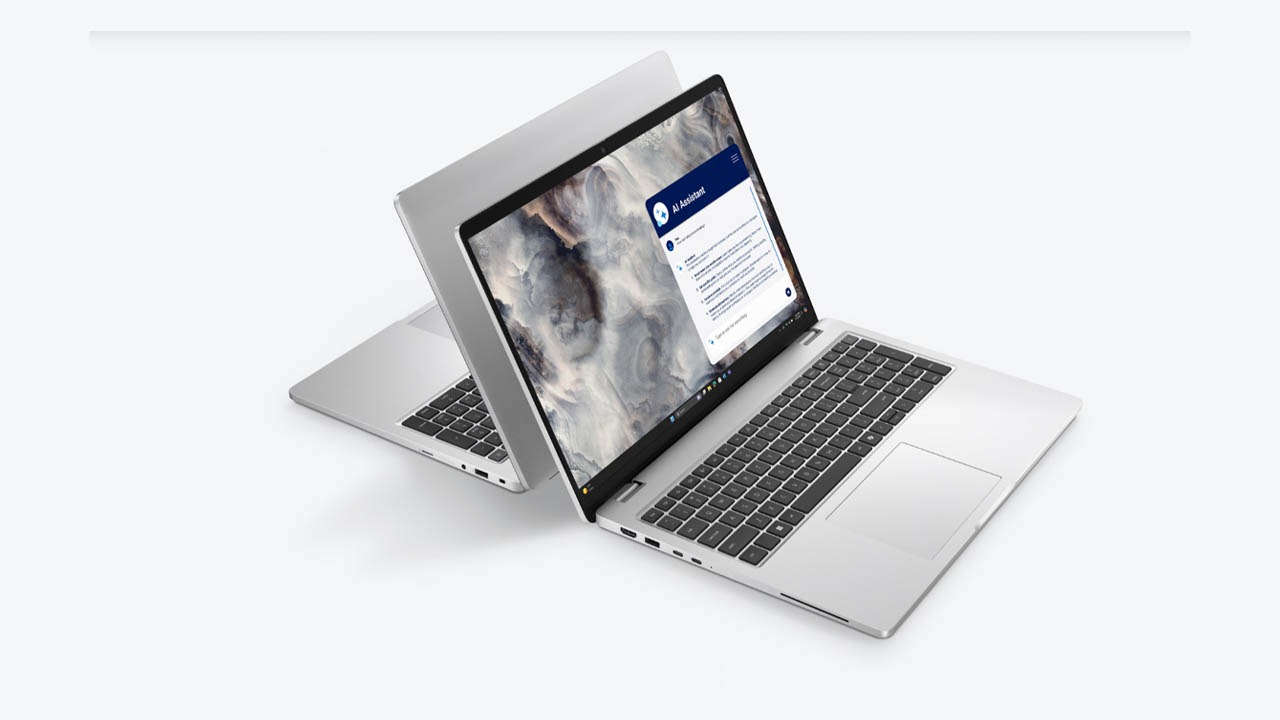
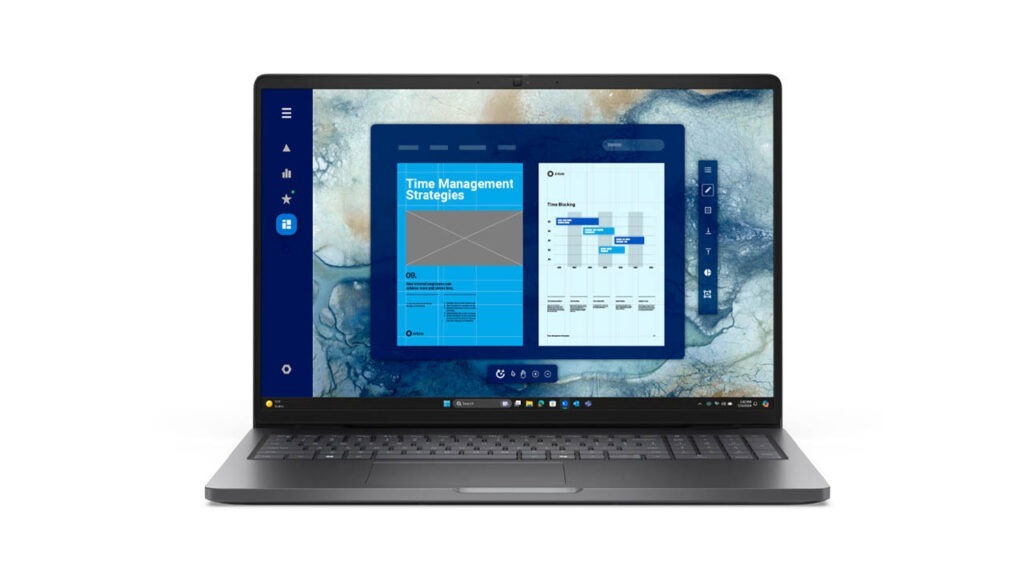
The Dell Pro 16 (PC16250) is a high-performance mainstream business laptop designed for professionals who need a large workspace and modern AI capabilities without the “luxury tax” of the XPS line. Introduced as a versatile workhorse for 2026, it balances a professional aesthetic with the efficiency of Intel Core Ultra (Series 2) processors.
Whether you are a data analyst crunching numbers with the dedicated numeric keypad or a remote worker relying on the upgraded 1080p HDR webcam, the Pro 16 is built to be a dependable daily driver. In this review, we’ll see if its “modular” design approach and impressive 12+ hour battery life make it the smartest value-for-money choice for your office or home setup.
Key Specifications (Quick View)
| Feature | Details |
| Processor (CPU) | Intel Core Ultra 5 225U / Ultra 7 255U (vPro options) |
| Graphics (GPU) | Integrated Intel Graphics (Optional Intel Arc) |
| RAM | 16GB / 32GB / 64GB DDR5 (5600 MT/s) |
| Storage | 256GB – 2TB PCIe Gen4 M.2 SSD |
| Display Size | 16-inch (16:10 Aspect Ratio) |
| Display Type | FHD+ IPS LCD / Optional Touchscreen |
| Resolution | 1920 x 1200 Pixels |
| Refresh Rate | 60Hz (Standard) |
| Battery Capacity | 3-cell 45Whr / 4-cell 54Whr / 55Whr |
| Weight | Starting at 4.23 lbs (1.92 kg) |
| Operating System | Windows 11 Pro (Copilot+ Ready) |
| Price Range | Mid-range ($949 – $1,450) |
Design and Build
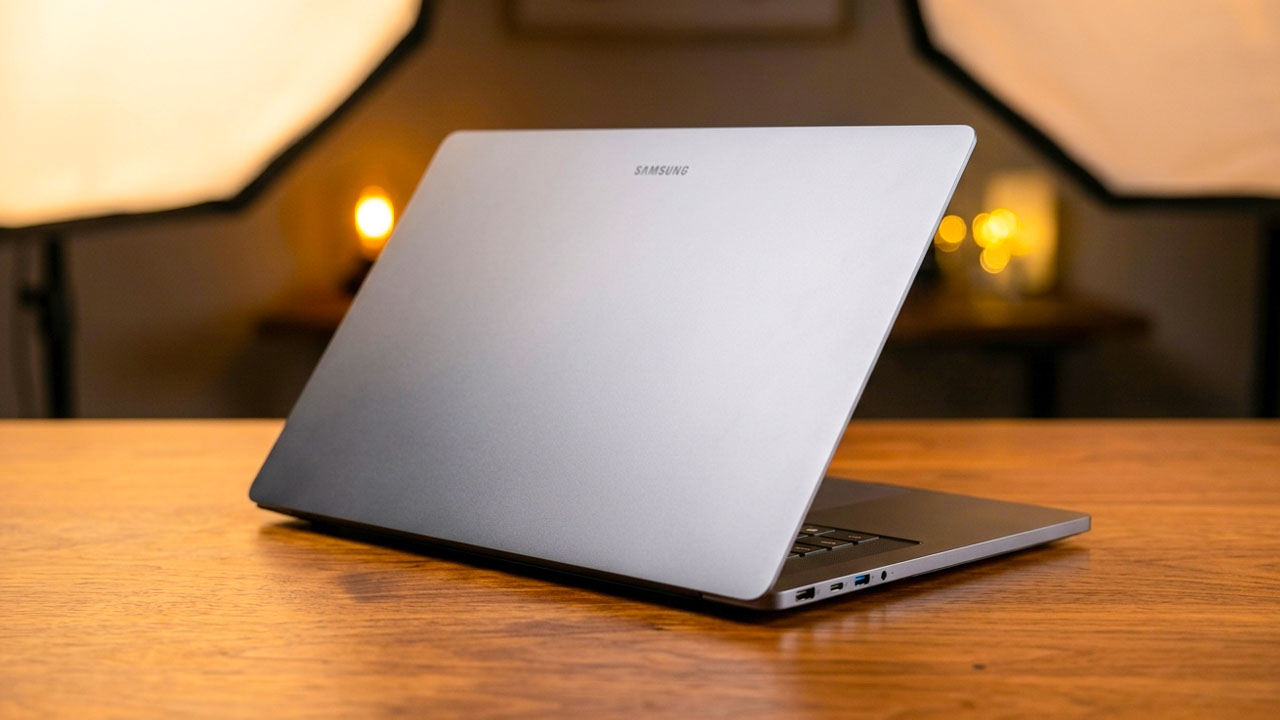
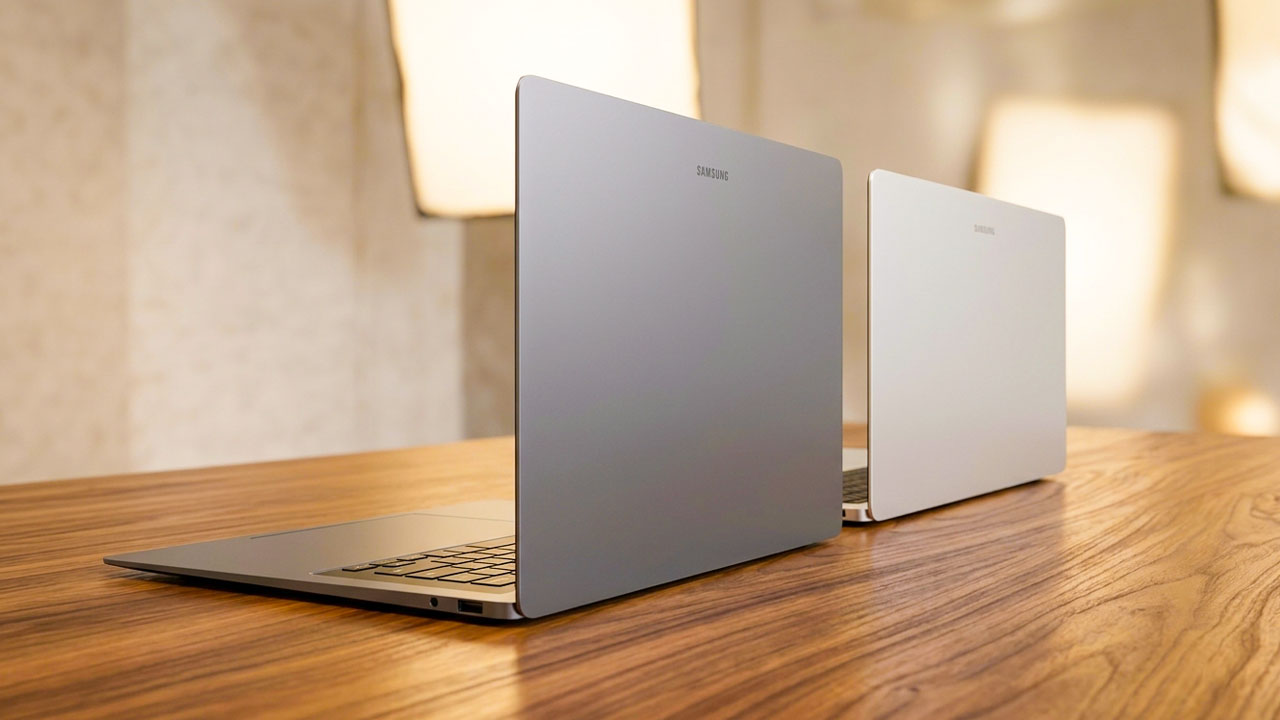
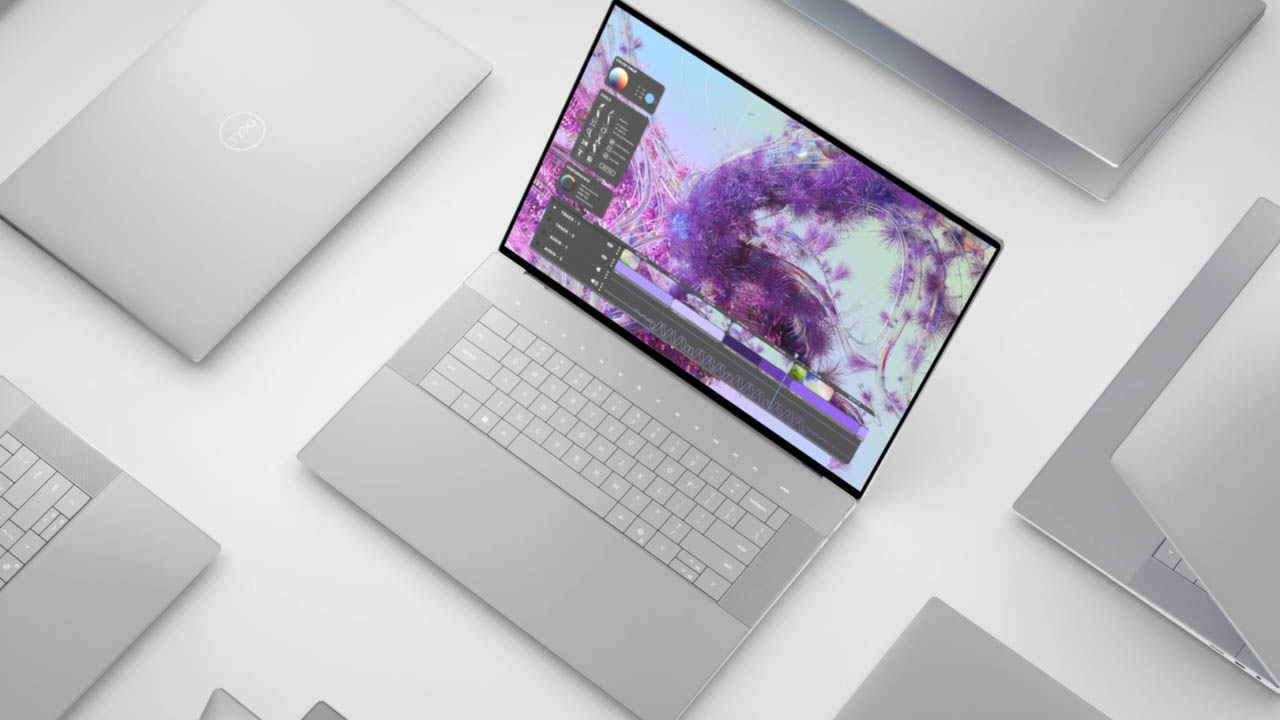
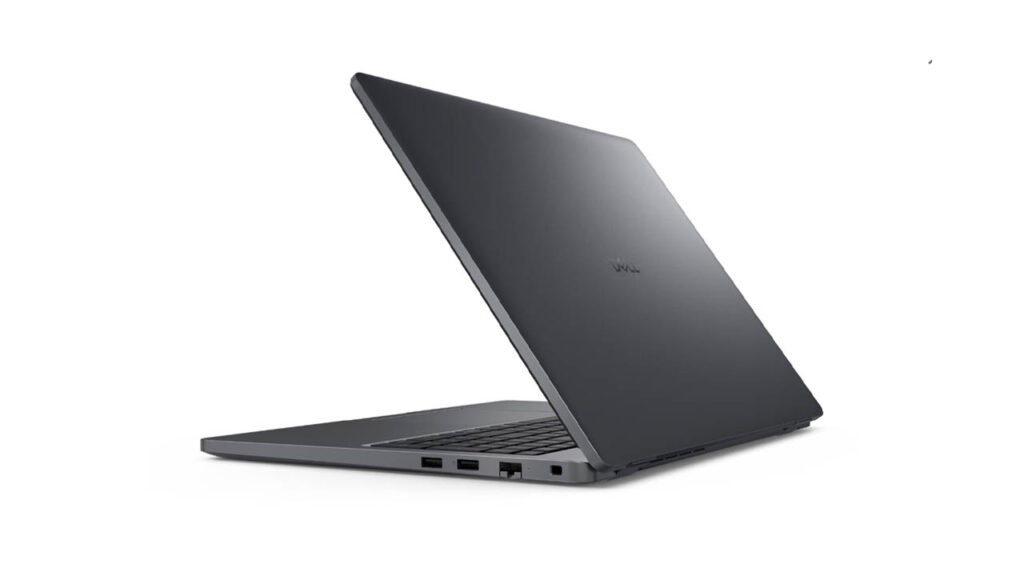
The first thing you notice about the Dell Pro 16 is its unapologetically modern chassis. Inheriting the DNA of the recent XPS 16, the Pro 16 features a machined aluminum body that feels like a solid block of metal. There is zero flex in the keyboard deck, and the “Platinum Silver” finish gives it a professional yet cutting-edge look.
However, the design is defined by its “invisible” elements:
- The Glass Palm Rest: The entire area below the keyboard is a seamless sheet of glass. There are no lines to indicate where the touchpad begins or ends.
- Capacitive Touch Row: The physical Function keys (F1–F12) have been replaced by a glowing, touch-sensitive strip. While it looks stunning in a dark room, it lacks the tactile feedback professionals often rely on for “blind” shortcuts.
At 5.15 lbs, this is not a “toss-in-your-bag” ultraportable. It is a “desktop replacement” meant for people who want a large canvas and don’t mind the extra heft in exchange for stability.
Display
The crown jewel of our review unit was the 16.3-inch 4K Tandem OLED touchscreen. With a 16:10 aspect ratio and a resolution of $3840 \times 2400$, the screen is simply breathtaking.
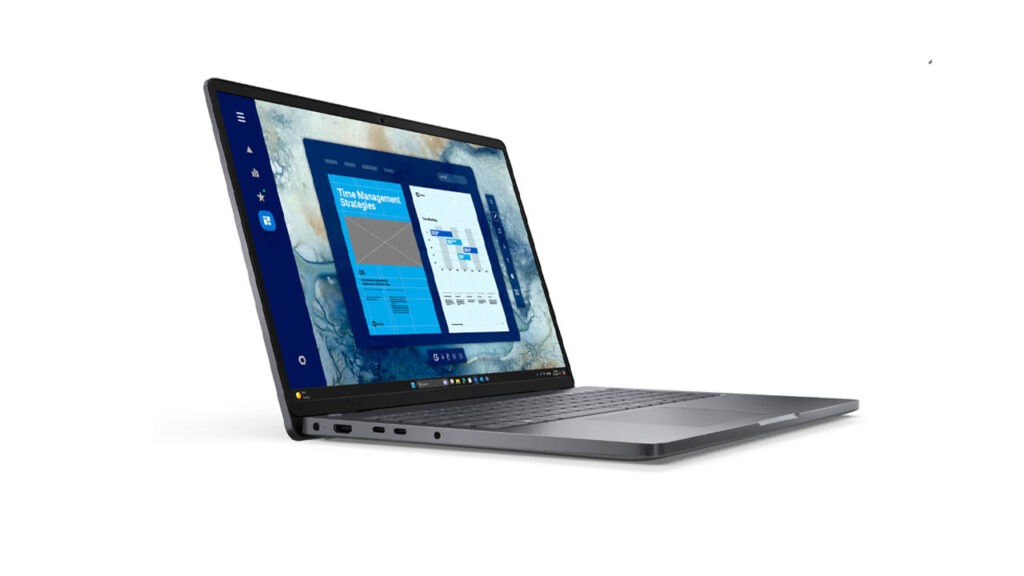
- Color Accuracy: It covers 100% of the DCI-P3 color gamut, making it a top-tier choice for photographers and video editors.
- Brightness: Reaching nearly 400 nits (and higher in HDR modes), it’s bright enough for most indoor environments, though the glossy finish can struggle with direct sunlight.
- Motion: The 120Hz variable refresh rate ensures that scrolling through long documents or editing high-frame-rate video feels fluid.
For those on a budget, Dell offers a 1920 x 1200 IPS panel, which is more practical for spreadsheet work and significantly better for battery life.
Performance
Under the hood, the Dell Pro 16 is powered by the latest Intel Core Ultra 7 (200-series) or AMD Ryzen AI processors. Our test unit, equipped with the Intel Core Ultra 7 255H and 32GB of LPDDR5X RAM, chewed through productivity tasks.
Productivity and AI
The inclusion of a dedicated NPU (Neural Processing Unit) is a nod to the “AI PC” era. While Windows Copilot+ features are still evolving, the NPU already helps with background tasks like “Studio Effects” for video calls (auto-framing and noise cancellation) without draining the main CPU.
Graphics and Gaming
The NVIDIA GeForce RTX 5070 (8GB GDDR7) is a welcome addition for creative pros. However, there is a catch: Dell has tuned the GPU to run at a conservative 65W.
While the 5070 is a “gaming-class” chip, the Pro 16 is thermally constrained. In 1080p gaming, it holds its own (averaging 60+ FPS in titles like Baldur’s Gate 3), but it will be outperformed by “true” gaming laptops with 115W variants of the same card.
Keyboard and Touchpad
This is where the Dell Pro 16 becomes a “love it or hate it” device.
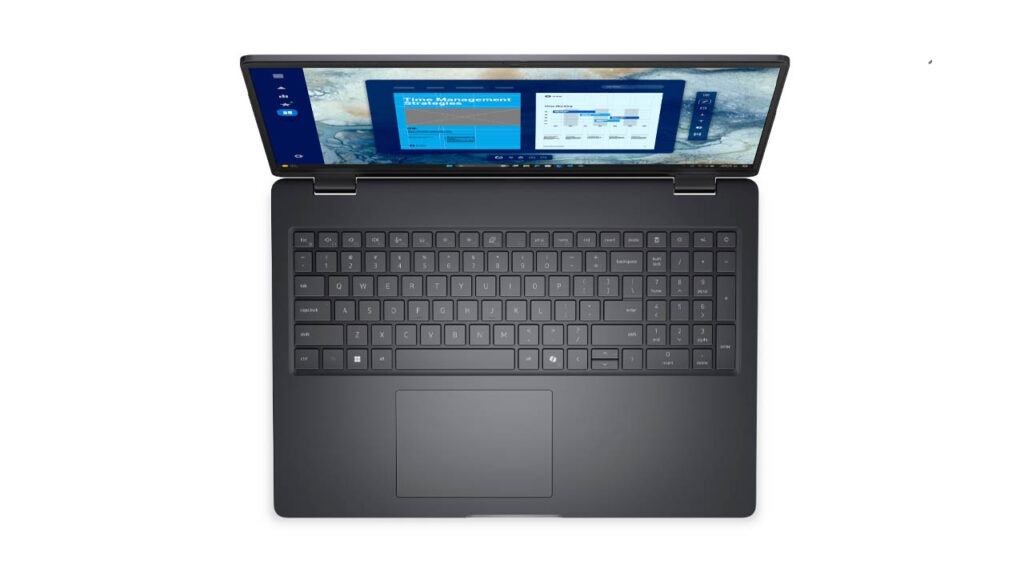
- The Keyboard: Dell uses a “zero-lattice” design where the keys are large and have no gaps between them. The travel is a decent 1.3mm, and the tactile feedback is snappy. However, the lack of spacing means your fingers have to “re-learn” the layout to avoid typos.
- The Haptic Touchpad: Since there is no physical click mechanism, Dell uses tiny motors to simulate a click. It is incredibly precise and can be “clicked” anywhere on the glass surface, but the lack of visual borders means you will occasionally find your finger drifting off the active tracking area.
Connectivity and Battery Life
If there is a “Achilles’ heel” to this laptop, it is the port selection and endurance.
- Ports: You get three Thunderbolt 4 ports, a microSD slot, and a headphone jack. That’s it. For a “Pro” machine, the absence of USB-A or a full-sized HDMI port is a nuisance that requires carrying a dongle.
- Battery: The 4K OLED model is power-hungry. In our video streaming test, it lasted roughly 6 hours. If you are a mobile professional who spends all day in meetings away from a desk, the OLED version will keep you tethered to a charger. The FHD+ IPS model is reported to last closer to 10 hours.
Final Verdict: Who is it for?
The Dell Pro 16 is a bold, premium machine that prioritizes form and screen quality over traditional utility. It is a stunning piece of engineering that feels more like a piece of high-end furniture than a utilitarian tool.
| Pros | Cons |
| Spectacular 4K OLED display options | Polarizing “invisible” touchpad and touch bar |
| Extremely rigid, premium build quality | Disappointing battery life on OLED models |
| Powerful enough for heavy creative work | Limited port selection (No USB-A/HDMI) |
| Excellent quad-speaker audio | Heavy and expensive |
Is it worth it?
If you are a creative professional who values a world-class display and a futuristic aesthetic, the Dell Pro 16 is a strong alternative to the MacBook Pro 16. However, if you are a traditionalist who needs physical function keys, plenty of ports, and 10+ hours of battery life, you might find more joy in Dell’s Latitude or Precision lines.
FAQs
- Is the RAM upgradeable? Yes, most Pro 16 models feature two DDR5 slots for easy future upgrades.
- Can it run two monitors? Yes, using the HDMI 2.1 and Thunderbolt 4 ports.
- Is the keyboard backlit? It is an optional feature, so check your specific configuration before buying.
Affiliate Disclosure: Some links on this page may be affiliate links. This means we may earn a small commission if you purchase through them, at no extra cost to you.
Disclaimer: This review is based on current product specifications and user feedback as of February 2026.