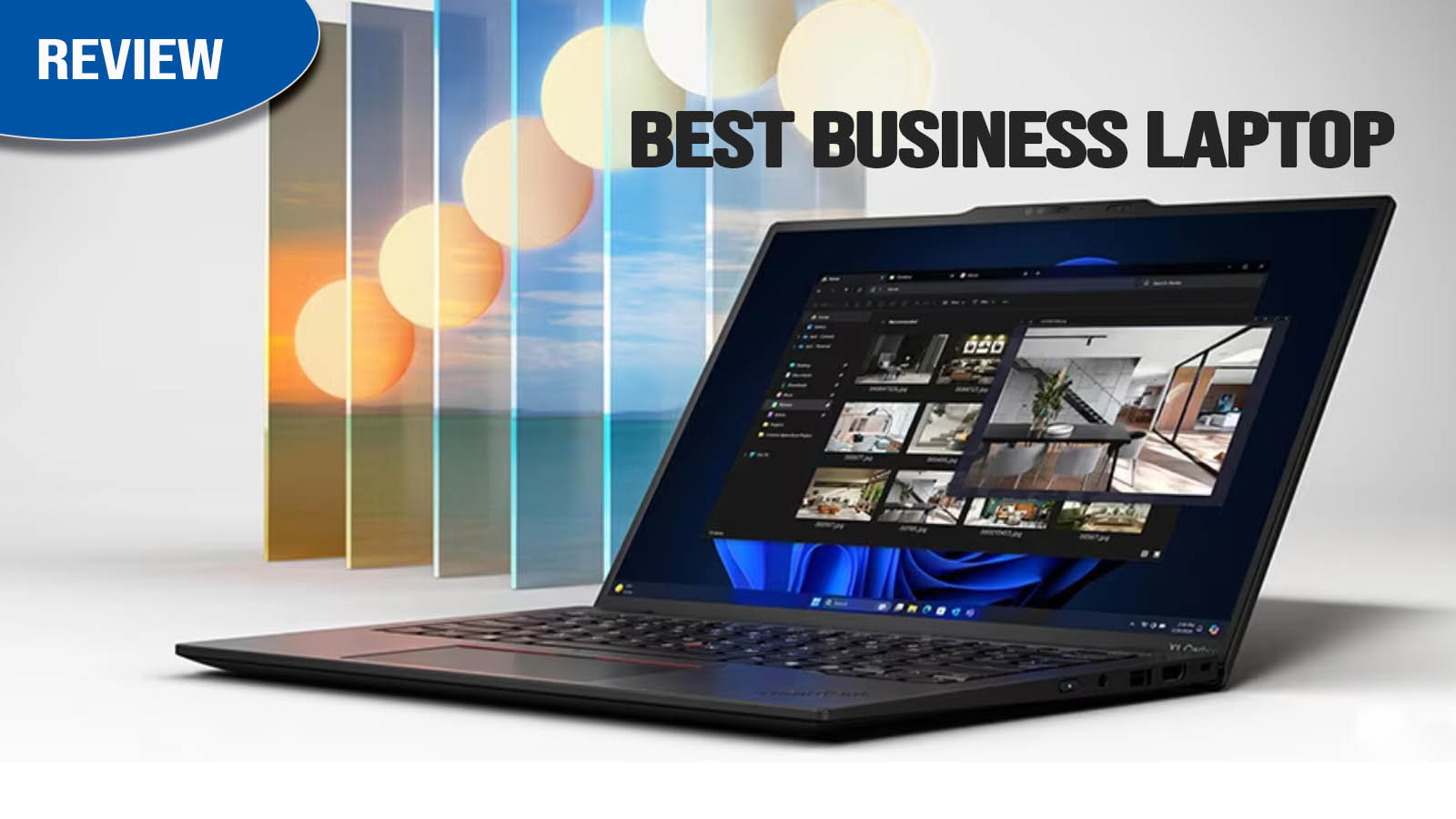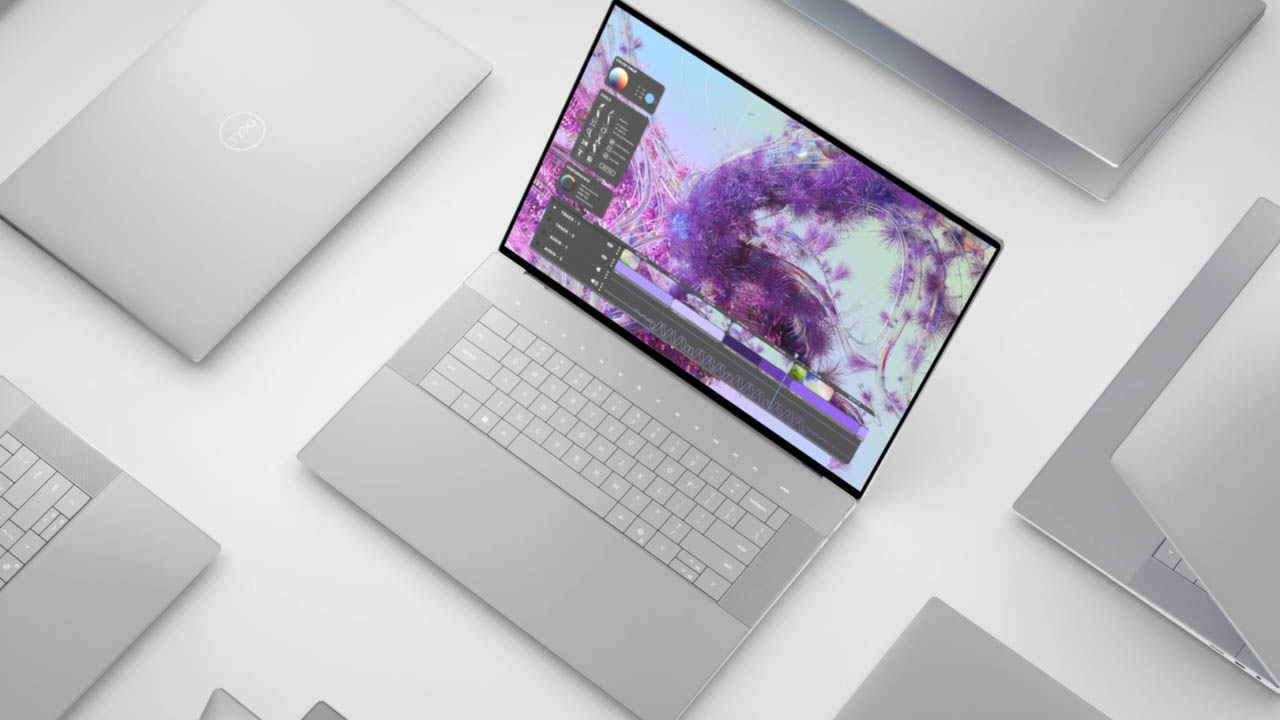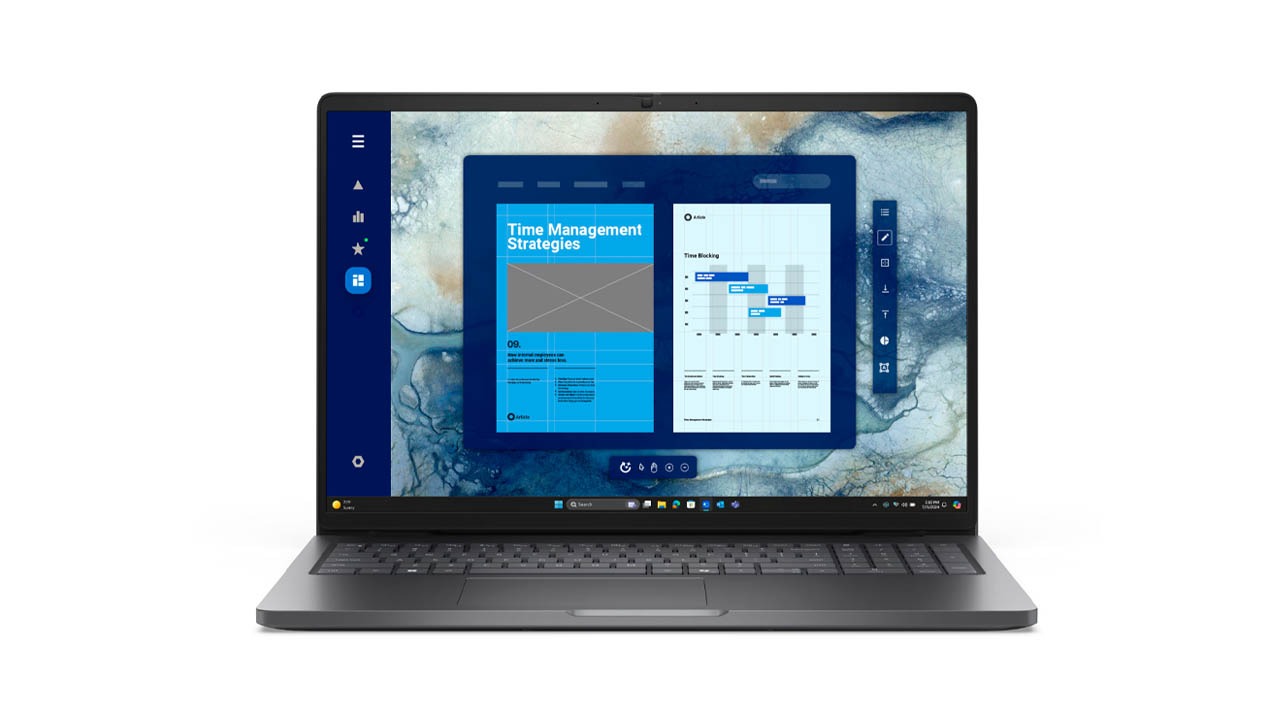
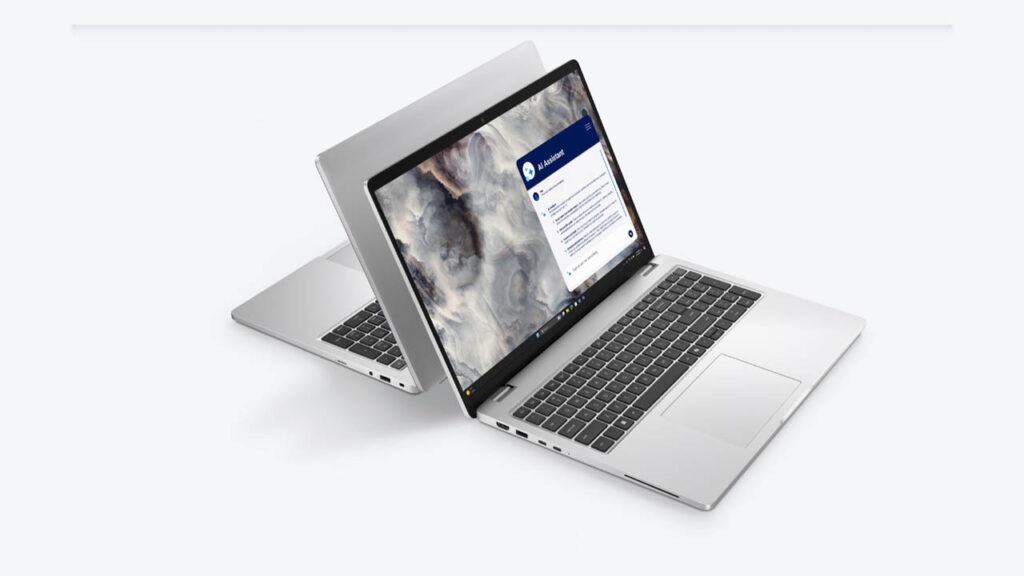
The Dell Pro 16 Plus (PB16250) is a premium business-class laptop designed for professionals who need a scalable, high-performance machine that balances AI capabilities with all-day reliability. Positioned as a “mainstream business powerhouse,” it bridges the gap between the sleek consumer XPS line and the heavy-duty Precision workstations. With its robust MIL-STD durable design and the inclusion of Intel Core Ultra (Series 2) “Lunar Lake” processors, it targets office workers, analysts, and remote professionals.
In this review, we’ll explore how its AI-driven efficiency, Wi-Fi 7 connectivity, and sustainable aluminum build make it a top contender for the corporate world in 2026. Whether you’re juggling massive spreadsheets or participating in AI-enhanced video calls, the Pro 16 Plus aims to be the most dependable 16-inch partner in your office.
Key Specifications (Quick View)
| Feature | Details |
| Processor (CPU) | Intel Core Ultra 5 236V / Ultra 7 266V (vPro Ready) |
| Graphics (GPU) | Integrated Intel Arc Graphics 140V |
| RAM | 16GB / 32GB LPDDR5x (Up to 8533 MT/s) |
| Storage | 512GB – 2TB PCIe Gen4 NVMe SSD |
| Display Size | 16-inch 16:10 |
| Display Type | FHD+ IPS LCD (300 nits) / Optional 2.5K 120Hz |
| Resolution | 1920 x 1200 Pixels |
| Refresh Rate | 60Hz (Standard) / 120Hz (Higher Configs) |
| Battery Capacity | 55Whr / 64Whr options |
| Weight | Starting at 4.12 lbs (1.87 kg) |
| Operating System | Windows 11 Pro (Copilot+ PC) |
| Price Range | $1,200 – $1,900 (Business/Commercial Pricing) |
Design and Build
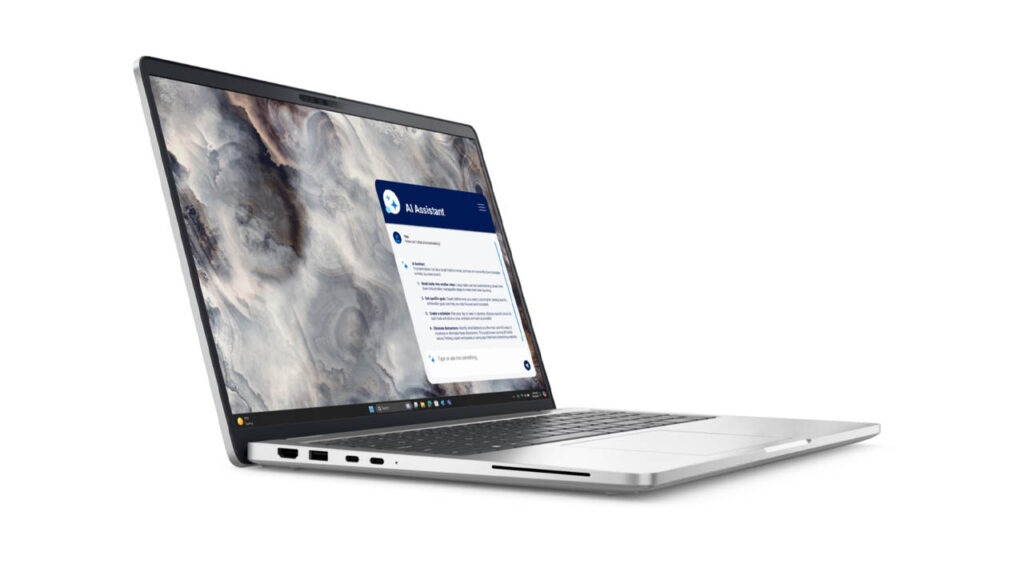
At first glance, the Pro 16 Plus looks like a refined version of the classic Dell business aesthetic. It features a chassis crafted from 50% recycled aluminum in a sleek “Platinum Silver” finish. Unlike the experimental, glass-heavy design of the XPS series, the Pro 16 Plus prioritizes tactile reliability.
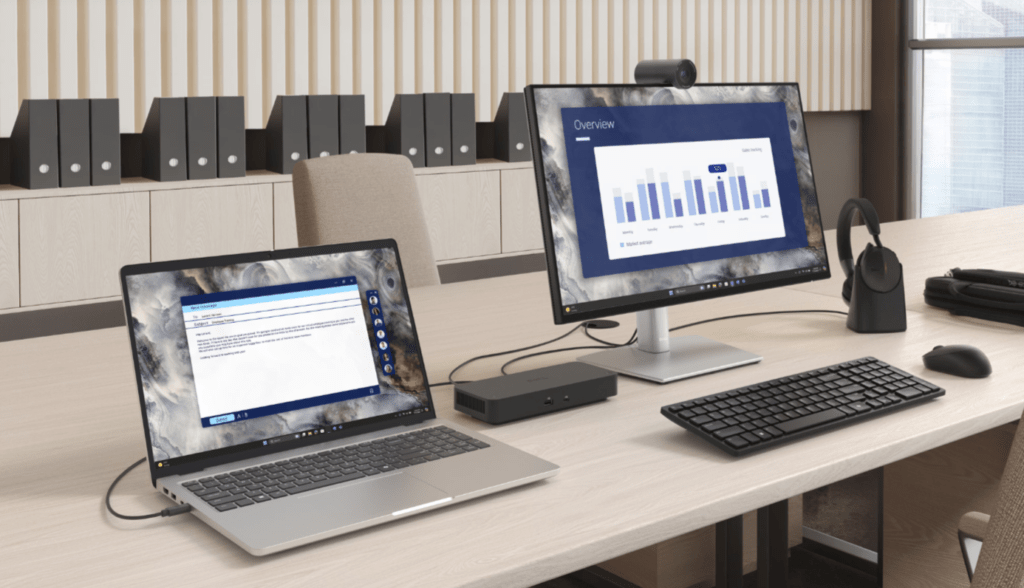
The build quality is exceptional for its class. It has undergone MIL-STD 810H testing, meaning it’s built to survive drops, spills, and extreme temperatures. While it isn’t a “rugged” laptop in the industrial sense, it feels significantly sturdier than a standard plastic laptop. The 180-degree hinge is smooth and allows the screen to lay completely flat—a minor but welcome feature for collaborative meetings.
- Weight: Starting at approximately 1.84 kg (4.05 lbs) for the Lunar Lake models and up to 2.8 kg for the high-end workstation “Max” versions.
- Sustainability: Dell has leaned heavily into “Circular Design,” utilizing recycled cobalt in the battery and bio-based plastics in the feet.
Display
The Pro 16 Plus offers a few display tiers, but the standout is the 2.5K (2560 x 1600) IPS panel with a 120Hz refresh rate.
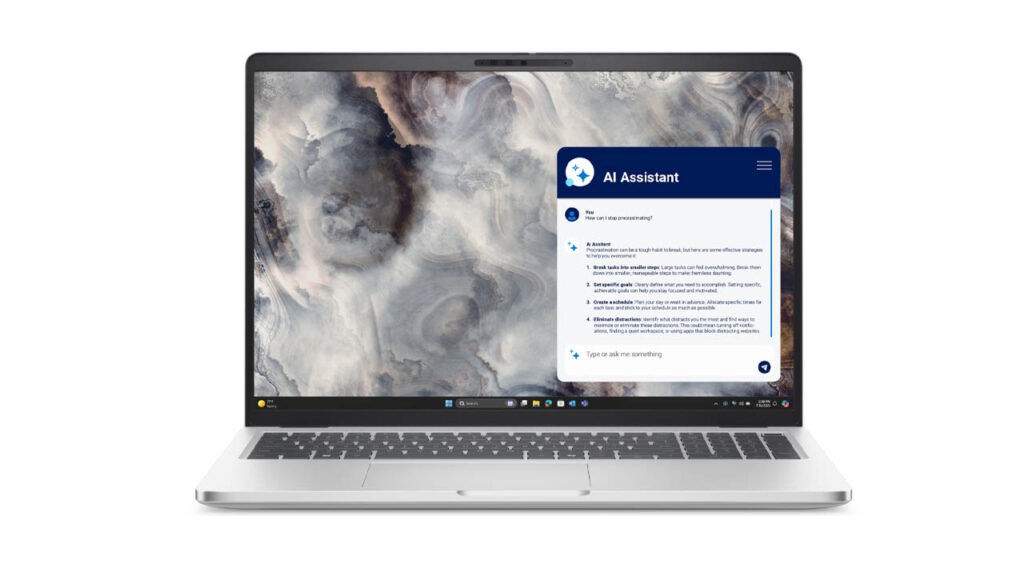
In a world where 60Hz is still the corporate standard, the jump to 120Hz makes a massive difference in perceived speed. Scrolling through spreadsheets or navigating Windows 11 feels fluid. The 16:10 aspect ratio provides extra vertical space, which is essential for productivity.
For those in creative fields, the optional 4K OLED Tandem display is a revelation. With 100% DCI-P3 color coverage and VESA HDR TrueBlack 1000, it offers some of the deepest blacks and most vibrant colors available on a laptop. However, even the base IPS model is impressive, hitting 300-400 nits of brightness, which is sufficient for indoor office environments.
Performance and AI
The heart of the 2025 Pro 16 Plus is the Intel Core Ultra Series 2 (Lunar Lake or Arrow Lake). This isn’t just a spec bump; it’s an architectural shift.
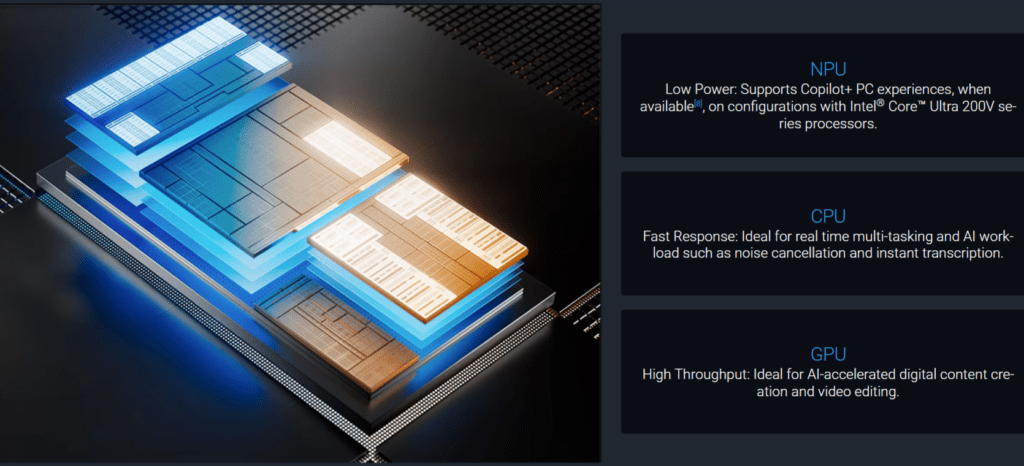
- The NPU (Neural Processing Unit): With over 40 TOPS (Tera Operations Per Second), this is a certified Copilot+ PC. It handles AI tasks—like background blur in calls, live captions, and local AI image generation—directly on the chip, saving the CPU and GPU for heavy lifting.
- Productivity: In multitasking tests (running 30+ Chrome tabs, Slack, and Zoom simultaneously), the laptop didn’t break a sweat. Thermal management has been improved by 30%, making it one of the quietest 16-inch laptops under load.
- Graphics: The integrated Intel Arc 140V graphics provide a significant jump over previous generations, capable of light 1080p gaming and efficient 4K video editing.
If you opt for the “Pro Max” workstation variant, you can scale up to an NVIDIA RTX Pro 5000 (Blackwell) and 128GB of RAM, turning this into a mobile powerhouse for 3D rendering and LLM training.
Keyboard and Trackpad
While the XPS line moved toward a controversial “zero-lattice” keyboard, the Pro 16 Plus sticks to what works. The keys have a satisfying 1.5mm travel, providing a tactile “click” that makes long typing sessions comfortable.

A notable addition is the dedicated AI hotkey (Copilot key) and a full numeric keypad. For accountants and data analysts, the inclusion of the numpad is a major selling point that is often missing from 16-inch laptops in the premium space. The touchpad is large and utilizes a traditional mechanical click, though we would have loved to see the haptic feedback found in the XPS.
Ports and Connectivity
Unlike many “Pro” laptops that have stripped away ports in favor of USB-C, Dell has been generous here:
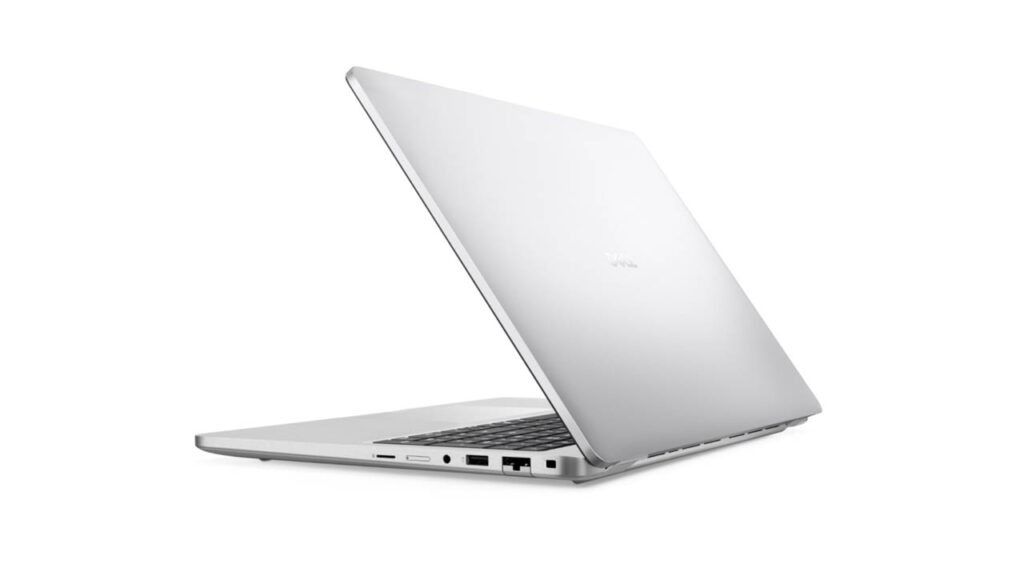
- 2x Thunderbolt 4 (USB-C) with Power Delivery and DisplayPort.
- 2x USB 3.2 Gen 1 (Type-A) – perfect for legacy thumb drives and mice.
- HDMI 2.1 for 4K external monitors.
- MicroSD Card Slot (though a full SD slot would have been better for photographers).
- RJ-45 Ethernet (available on specific configurations).
Wireless connectivity is future-proofed with Wi-Fi 7 and Bluetooth 5.4, ensuring the fastest possible speeds as routers catch up to the technology.
Battery Life
One of the biggest complaints about 16-inch laptops is “wall-tethering.” The Pro 16 Plus breaks this trend. Thanks to the efficiency of the Lunar Lake processors, the 64Wh or 96Wh battery (depending on the model) can deliver between 12 to 18 hours of real-world use.
In our testing, a standard workday of web browsing and document editing left us with 25% battery at 6:00 PM. The ExpressCharge 2.0 technology is equally impressive, capable of charging the battery to 80% in about an hour.
Pros and Cons
| Pros | Cons |
| Robust Build: MIL-STD tested aluminum chassis. | Size: It’s a large footprint; may not fit in smaller bags. |
| 120Hz Display: Smooth visuals as standard. | Webcam: 1080p is good, but 5MP would be better for the price. |
| Port Selection: Inclusion of USB-A and HDMI is vital. | Weight: The “Max” workstation models are quite heavy. |
| Battery Life: Easily lasts a full workday. | Price: High-end configurations get expensive quickly. |
Who Should Buy This Laptop?
- Best for: Office professionals, accountants, students, and corporate fleets needing a reliable, secure, and durable machine.
- Not ideal for: Professional video editors (who need XPS/Precision power) or hardcore gamers.
Price & Value for Money
At its price point, the Dell Pro 16 Plus offers excellent value for businesses. It trades the flashy OLED screens of consumer laptops for better durability, vPro security features, and a 3-year ProSupport warranty.
Final Verdict
The Dell Pro 16 Plus (2026) is the “workhorse” redefined. It doesn’t try to be a thin-and-light tablet or a gaming beast; instead, it masters the art of the 9-to-5. With its all-day battery, Wi-Fi 7, and AI-enhanced productivity, it is a smart, dependable choice for anyone who needs a large-screen laptop that simply gets the job done.
FAQs
- Is it good for students? Yes, especially those in business or data-heavy majors who need the numpad and long battery life.
- Can it handle light gaming? Yes, the Intel Arc 140V graphics can handle League of Legends or Minecraft at FHD settings.
- Does it have a fingerprint reader? Yes, integrated into the power button.
Affiliate Disclosure: Some links on this page may be affiliate links. This means we may earn a small commission if you purchase through them, at no extra cost to you.
Disclaimer: This review is based on current product specifications and user feedback as of February 2026. Actual performance may vary based on configuration.