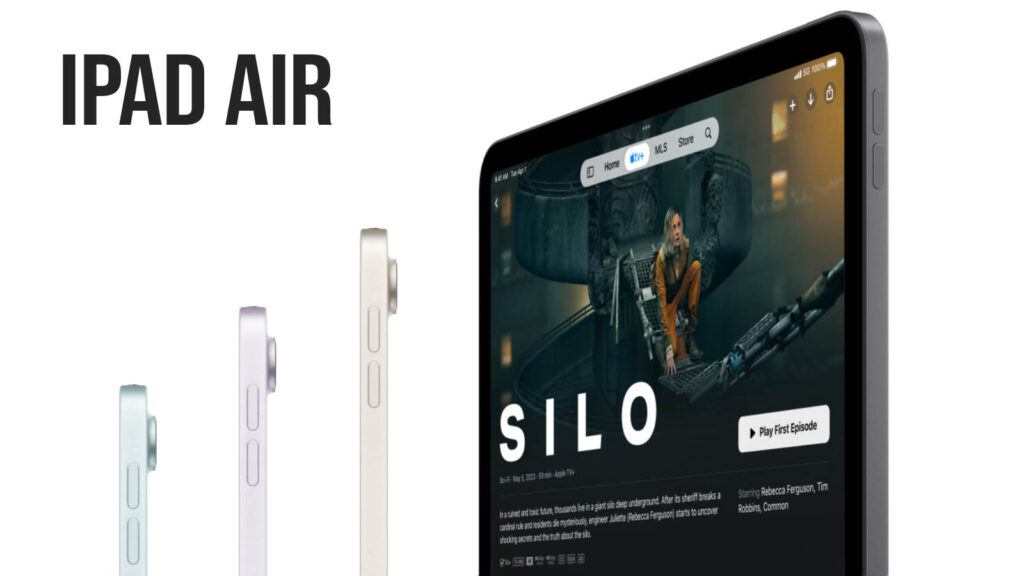
The Apple iPad Air (M3) is a high-performance mid-range tablet designed for users who want Pro-level power without the staggering Pro-level price tag. Positioned between the entry-level iPad and the high-end iPad Pro, the 2026 iPad Air is the ideal choice for students, digital artists, and mobile professionals who need a reliable, future-proof machine for “Apple Intelligence” and multitasking. In this review, we will look at its design, display, performance, camera, battery life, and overall value to help you decide whether it is worth buying in 2026.
Key Specifications
- Display: 11-inch or 13-inch Liquid Retina LED Display
- Resolution: 2360 x 1640 (11″) / 2732 x 2048 (13″)
- Brightness: 500 nits (11″) / 600 nits (13″)
- Processor: Apple M3 Chip (10-core CPU/GPU)
- RAM & Storage: 8GB RAM | 128GB, 256GB, 512GB, 1TB
- Rear Camera: 12MP Wide (f/1.8), Smart HDR 4
- Front Camera: 12MP Landscape Ultra Wide (Center Stage)
- Battery: Up to 10 hours (31.29Wh for 11″ / 38.99Wh for 13″)
- Connectivity: Wi-Fi 7, Bluetooth 6.0, 5G (Sub-6 GHz)
- Operating System: iPadOS 26
- Price Range: $599 – $1,299 USD
Design & Build Quality
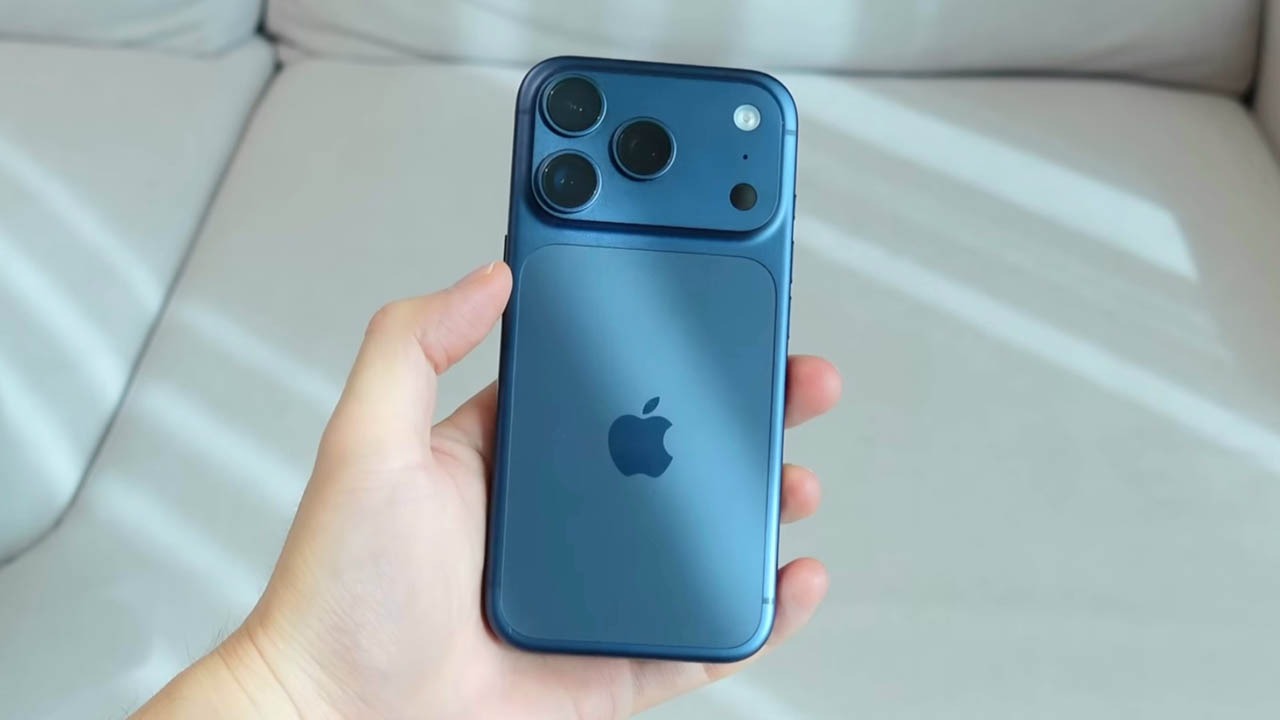
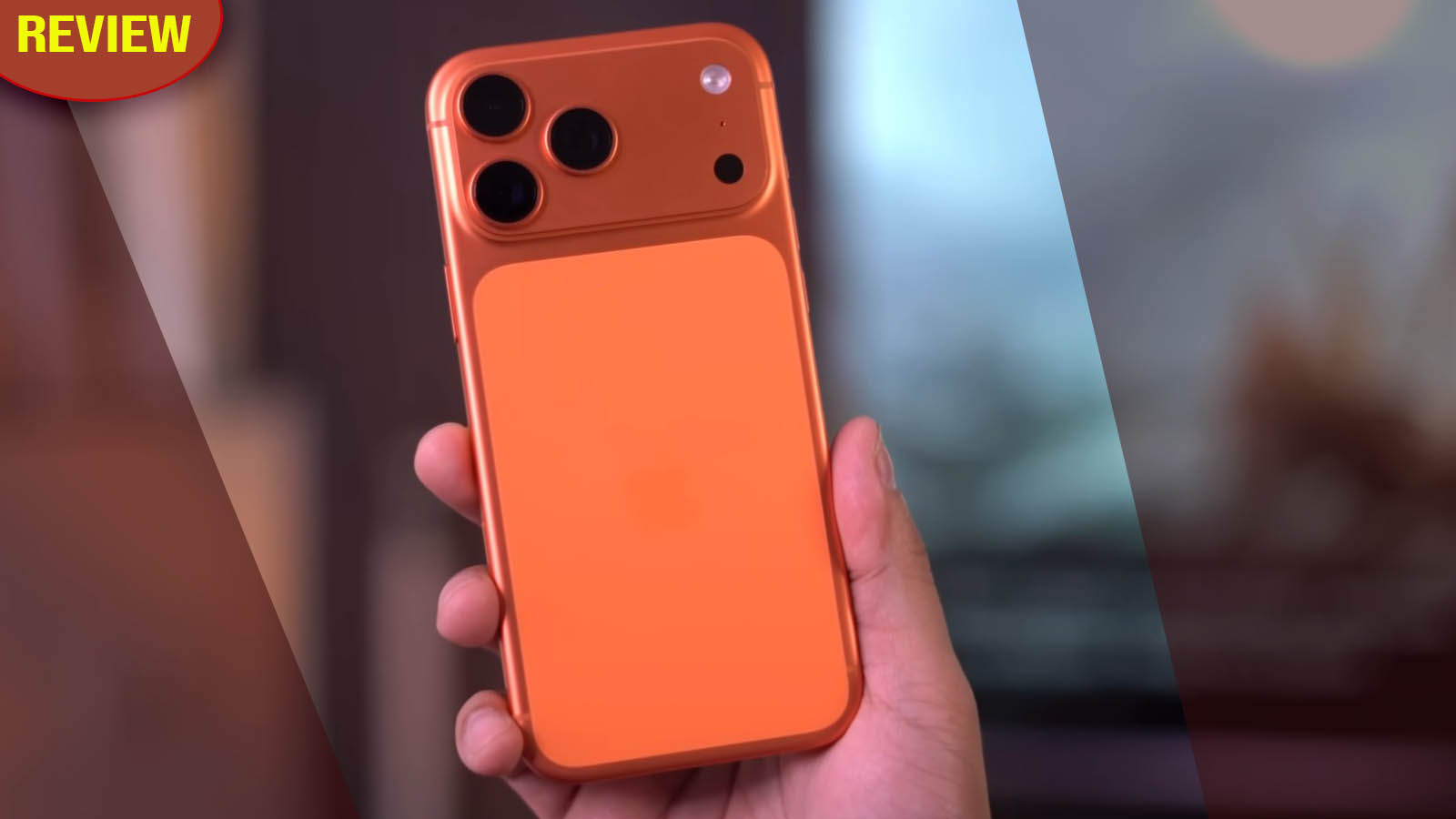
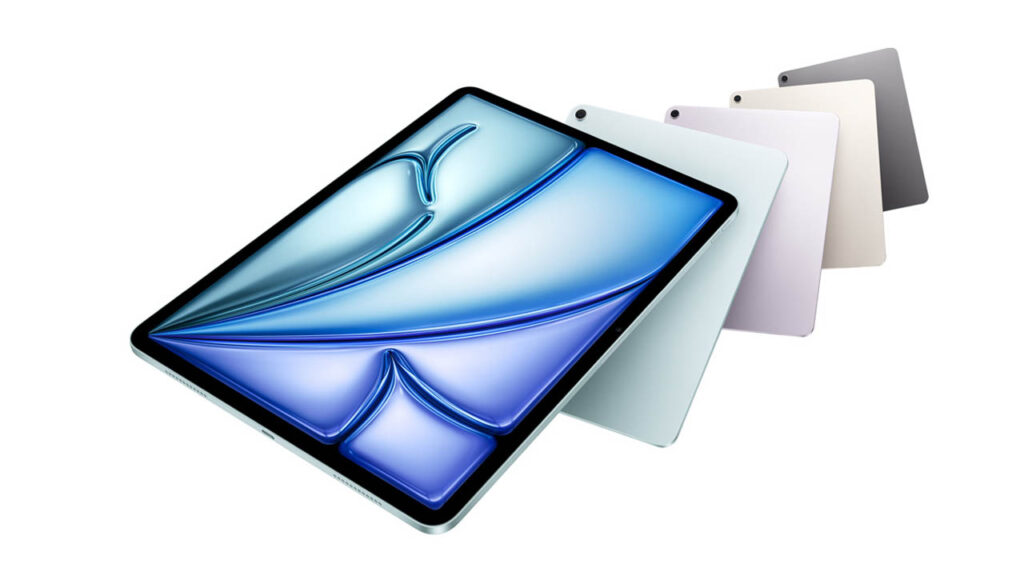
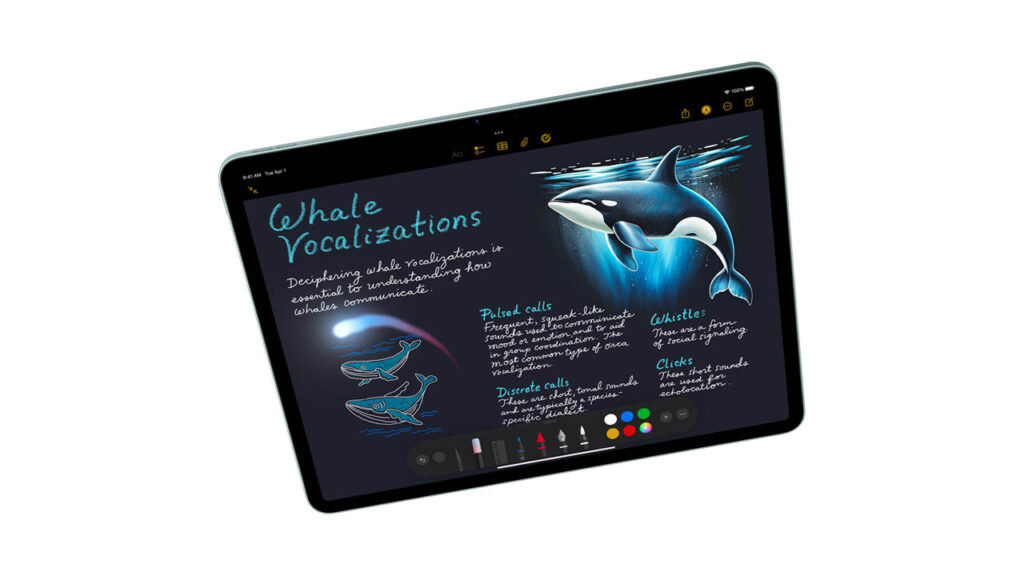
The iPad Air remains the champion of lightweight productivity. Built from 100% recycled aluminum, it features the signature flat-edge design that feels premium and sturdy. In 2026, Apple refreshed the palette with new “Liquid Glass” inspired colors, including a deeper Midnight and a vibrant Sunset Orange.
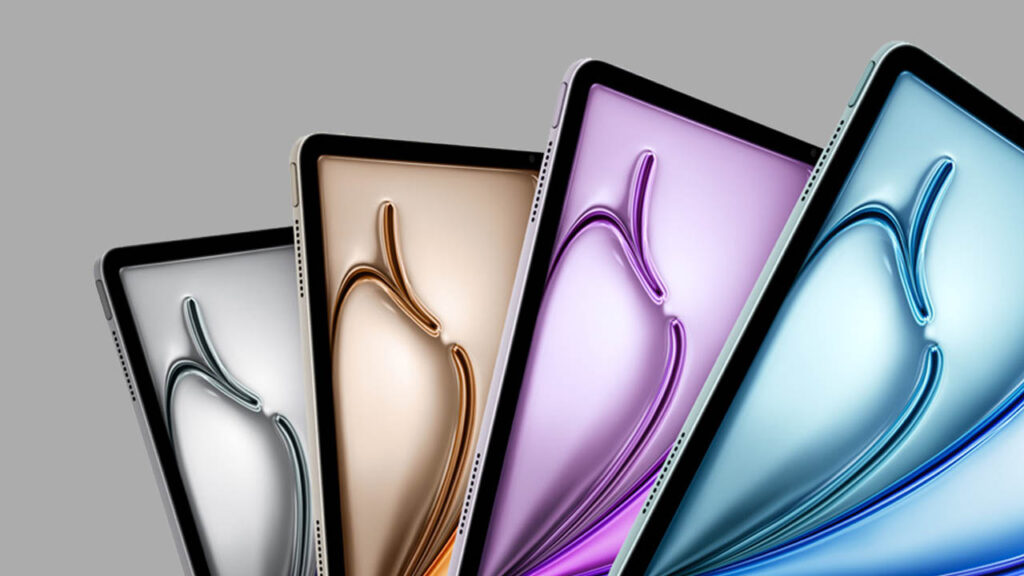
At only 6.1mm thin, it is incredibly comfortable for one-handed reading (on the 11-inch) or as a sketchpad. The button placement is standard, with the Touch ID sensor still integrated into the top power button, which remains fast and reliable for those who prefer it over Face ID.
Display Quality
While it doesn’t have the Tandem OLED of the Pro, the Liquid Retina Display is still one of the best LCDs on the market.
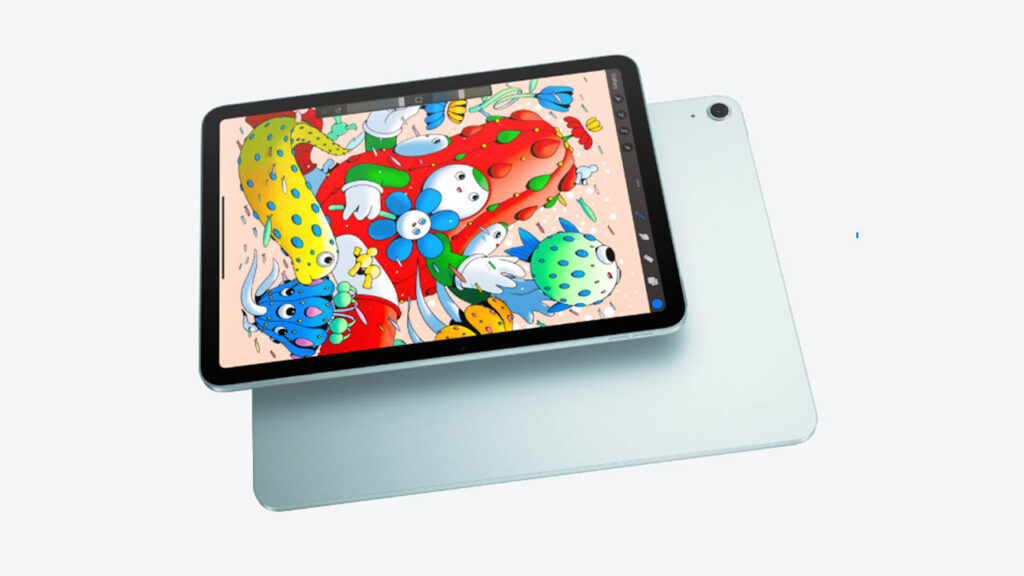
- Color Quality: Supporting the P3 wide color gamut and True Tone, it provides professional-grade color accuracy for photo editing.
- Outdoor Visibility: With 500-600 nits of brightness, it is clear indoors, though you might struggle under direct afternoon sunlight.
- Refresh Rate: Note that it is still limited to 60Hz. If you are used to the 120Hz ProMotion on the Pro or an iPhone Pro, you may notice a slight difference in scrolling smoothness.
Performance & Daily Usage
This is where the iPad Air (M3) truly shines. By moving to the M3 chip, Apple has given the Air the same brain that powered the 2024 Pro.
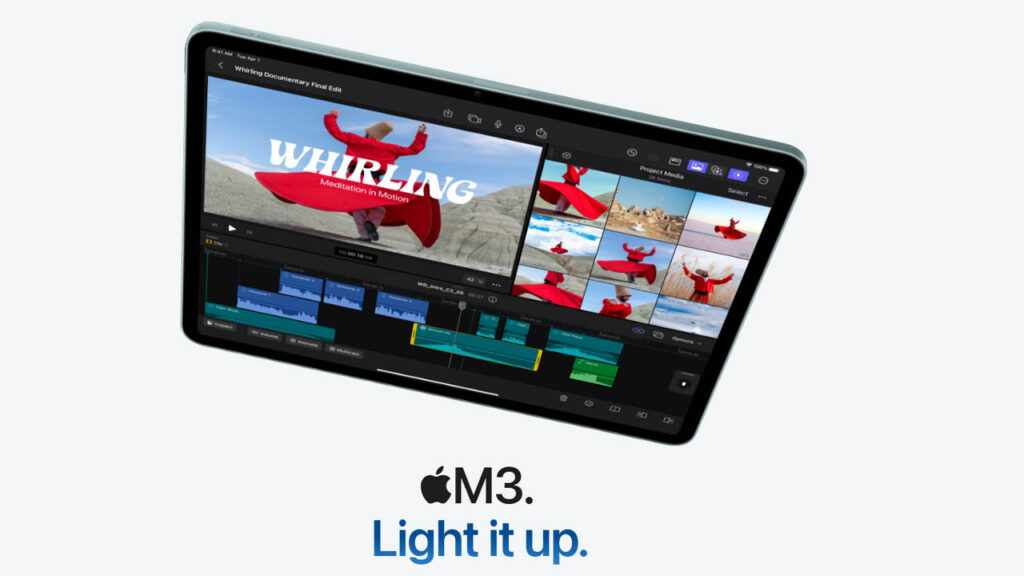
- Daily Use: App opening is instantaneous. Whether you’re running 15 tabs in Safari or heavy spreadsheets, there is zero lag.
- Multitasking: With iPadOS 26, the windowing system feels more like a Mac. You can easily drag and drop files between apps without the system refreshing.
- Heating: The M4 is highly efficient; it rarely gets warm during standard office tasks or social media browsing.
Gaming Performance
The iPad Air is a gaming powerhouse. The 10-core GPU in the M4 chip supports hardware-accelerated ray tracing, bringing console-level lighting to mobile games.
- Popular Games: Genshin Impact and Zenless Zone Zero run at “High” settings with stable frame rates.
- Heavy Gaming: Even AAA titles like Assassin’s Creed Mirage run smoothly, though the tablet can get warm near the Apple logo after 30 minutes of play.
Camera Performance
The standout feature here is the Landscape 12MP Front Camera. Finally, when the iPad is attached to a keyboard, you are no longer looking off to the side during video calls.
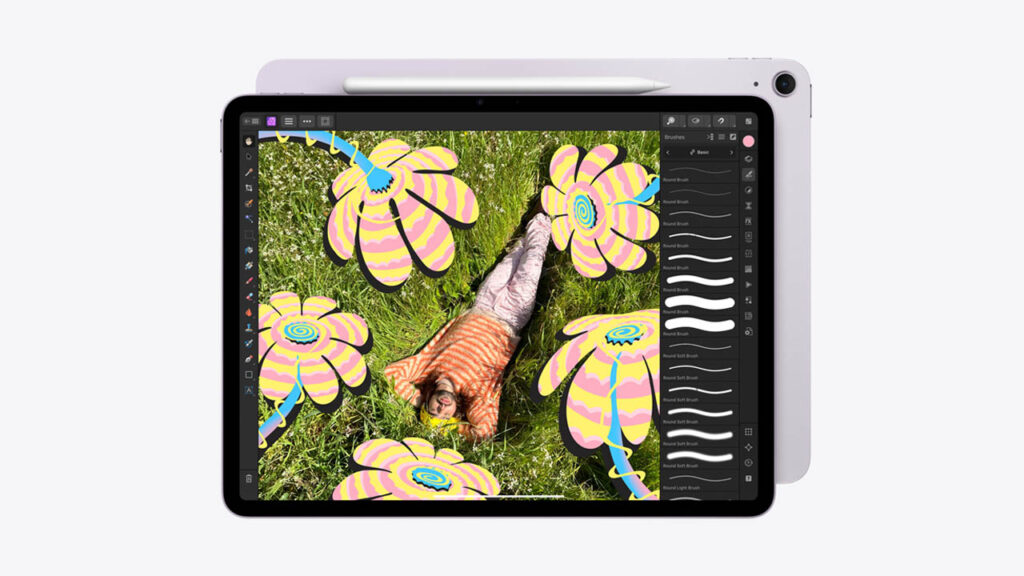
- Center Stage: This AI feature keeps you in the middle of the frame as you move, which is perfect for students in online classes.
- Rear Camera: The 12MP Wide camera is “good enough.” It takes clean daylight photos and is excellent for document scanning, but it lacks the LiDAR sensor found on the Pro model.
Battery Life & Charging
Apple sticks to the “10-hour” promise, and in real-world testing, it hits it.
- Daily Usage: You can get through a full school or work day of note-taking and browsing on a single charge.
- Charging: It supports 30W wired charging. While it isn’t as fast as the new 60W Pro, it still fills up reasonably quickly—about 50% in 45 minutes.
Connectivity & Features
- Wi-Fi 7 & Bluetooth 6.0: These 2026 upgrades ensure you have the fastest possible connection and the lowest latency for your wireless headphones.
- Pencil Support: It is fully compatible with the Apple Pencil Pro, supporting the squeeze and barrel roll gestures.
- Touch ID: Fast, secure, and works across both orientations.
2026 Mid-Range Tablet Comparison Table
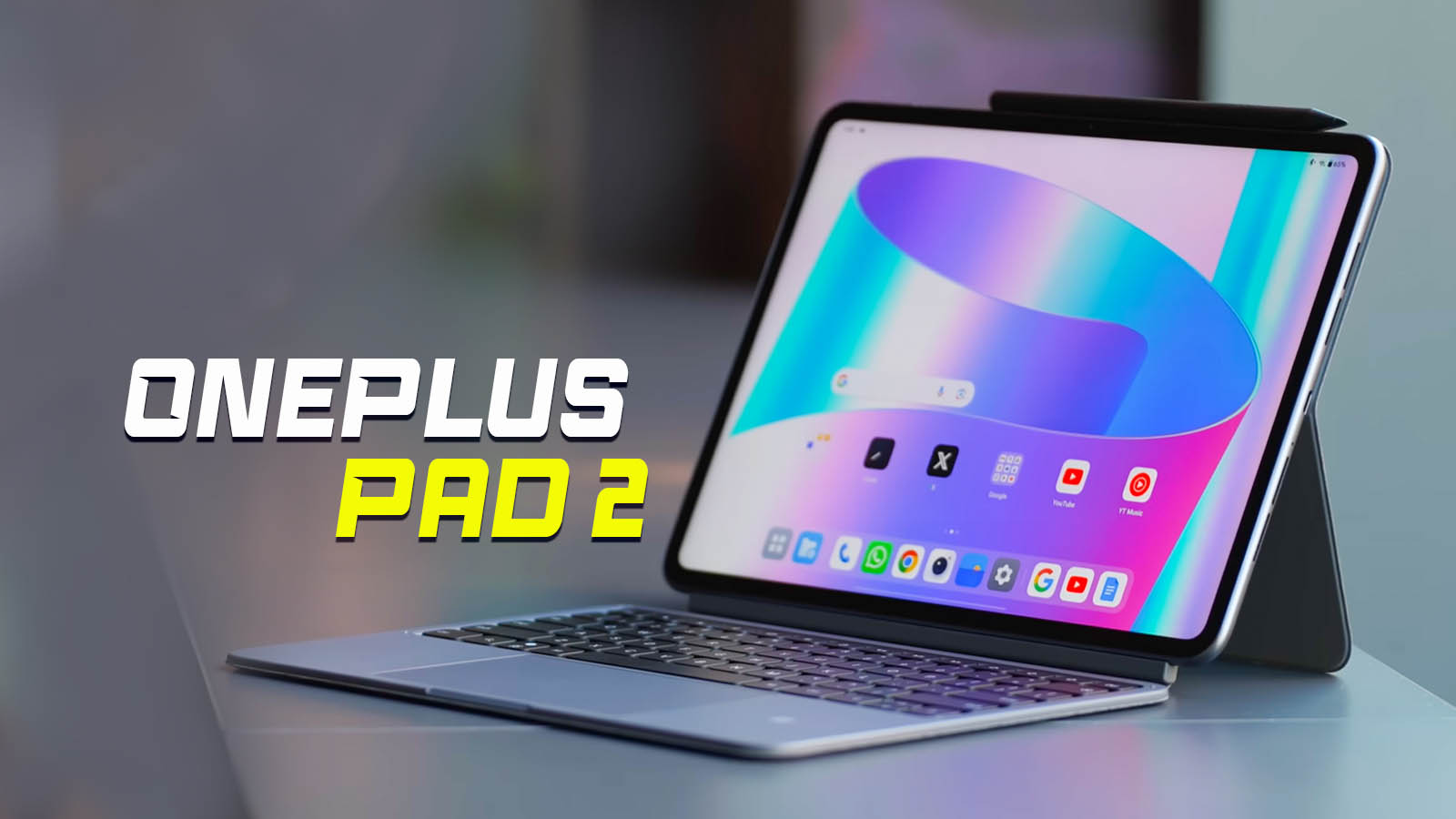
| Feature | Apple iPad Air (M4) | Samsung Galaxy Tab S11 | Google Pixel Tablet 3 | Xiaomi Pad 7 Pro | OnePlus Pad 3 |
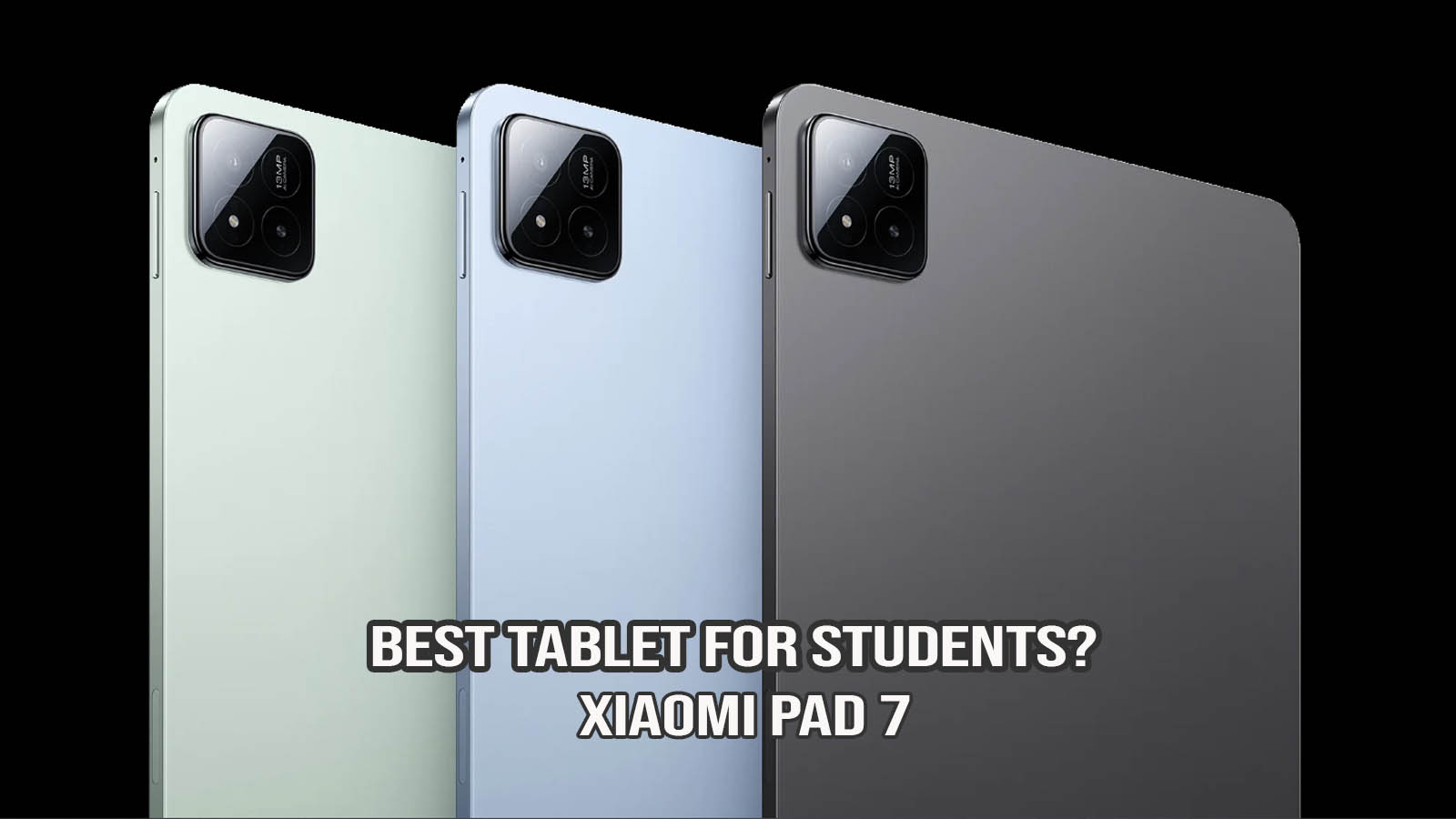
| Display | 11″ or 13″ Liquid Retina | 11″ Dynamic AMOLED 2X | 11″ LCD (Charging Dock) | 12.4″ 144Hz LCD | 11.6″ 144Hz LCD |
| Processor | Apple M3 (3nm) | Snapdragon 8 Gen 4 | Google Tensor G5 | Snapdragon 8 Gen 3 | MediaTek Dimensity 9400 |
| Refresh Rate | 60Hz | 120Hz | 120Hz | 144Hz | 144Hz |
| Base Storage | 128GB | 128GB | 128GB | 256GB | 256GB |
| Biometrics | Touch ID (Top Button) | Under-Display Fingerprint | Power Button Fingerprint | Side Fingerprint | Face Unlock / Side FP |
| Stylus Support | Apple Pencil Pro | S Pen (Included) | Pixel Pen | Xiaomi Focus Pen | OnePlus Stylo 2 |
| Charging Speed | 30W Wired | 45W Wired | 27W (via Dock/USB) | 120W Wired | 67W Wired |
| OS | iPadOS 26 | Android 16 | Android 16 (L-Feature) | HyperOS 2.0 | OxygenOS 16 |
| Starting Price | $599 | $649 | $499 | $450 | $479 |
Quick Comparison Insights
- Performance Winner: The iPad Air (M3) is the clear winner in raw processing power. The M3 chip architecture is significantly more capable of handling heavy video editing and AI tasks than the mobile-focused processors in the Android tablets.
- Display & Fluidity: This is where the iPad Air falls behind. Rivals like the Galaxy Tab S11 and Xiaomi Pad 7 Pro offer much smoother scrolling thanks to their 120Hz and 144Hz refresh rates, compared to the iPad Air’s standard 60Hz.
- Charging & Battery: If you hate waiting for your device to charge, the Xiaomi Pad 7 Pro is the champion, offering 120W speeds that can fully charge the device in under 40 minutes—nearly three times faster than the iPad Air.
- Best for Smart Home: The Google Pixel Tablet 3 remains the unique choice for home users, doubling as a smart home hub when docked on its speaker base.
Pros and Cons
Pros
- M3 Performance: Incredible speed at a mid-range price.
- Landscape Camera: The perfect placement for video calls.
- Wi-Fi 7: Future-proof wireless technology.
- 13-inch Option: Offers a big-screen experience without the “Pro” cost.
Cons
- 60Hz Display: No ProMotion (120Hz) feels dated in 2026.
- No Face ID: Still relies on a fingerprint sensor.
- Storage Tiers: Upgrading storage quickly pushes the price close to Pro territory.
Who Should Buy This Tablet?
- Students: It is the best balance of portability and power for college.
- Digital Artists: Pairs perfectly with the Pencil Pro for professional illustration.
- Casual Users: If you just want a premium tablet that will last 6+ years without slowing down.
- Who should avoid it: Professional video editors who need a 120Hz screen for frame-accurate editing.
Price & Value for Money
At its current price of $599 (11″) and $799 (13″), the iPad Air offers unbeatable value for money. You are getting 90% of the iPad Pro experience for nearly $400 less. It is the “sweet spot” in Apple’s current lineup.
Final Verdict
The Apple iPad Air (M3) is the best tablet for most people in 2026. It offers a reliable, powerful experience that handles everything from basic browsing to intensive AI workloads with ease. While it lacks the fancy OLED screen and Face ID of the Pro, its performance-to-price ratio is unmatched.
If you are already in the Apple ecosystem and prioritize long-term software updates (6–8 years) and professional app support (like Procreate or Final Cut), the iPad Air (M3) is the best investment. However, if you want a smoother screen and faster charging for media consumption at a lower price, the Xiaomi Pad 7 Pro or OnePlus Pad 3 offer incredible hardware for the money.
FAQs
1. Is iPad Air (M3) good for gaming? Yes, the M3 chip with ray tracing makes it one of the most capable gaming tablets available.
2. Does it support the Magic Keyboard? Yes, it is compatible with the Magic Keyboard (M3 models) and the Apple Pencil Pro.
3. Is it worth buying in 2026? Absolutely. With the M3 chip and Wi-Fi 7, this device is designed to be relevant and fast for many years.
4. Is the 13-inch model too big? The 13-inch is great for multitasking and drawing, but if you prioritize portability and reading, the 11-inch is the better choice.
Disclaimer
Disclaimer: This review is based on current 2026 research, official specifications, and user feedback. Actual performance may vary depending on software updates and individual usage habits.