

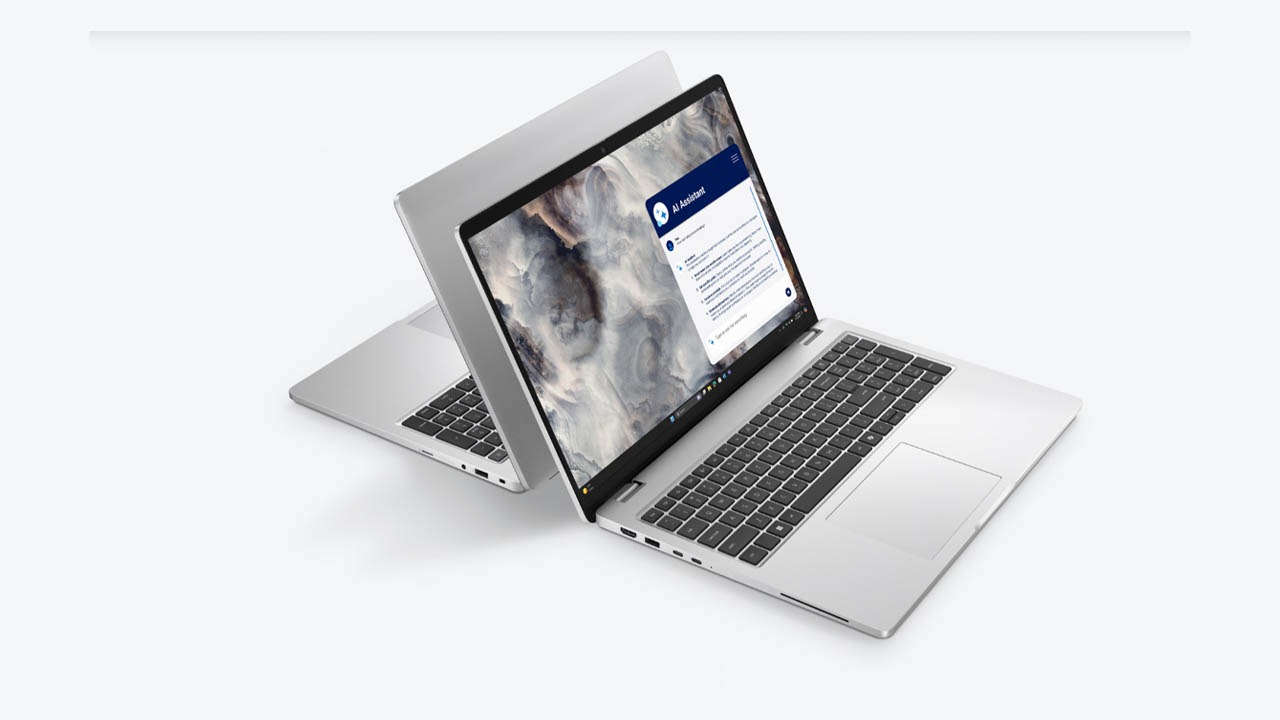
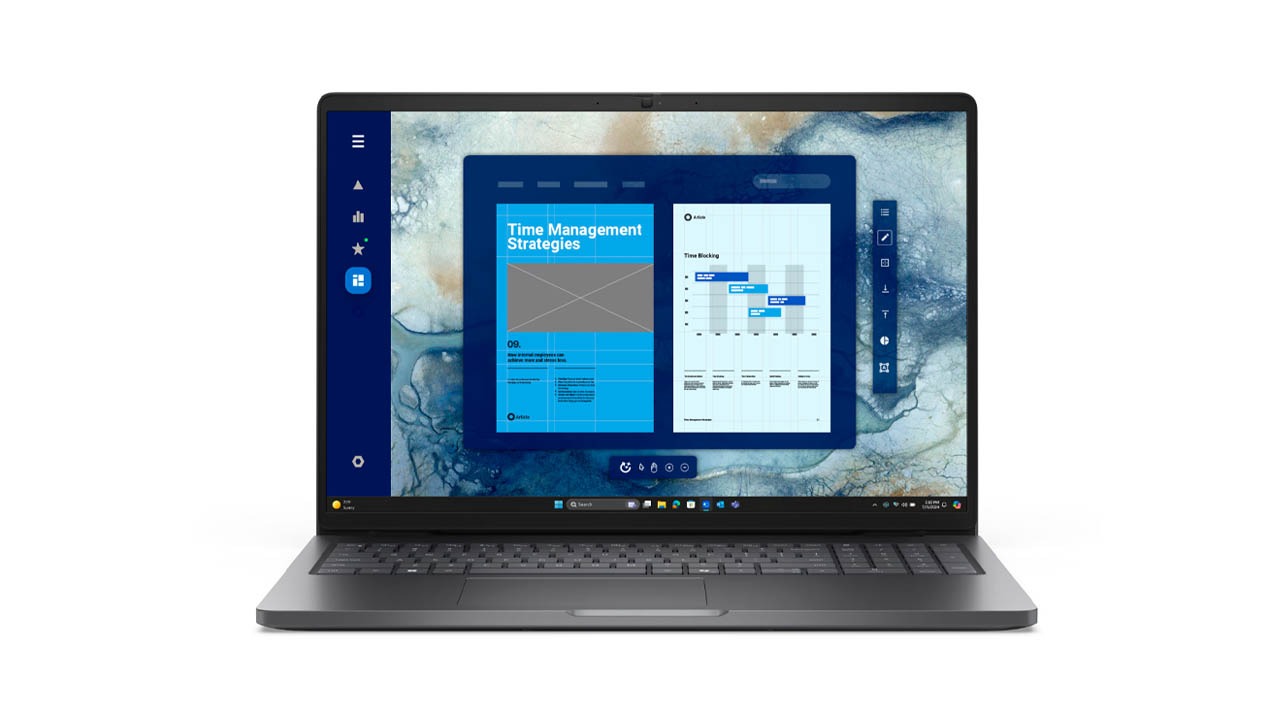
The Dell XPS 16 is a flagship premium laptop designed for creators, professionals, and power users who demand workstation-level performance without the bulky aesthetic of traditional gaming rigs. Reintroduced as the spiritual successor to the XPS 15 and XPS 17, the XPS 16 strikes a balance between a massive workspace and a remarkably thin profile. In 2026, it remains a design icon, featuring a CNC-machined aluminum chassis and a futuristic seamless glass haptic touchpad.
In this review, we’ll explore how its Intel Core Ultra processor and optional RTX 40-Series (or the updated 2026 configurations) graphics handle heavy creative workflows. We’ll also look at that jaw-dropping 4K+ OLED display to see if this is truly the ultimate MacBook Pro competitor for Windows users.
Key Specifications (Quick View)
| Feature | Details |
| Processor (CPU) | Intel Core Ultra 7 155H / Ultra 9 185H (Up to Series 3 in 2026) |
| Graphics (GPU) | Intel Arc / NVIDIA RTX 4050, 4060, or 4070 (60W) |
| RAM | 16GB / 32GB / 64GB LPDDR5x (Up to 7467 MT/s) |
| Storage | 512GB – 4TB PCIe Gen4 SSD |
| Display Size | 16.3-inch InfinityEdge |
| Display Type | FHD+ LCD (500 nits) or 4K+ OLED Touch (400 nits) |
| Resolution | 1920 x 1200 or 3840 x 2400 |
| Refresh Rate | 30-120Hz (FHD+) or 48-90Hz (OLED) |
| Battery Capacity | 99.5Whr (Integrated) |
| Weight | Starting at 4.7 lbs (2.13 kg) |
| Operating System | Windows 11 Home / Pro |
| Price Range | Premium ($1,849 – $3,500+) |
Design
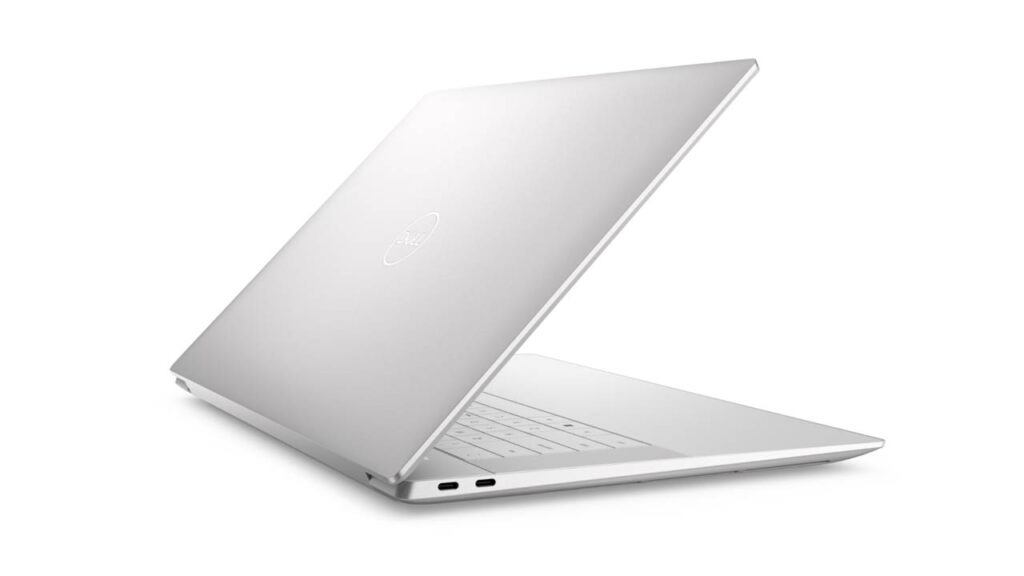
The moment you unbox the XPS 16, it is clear that Dell prioritized industrial design above all else. Carved from a single block of CNC-machined aluminum, the chassis feels incredibly dense and premium. It’s in 2 colors: Platinum & Graphite.
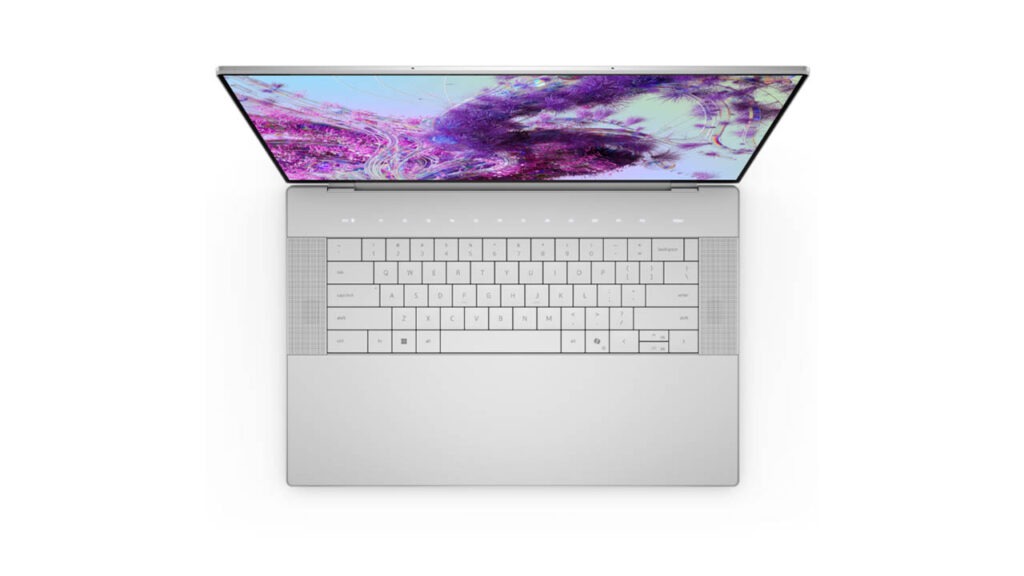
The interior is where things get radical. Dell has moved the design language of the “XPS 13 Plus” to the 16-inch frame. This includes:
- The Zero-Lattice Keyboard: The keys have no gaps between them, creating a sleek, flat surface that looks stunning but requires a learning curve for touch typists.
- The Invisible Haptic Touchpad: There are no visible borders for the trackpad. It is hidden beneath a seamless sheet of Gorilla Glass 3 that spans the entire palm rest. The “click” you feel is actually a haptic motor, mimicking the sensation of a physical press.
- The Capacitive Touch Row: The physical row of function keys has been replaced by glowing LED icons that toggle between function and media keys.
While beautiful, this design is “form over function” personified. The lack of tactile feedback on the function row and the “guess-work” involved in finding the edges of the touchpad can be frustrating during the first week of use.
Display
If there is one reason to buy this laptop, it is the 16.3-inch 4K+ OLED Touch Display.
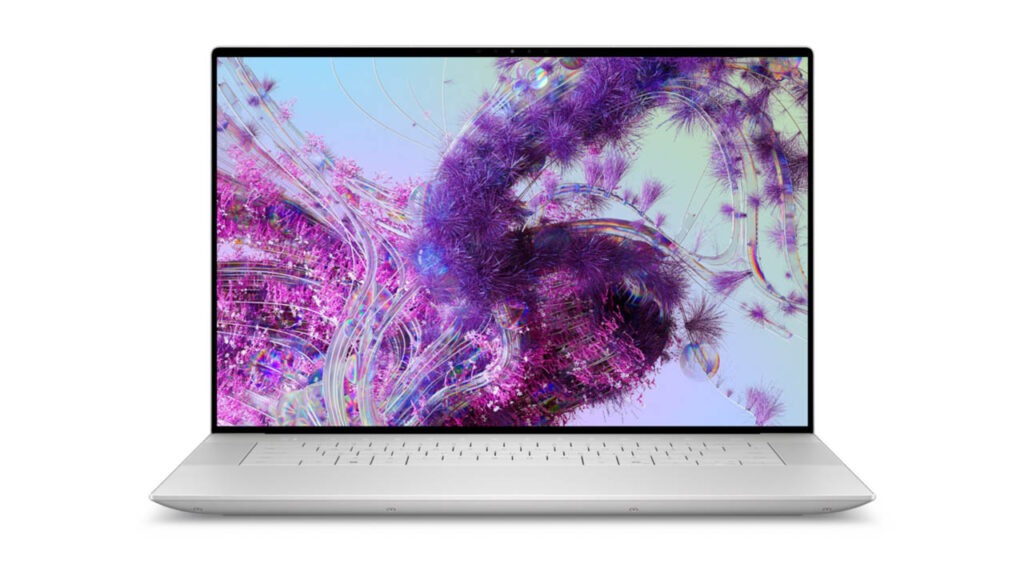
- Resolution: 3840 x 2400 (16:10 aspect ratio)
- Refresh Rate: Up to 90Hz
- Color Accuracy: 100% DCI-P3 coverage
The blacks are infinite, and the colors are calibrated perfectly for professional photo and video editing. The 90Hz refresh rate, while not as smooth as the 120Hz found on the MacBook Pro or Razer Blade 16, provides a noticeable fluidness compared to standard 60Hz screens. For those who prioritize battery life or work primarily with text, Dell also offers a FHD+ (1920 x 1200) non-touch panel that boosts the refresh rate to 120Hz.
Performance
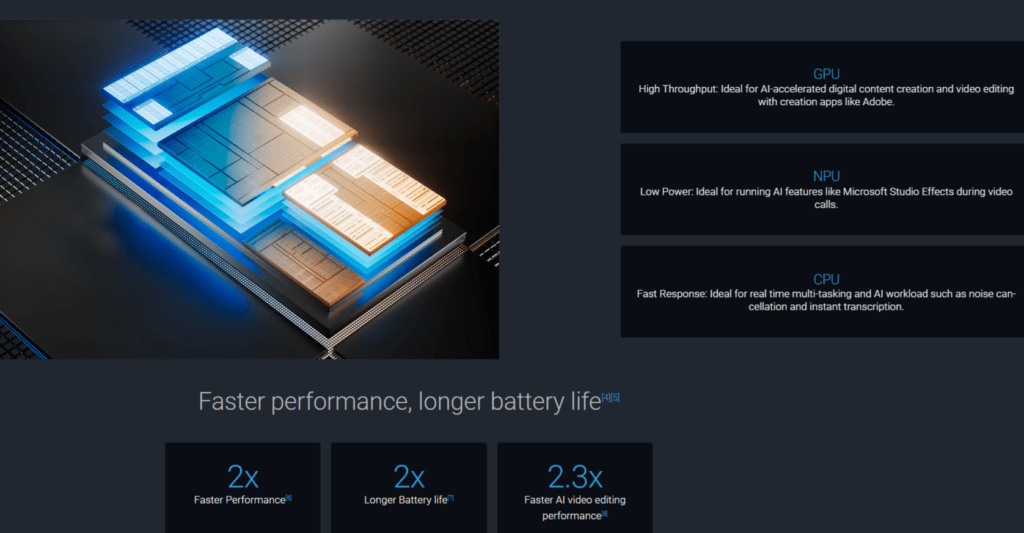
Under the hood, the XPS 16 is powered by the Intel Core Ultra series (up to the Ultra 9 185H). These chips include a dedicated NPU for AI tasks, making the laptop “future-proof” for the next wave of Windows AI features.
For graphics, you can configure it with up to an NVIDIA GeForce RTX 4070. However, there is a catch: because the XPS 16 is so thin (0.74 inches), Dell has limited the GPU power (TGP) to 60W.
- Creative Tasks: It excels at 4K video rendering and high-resolution photo editing.
- Gaming: It can handle modern AAA titles at 1080p or 1440p with ease, but don’t expect it to compete with “true” gaming laptops that allow the GPU to run at 100W+.
- Thermals: The dual-fan system and vapor chamber do a respectable job, but the fans can become quite audible under heavy load.
Connectivity and Battery Life
Dell has gone “all-in” on the future, meaning the port selection is sparse. You get:
- 3x Thunderbolt 4 (USB-C) ports
- 1x microSDXC card reader
- 1x 3.5mm headphone jack
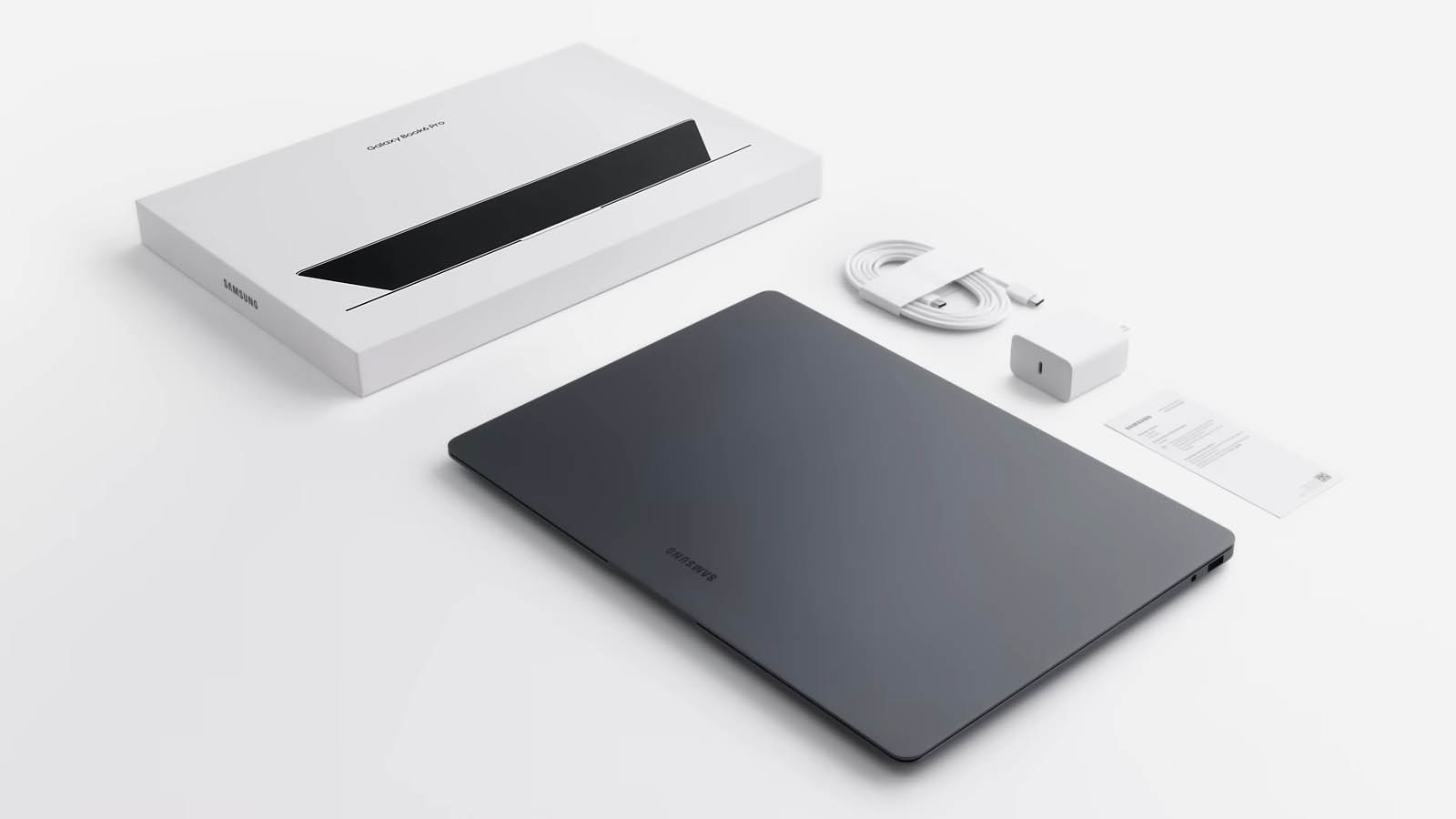
Dell does include a USB-C to USB-A and HDMI adapter in the box, but for a 16-inch “Pro” laptop, the lack of an onboard HDMI port or a full-sized SD card reader is a notable omission for photographers.
The 99.5Wh battery is the largest allowed by FAA regulations for air travel. In real-world testing (web browsing and light productivity), you can expect between 8 to 10 hours on the OLED model. The FHD+ model can push this even further, potentially reaching 12+ hours, making it one of the longest-lasting Windows laptops in its class.
Pros and Cons
| Pros | Cons |
| Stunning, world-class OLED display | Divisive keyboard and “invisible” touchpad |
| Exceptional build quality and materials | Limited port selection (No USB-A or HDMI) |
| Great speakers with deep bass | Expensive, especially when upgrading RAM |
| Solid battery life for its size | GPU performance is capped for thermals |
- machine that looks like a piece of art.
- Not ideal for: Budget-conscious students or hardcore gamers who need high-TGP graphics power.
Price & Value for Money
Starting at $1,849, the Dell XPS 16 is a Premium investment. You aren’t just paying for the specs; you are paying for the chassis quality, the InfinityEdge display, and the “XPS” status.
Final Verdict
Overall, the Dell XPS 16 (9640) is a masterclass in modern laptop engineering. It is a reliable, powerful, and drop-dead gorgeous machine. While the “minimalist” port selection and touch-based keys might frustrate some, its raw performance and breathtaking display make it the best 16-inch Windows laptop of 2026.
FAQs
- Is the XPS 16 good for students? Yes, if they are in creative fields like Design or Engineering. For general note-taking, it might be overkill.
- Can it handle gaming? Yes, the RTX 4060/4070 models handle most AAA games at 1080p/1440p easily.
- Is the keyboard backlit? Yes, it has a white LED backlight that adjusts to room lighting.
- Is it worth buying in 2026? Absolutely. The move to Intel Core Ultra and Wi-Fi 7 makes it highly future-proof.
Affiliate Disclosure: Some of the links on this page are affiliate links. This means that if you click on a link and make a purchase, we may receive a small commission at no extra cost to you. This helps support our website and allows us to continue providing honest, high-quality reviews. We only recommend products we believe will add value to our readers, regardless of any commission.
Disclaimer: The information provided in this review is for general informational and educational purposes only. While we strive to keep all technical specifications, prices, and features up to date, technology changes rapidly. We make no representations or warranties of any kind, express or implied, about the completeness, accuracy, or reliability of the information provided.






1 comment on “Dell XPS 16 Review: Is This the Only MacBook Pro Rival Worth Buying in 2026?”