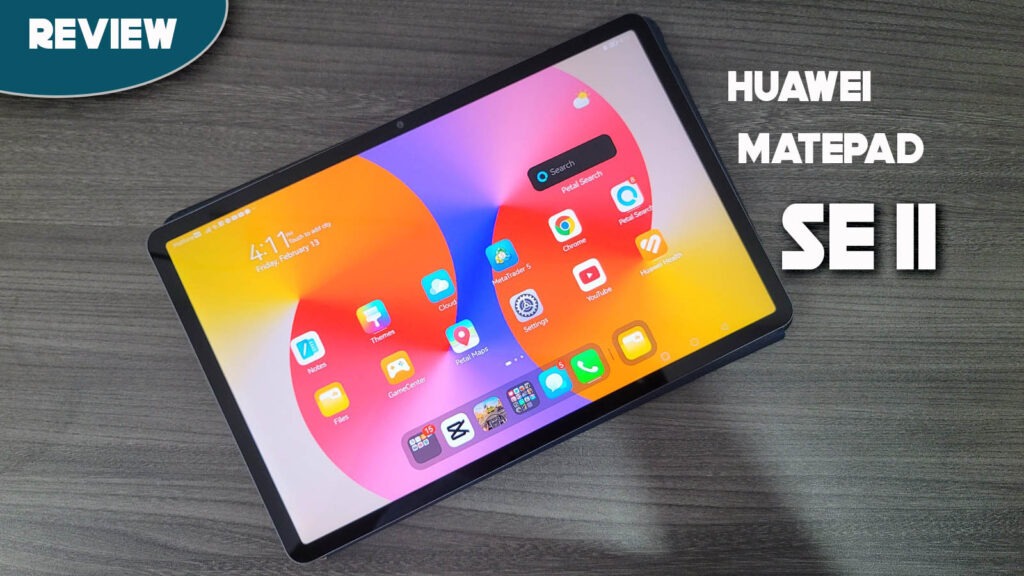
The Huawei MatePad SE 11 is a budget-friendly tablet released in late 2024 that has remained a top contender for the “best value” title in 2026. Designed primarily for students, young professionals, and families, this tablet bridges the gap between basic entertainment devices and productivity tools. While many budget slates feel like “oversized phones,” the MatePad SE 11 distinguishes itself with a premium metal build and official stylus support. This review explores whether its hardware can overcome the lack of native Google services to provide a reliable daily experience for work and play.
Key Specifications
- Display: 11.0-inch IPS LCD, 16.7M Colors, 100% sRGB
- Resolution: 1920 x 1200 Pixels (FHD+), 207 PPI
- Brightness: 400 nits (Peak)
- Processor: Kirin 710A or Snapdragon 680 (Region dependent)
- RAM & Storage: 4GB/6GB/8GB RAM | 64GB/128GB Storage
- Rear Camera: 8 MP (f/2.0 aperture, AF)
- Front Camera: 5 MP (f/2.2 aperture)
- Battery: 7,700 mAh
- Connectivity: Wi-Fi 5 (2.4GHz/5GHz), Bluetooth 5.1, USB-C 2.0
- Operating System: HarmonyOS 2.0
- Price Range: ~$180 – $220
Design & Build Quality
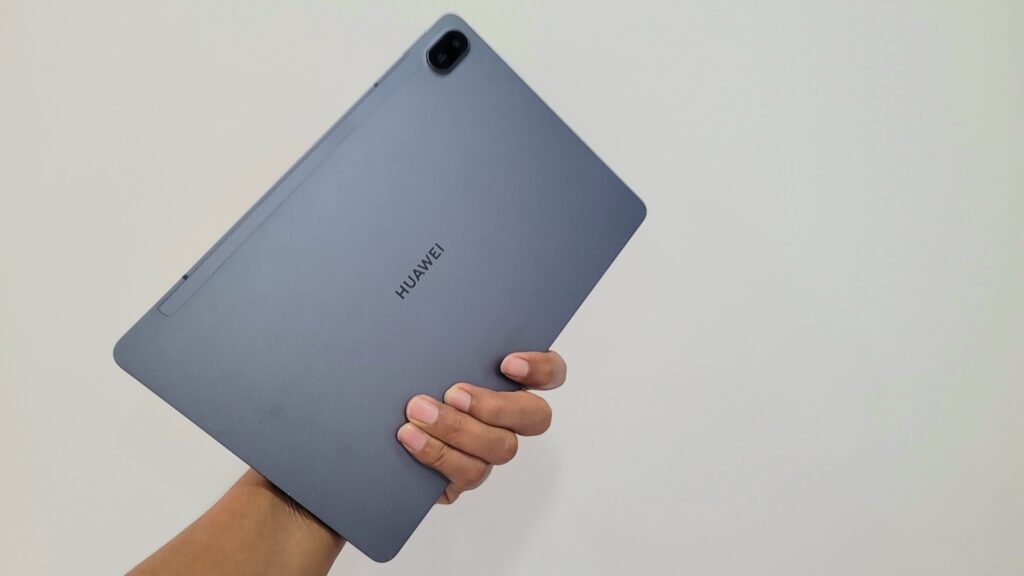
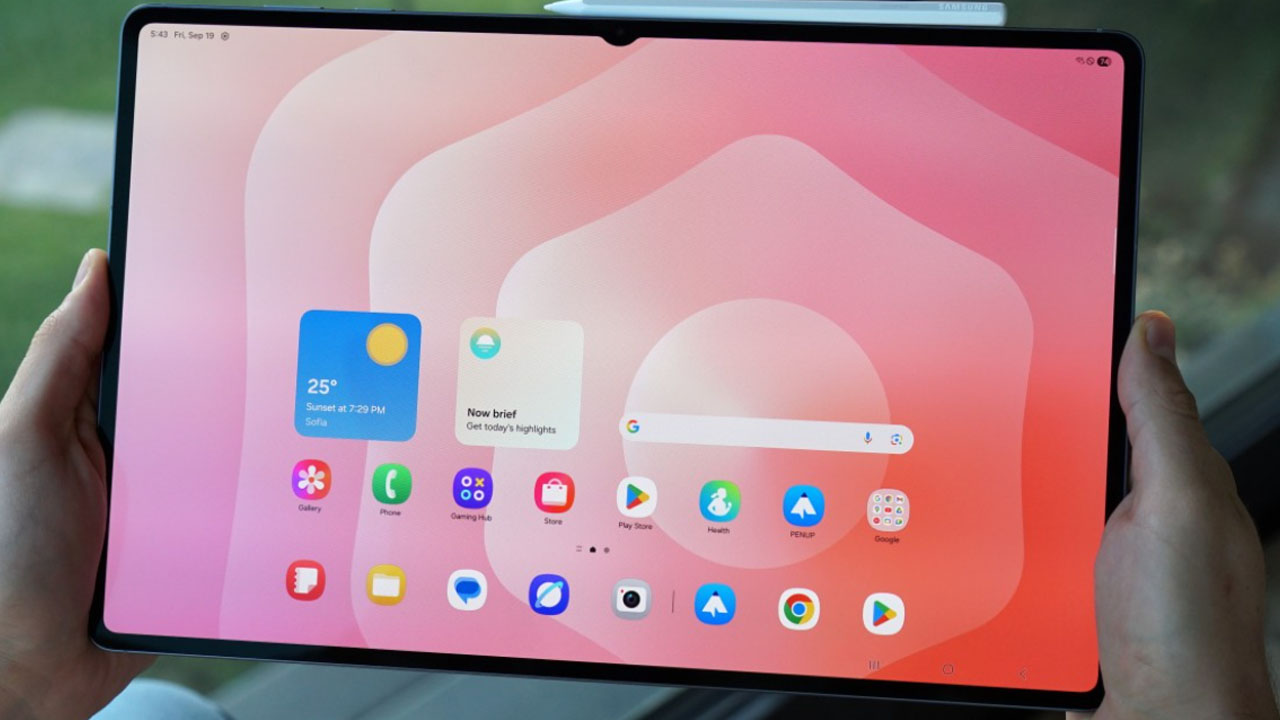
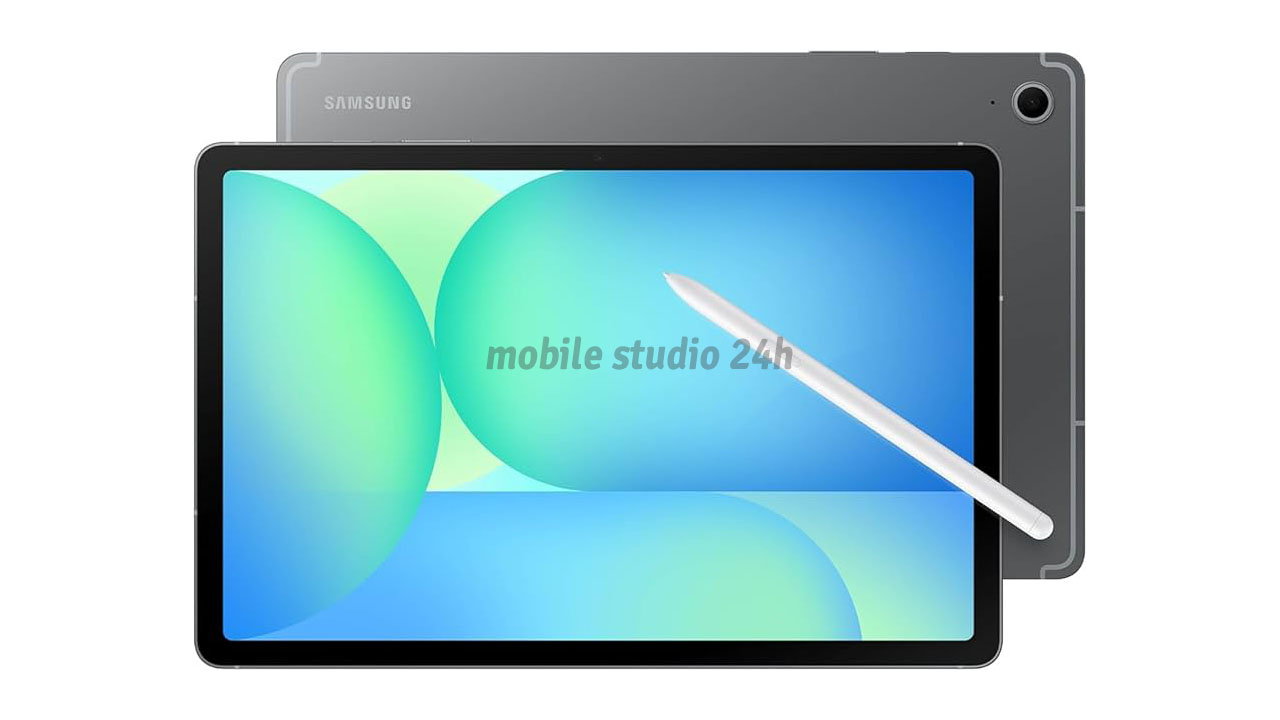
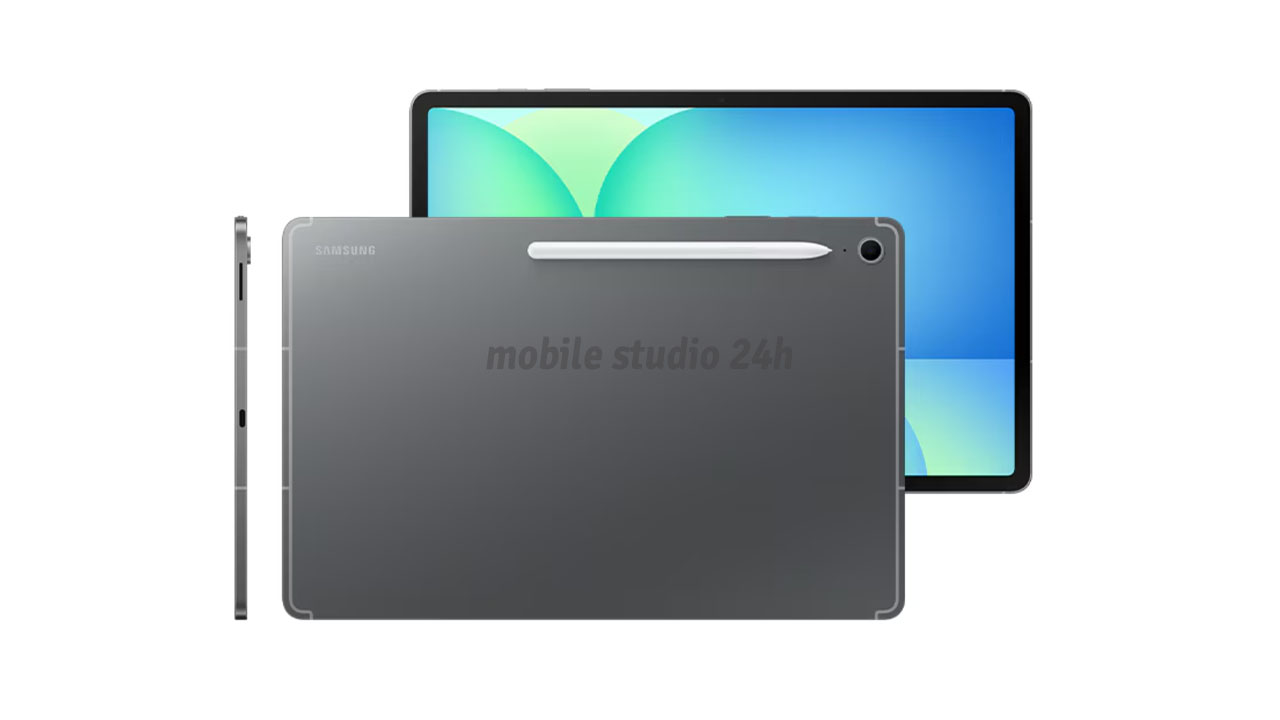
Unlike most tablets in the sub-$200 range that use plastic, the MatePad SE 11 features a high-quality aluminum unibody design. It feels incredibly sturdy and premium, with a thickness of only 6.9 mm and a weight of 475 grams. The matte metallic finish (available in Nebula Gray and Crystal Blue) resists fingerprints well. The button placement is standard for a horizontal orientation, and the symmetrical quad-speaker grilles are positioned to avoid being covered by your hands during use.
Display Quality
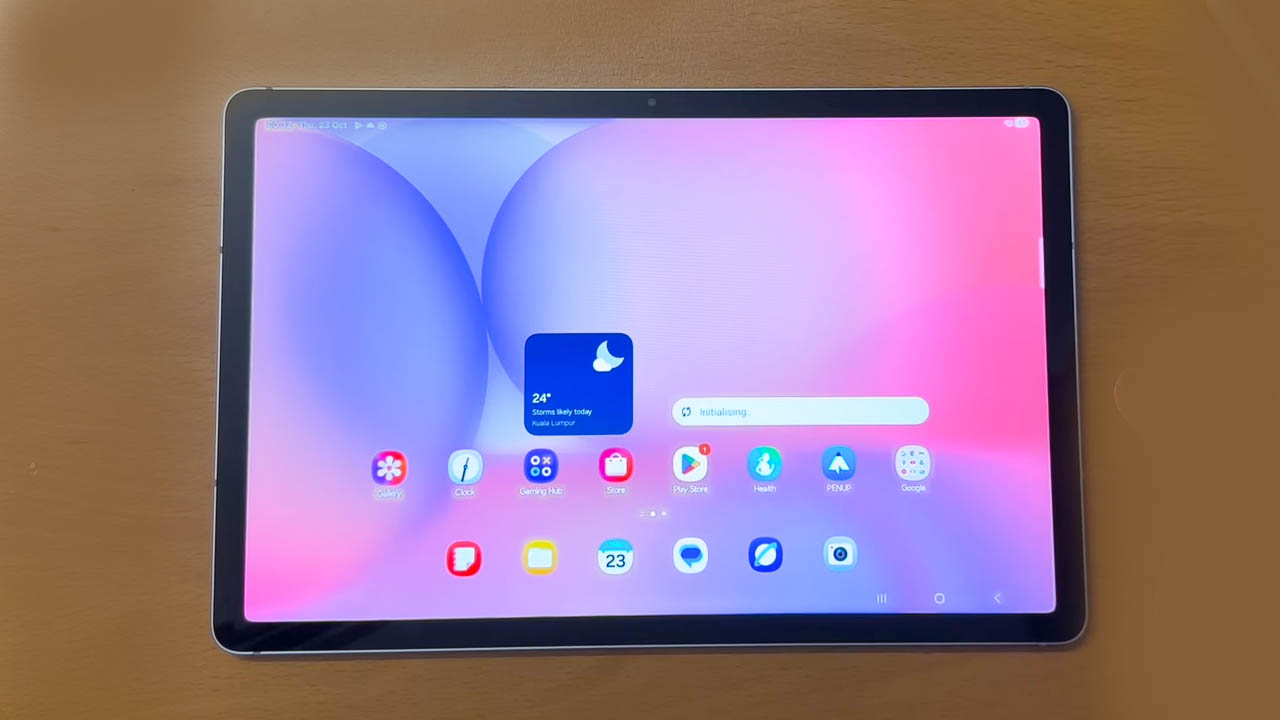
The 11-inch Eye Comfort HUAWEI FullView Display is the highlight of this device. With an 85% screen-to-body ratio, the bezels are thin enough to look modern but thick enough to prevent accidental touches.
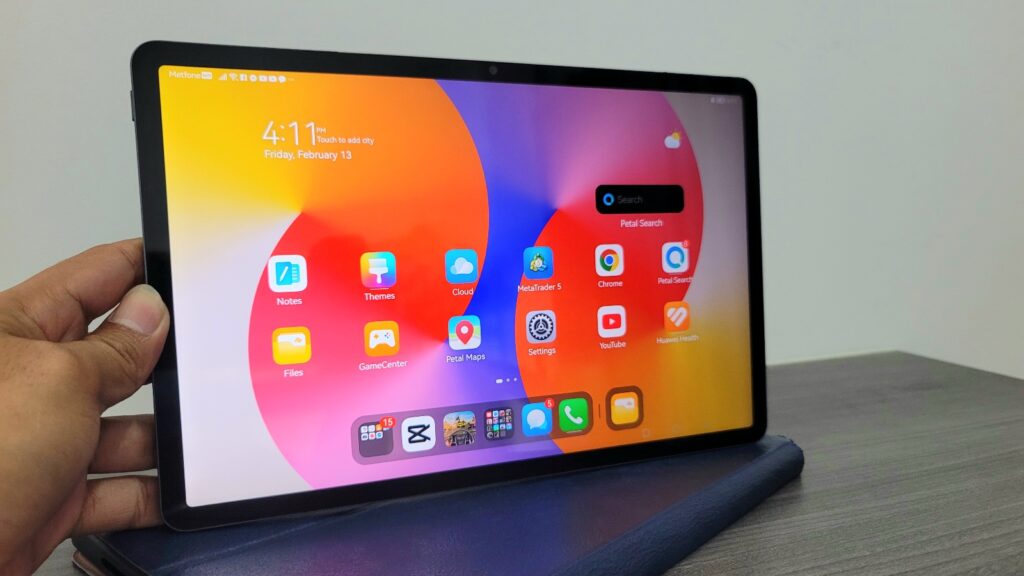
- Eye Care: It is TÜV Rheinland certified for Low Blue Light and Flicker-Free performance, making it ideal for long night-time study sessions.
- Visibility: At 400 nits, it is perfectly bright for indoor use. While it struggles slightly under direct sunlight, it remains usable in shaded outdoor areas.
- Colors: The 100% sRGB coverage ensures that colors look natural and vibrant for Netflix or YouTube streaming.
Performance & Daily Usage
Powered by the Kirin 710A (or Snapdragon 680), this tablet is built for efficiency rather than raw power.
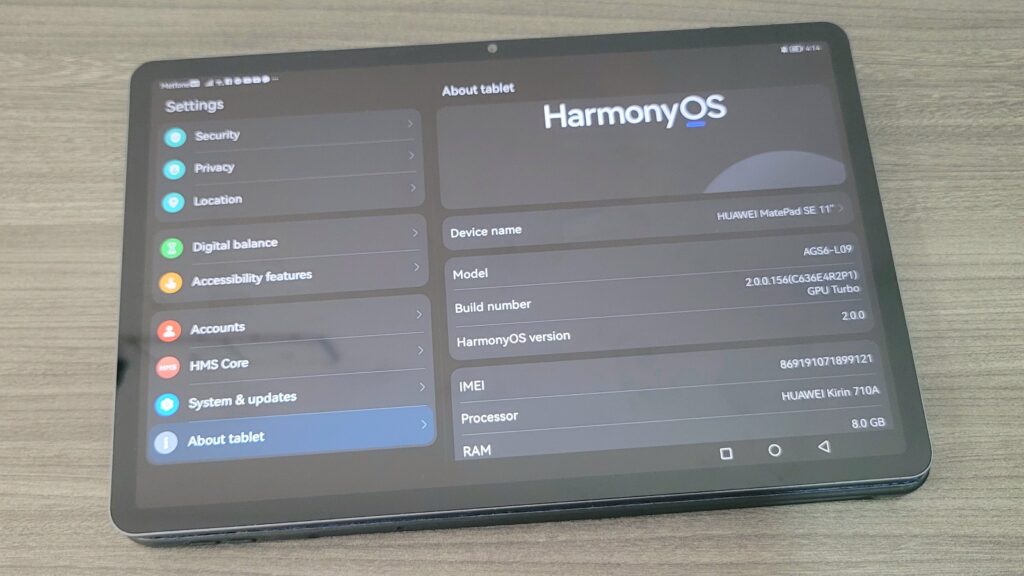
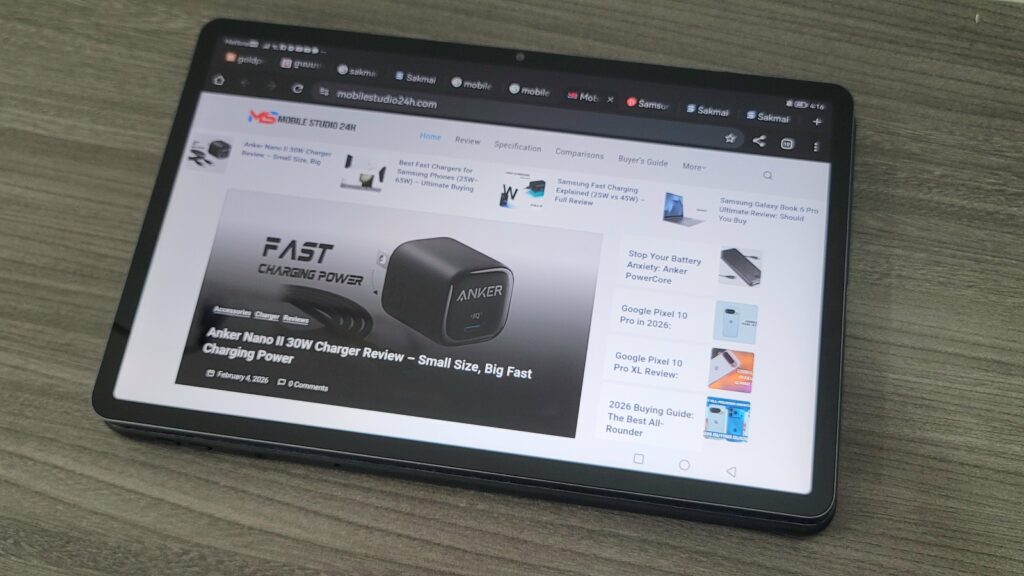
- Multitasking: With HarmonyOS 2.0, features like Multi-Window allow you to split the screen or use floating windows effectively.
- Daily Speed: Opening apps like Zoom, Telegram, or MS Word is smooth. You won’t notice much lag during basic browsing or document editing.
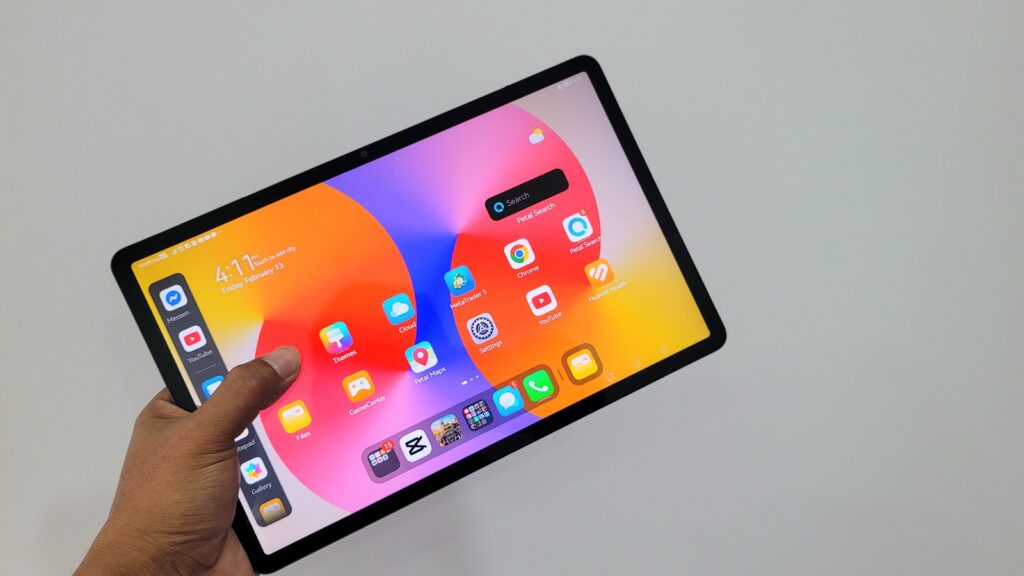
- The Google Factor: Since it uses HarmonyOS, there is no Google Play Store. However, using G-Box or microG allows you to run most Google apps (YouTube, Drive, Classroom) without significant issues in 2026.
Gaming Performance
The MatePad SE 11 is a casual gaming machine.
- Casual Titles: Games like Subway Surfers, Candy Crush, and Mobile Legends run perfectly on medium settings.
- Heavy Gaming: For games like Genshin Impact or PUBG Mobile, you will need to lower the graphics to the “Low” preset to maintain a stable 30fps.
- Heating: The aluminum body acts as a decent heat sink; the device stays relatively cool even after an hour of play.
Camera Performance
Tablet cameras are rarely impressive, and the SE 11 follows that trend.
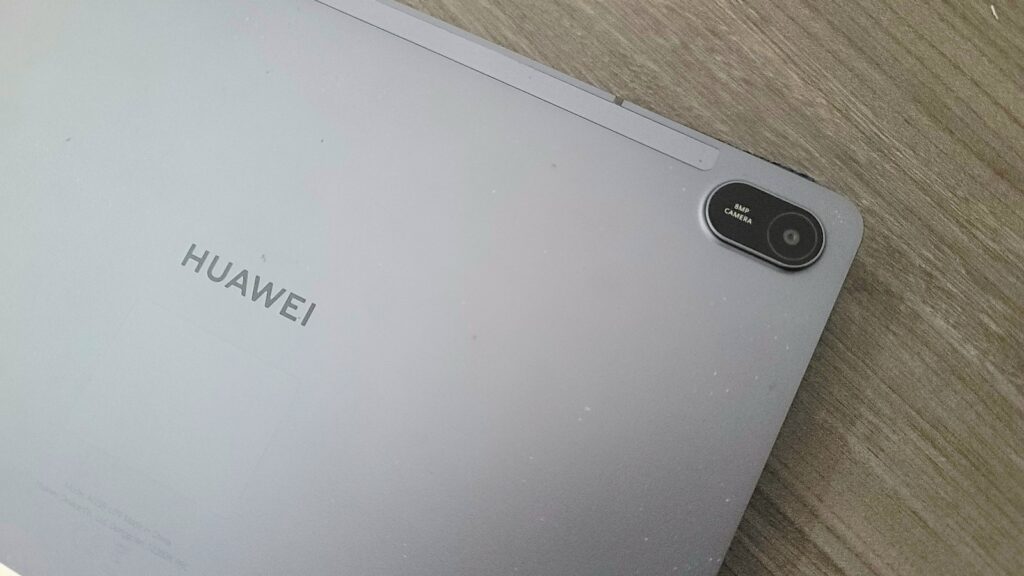
- Rear Camera (8MP): Good for scanning documents or taking quick notes of a whiteboard. It features autofocus, but details are soft in low light.
- Front Camera (5MP): Placed in the center of the landscape bezel, it is perfect for video calls and online classes. The “FollowCam” feature (via software) helps keep you centered during MeeTime calls.
Battery Life & Charging
The 7,700 mAh battery is massive for a budget tablet.
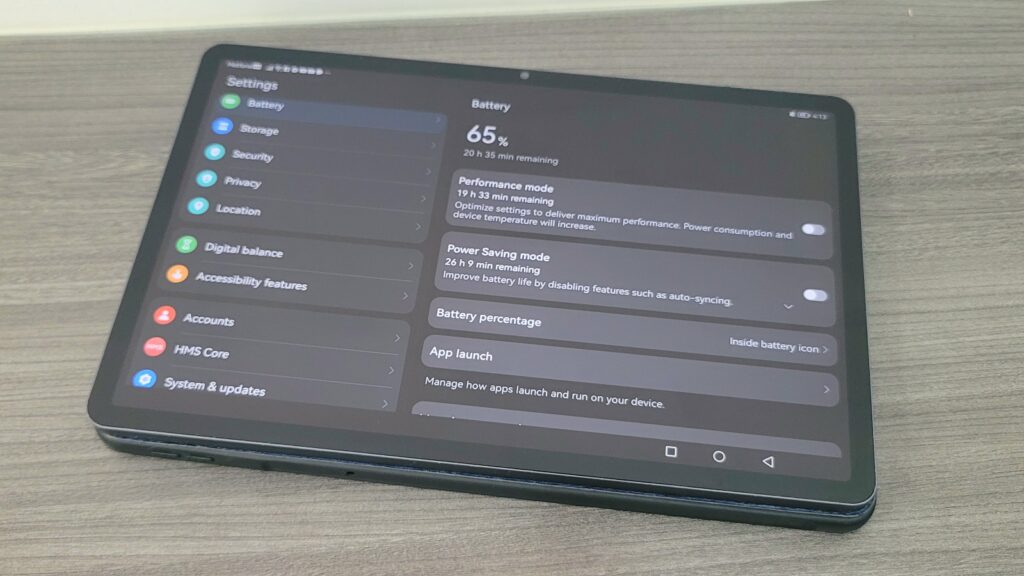
- Usage: You can easily get 10–12 hours of video playback or two full days of intermittent student use.
- Charging: It supports 22.5W Fast Charging, which takes about 2 hours to reach 100%. While not “super fast” by 2026 smartphone standards, it is acceptable for a tablet of this size.
Connectivity & Features
- M-Pen Lite Support: One of the few budget tablets to support a pressure-sensitive stylus (often included in the box in some regions).
- Audio: The quad-speaker system tuned by Histen 9.0 is surprisingly loud and rich, making it a great media consumption device.
- Software: Includes “Kids Corner,” which provides a safe, monitored environment for children.
Pros and Cons
Pros:
- ✅ Premium metal unibody (rare in this price range).
- ✅ Stunning quad-speaker audio quality.
- ✅ Excellent battery life (7,700 mAh).
- ✅ Includes/Supports M-Pen Lite for note-taking.
- ✅ TÜV Rheinland certified eye-protection display.
Cons:
- ❌ No native Google Mobile Services (GMS).
- ❌ 60Hz refresh rate (competitors are moving to 90Hz).
- ❌ No GPS or LTE (Wi-Fi only).
Who Should Buy This Tablet?
Comparison
You may also like:
- [Huawei MatePad SE 11 vs. Redmi Pad SE]
- [Samsung Galaxy Tab A9+ Review]
Price & Value for Money
At its current price of approximately $199, the Huawei MatePad SE 11 offers exceptional value. It feels like a $400 device in the hand. For users who can live with using AppGallery or G-Box for their apps, the hardware quality far exceeds anything from Lenovo or Samsung at this specific price point.
Final Verdict
The Huawei MatePad SE 11 is a “National Pride” for budget seekers. It offers a premium, eye-safe display and a metal build that puts plastic competitors to shame. While the software requires a small learning curve to install Google apps, the overall hardware experience is polished and reliable for 2026 standards.
FAQs
1. Is Huawei MatePad SE 11 good for gaming? It is great for casual games like Mobile Legends, but not recommended for high-end titles like Genshin Impact unless played on low settings.
2. Does it support fast charging? Yes, it supports 22.5W fast charging, allowing you to top up the 7,700 mAh battery in about 2 hours.
3. Is it worth buying in 2026? Yes, especially if you prioritize build quality and eye health. Its metal design is much more durable than newer plastic budget tablets.
4. Can I use Google Classroom and YouTube? Yes. While not native, you can use G-Box or Petal Search to install and run these apps perfectly.
Disclaimer: This review is based on research, specifications, and user feedback. Actual performance may vary depending on usage.