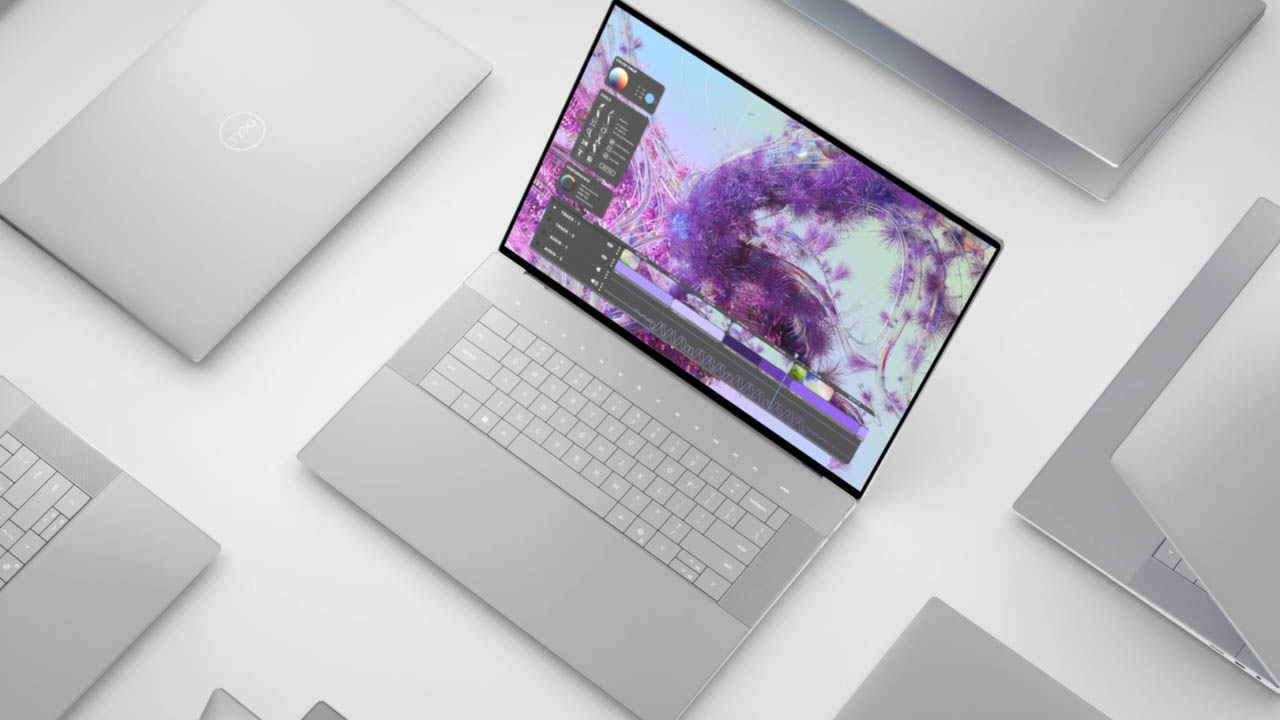
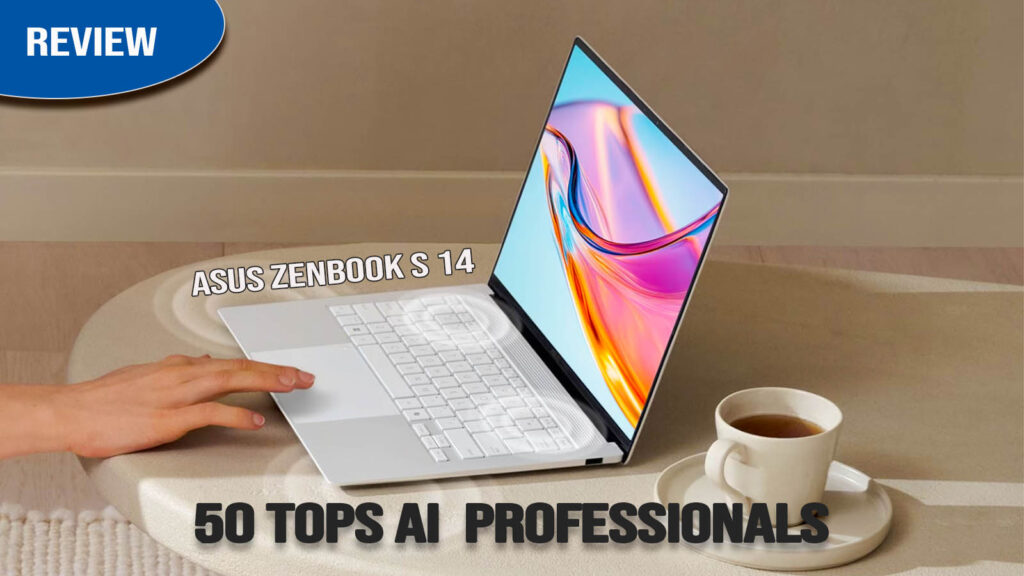
The ASUS Zenbook S 14 is a premium ultraportable laptop designed for users who need a masterclass in portability, luxury design, and cutting-edge AI performance. Featuring the debut of Intel’s “Lunar Lake” Core Ultra Series 2 processors, this machine moves away from raw multicore “power at all costs” and focuses on extreme efficiency and sustained battery life.
Wrapped in ASUS’s innovative Ceraluminum—a high-tech ceramic-aluminum hybrid—the Zenbook S 14 aims to compete directly with the MacBook Air M5 and Dell XPS 13. Whether you are a professional navigating back-to-back meetings or a student moving between lectures, it delivers a high-end Windows 11 experience with a strong focus on “Copilot+” AI features.
Key Specifications (Quick View)
| Feature | Details |
| Processor (CPU) | Intel Core Ultra 7 258V (8-Core, up to 4.8 GHz) |
| Graphics (GPU) | Intel Arc Graphics 140V (8-Core) |
| RAM | 32GB LPDDR5x-8533 (On-Package) |
| Storage | 1TB PCIe 4.0 NVMe M.2 SSD |
| Display Size | 14-inch |
| Display Type | ASUS Lumina OLED (Touch) |
| Resolution | 3K (2880 x 1800), 16:10 |
| Refresh Rate | 120Hz |
| Battery Capacity | 72Wh |
| Weight | 1.20 kg (2.65 lbs) |
| Operating System | Windows 11 Home/Pro (Copilot+ PC) |
| Price Range | ~$1,399 – $1,599 |
Design & Build Quality
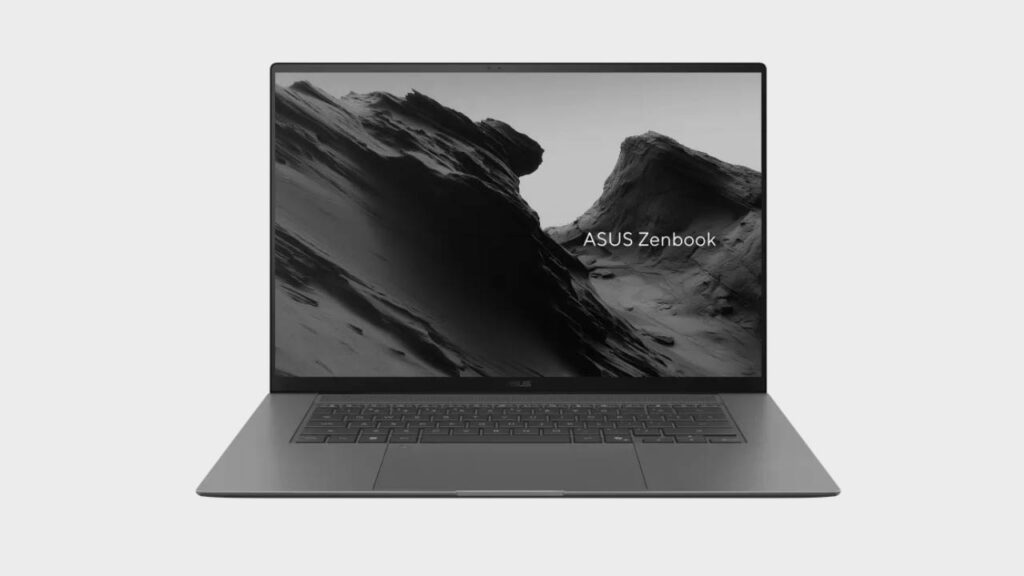
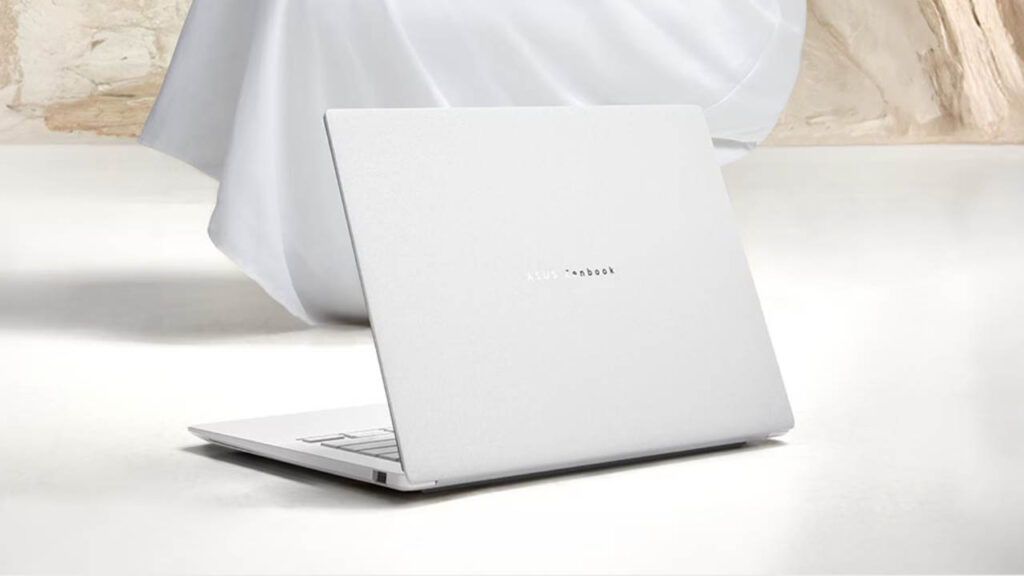
The Zenbook S 14 stands out with its unique Ceraluminum lid, which offers a “soft stone” tactile feel that is far more resistant to scratches and fingerprints than traditional anodized aluminum. At just 1.2 kg (2.65 lbs), it is remarkably light and rigid, rivaling the MacBook Air in sturdiness. While the aesthetics are premium and minimalist, some users find the hinge’s limited opening angle (it doesn’t lay flat) a slight drawback for flexible workspaces.
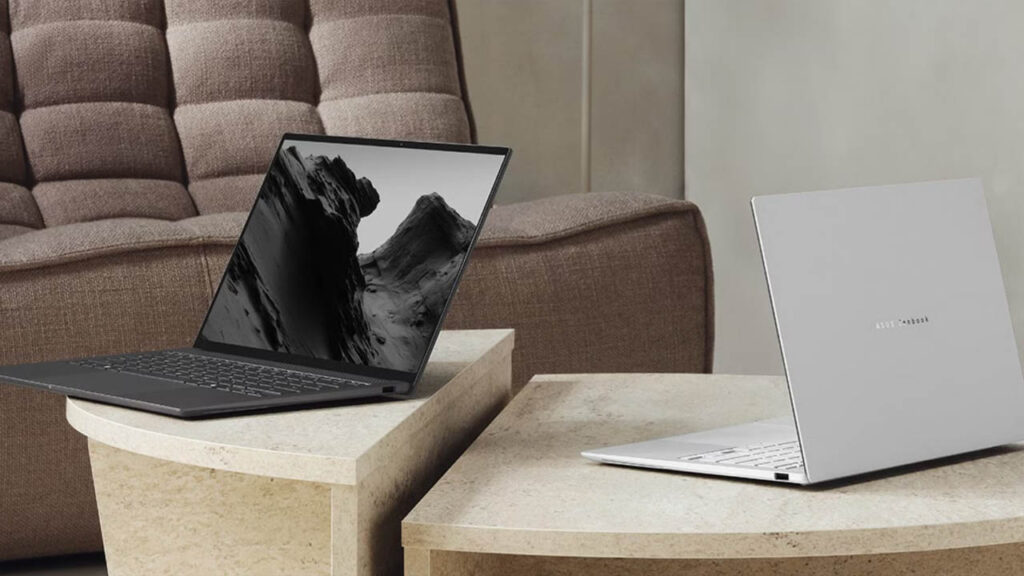
The Zenbook S 14 (UX5406) is defined by its Ceraluminum lid, which offers a unique, stone-like texture that is incredibly resistant to scratches and fingerprints.
- Build: An all-metal chassis ensures zero flex, meeting MIL-STD 810H durability standards.
- Thickness: At just 1.1 cm (0.43 inches) thin, it is one of the slimmest 14-inch laptops on the market.
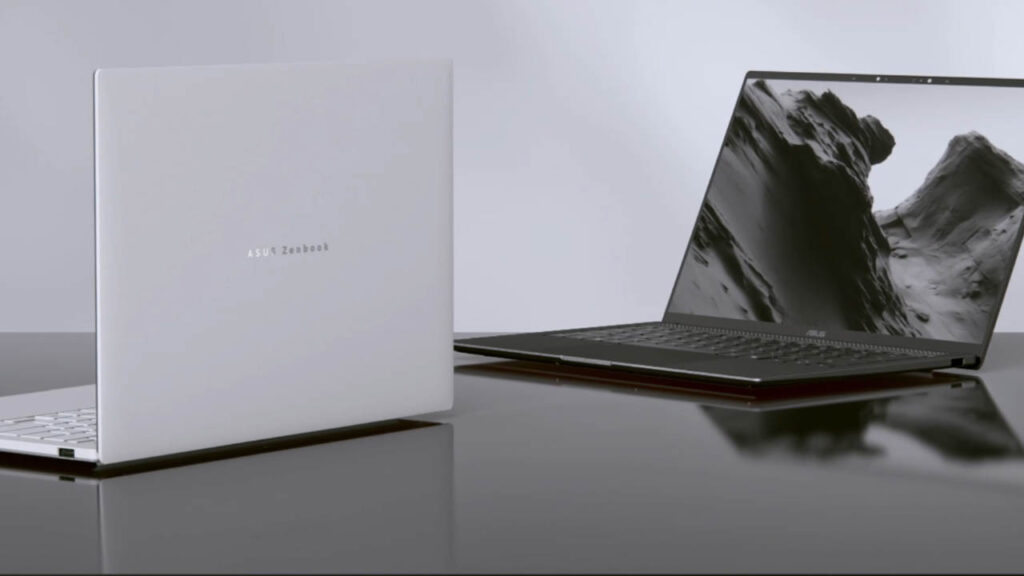
- Style: Available in Zumaia Gray or Scandinavian White, the lid features a minimalist geometric design that looks sophisticated in professional settings.
Display Quality
The 3K Lumina OLED panel is a highlight, delivering “infinite” contrast and vibrant colors (100% DCI-P3). The 120Hz refresh rate makes the interface feel highly responsive. However, because it is a glossy touch screen, reflections can be a major distraction in brightly lit rooms or outdoors. ASUS has attempted to mitigate this with a high peak brightness, but it still functions somewhat like a mirror in direct sunlight.
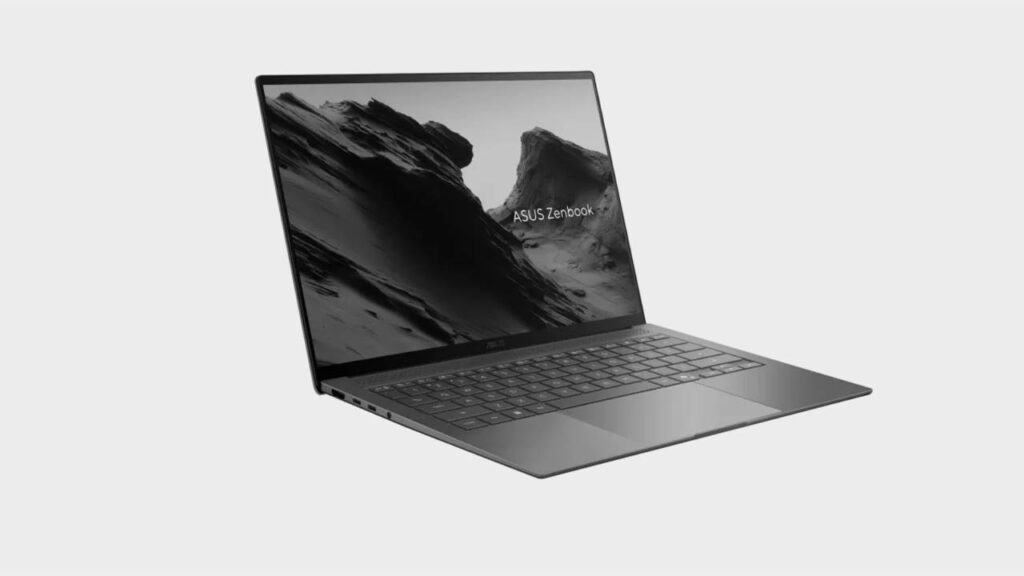
The 3K Lumina OLED display is the laptop’s crown jewel.
- Visuals: With 100% DCI-P3 color gamut and a 1,000,000:1 contrast ratio, blacks are perfect and colors are vibrant.
- Brightness: It hits 500 nits (peak HDR), which is excellent for indoor use, though the glossy finish can catch reflections outdoors.
- Smoothness: The 120Hz refresh rate makes every animation and scroll feel buttery smooth.
Performance & Daily Usage
Powered by Intel’s Lunar Lake (Core Ultra 7 258V), the laptop feels exceptionally “snappy” for daily productivity. It opens windows and apps almost instantly, and thanks to the new architecture, it stays much quieter and cooler than previous Intel-based Zenbooks. While it isn’t a multicore powerhouse for heavy 4K video rendering, it is optimized for “sustained smoothness” in office work, web browsing, and AI-assisted tasks.
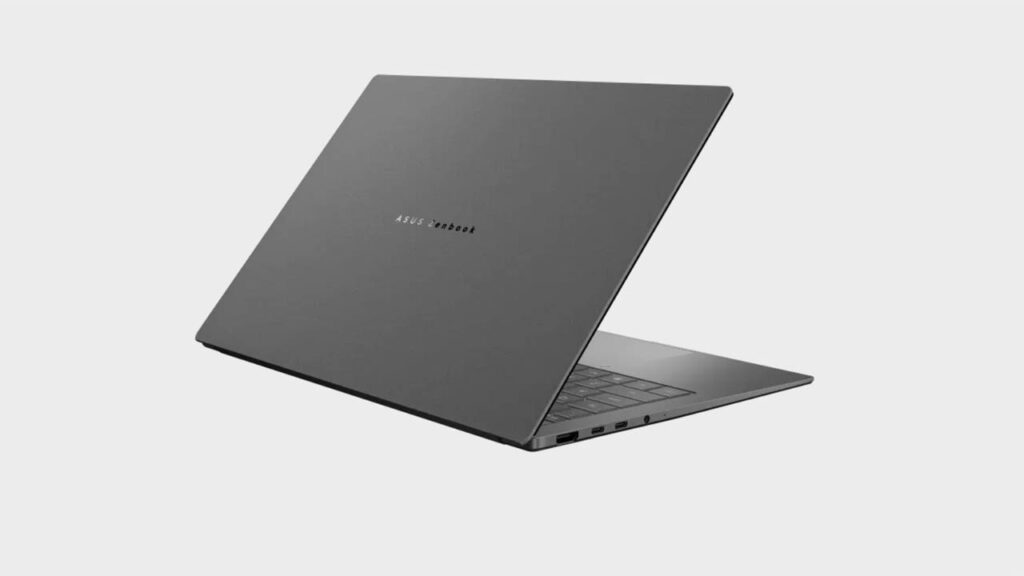
This is the first laptop to showcase the Intel Core Ultra 7 258V.
- Daily Speed: App opening is instantaneous. The NPU (Neural Processing Unit) provides up to 47 TOPS for AI tasks like real-time background blur and eye-contact tracking.
- Multitasking: With 32GB of RAM built into the chip package, it handles dozens of Chrome tabs and heavy Excel files without breaking a sweat.
- Cooling: A 0.7mm vapor chamber and dual fans keep the device quiet—usually under 25 dB during light work.
Gaming
The Intel Arc 140V integrated graphics are a surprising leap forward. It can easily handle eSports titles like Valorant and Genshin Impact at 1080p with smooth frame rates. While it’s not a replacement for a dedicated gaming rig, it’s one of the few ultraportables that can play older AAA games comfortably without immediate thermal throttling, as long as you stick to medium or low settings.
While not a “gaming laptop,” the Intel Arc 140V GPU is surprisingly capable.
- Performance: It handles Genshin Impact at medium settings (1080p) at a stable 60 FPS.
- Upscaling: Supports Intel XeSS and AMD FSR, allowing you to play titles like Cyberpunk 2077 at low settings with playable frame rates.
Keyboard & Trackpad
To achieve its 1.1 cm thickness, ASUS reduced the key travel to 1.1mm. This makes the typing experience feel shallower and slightly more “mushy” compared to the ThinkPad X1 Carbon or even the standard Zenbook 14. The trackpad, however, is excellent—it’s a large glass surface that supports “Smart Gestures,” allowing you to swipe the edges to adjust volume or screen brightness.
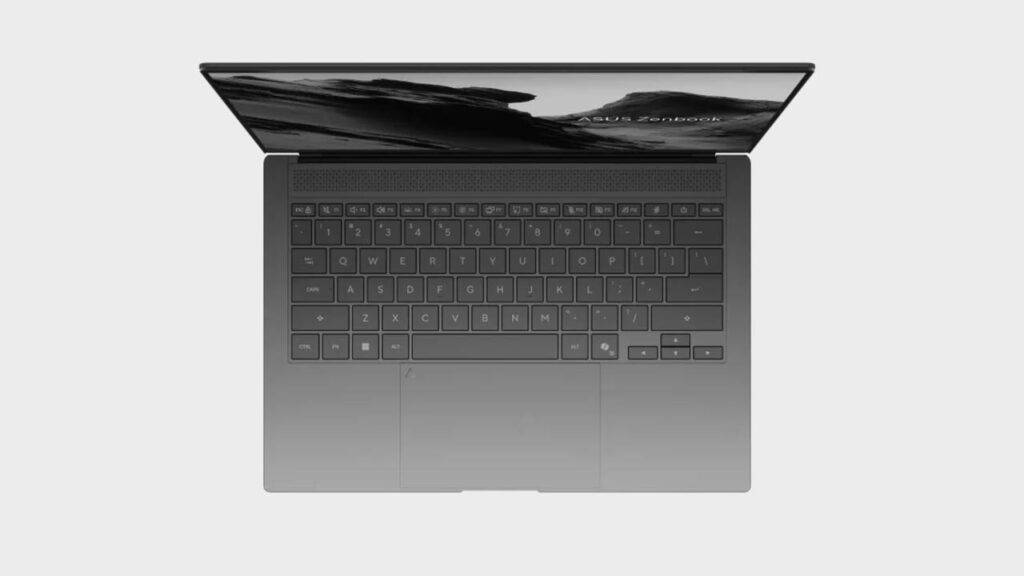
- Keyboard: Features 1.1mm of key travel. While shallow compared to a ThinkPad, the keys are “bouncy” and well-spaced.
- Trackpad: A massive glass touchpad that supports “Smart Gestures” (adjusting brightness or volume by sliding your finger along the edges).
Audio & Webcam
The four-speaker Harman Kardon system is punchy and loud for an ultra-thin laptop, offering surprisingly clear mids and decent bass for personal listening. The 1080p IR webcam provides sharp video quality for professional calls and enables fast login via Windows Hello. While it lacks a physical privacy shutter, the AI-powered background blur and eye-contact tracking work seamlessly on the dedicated NPU.
- Audio: A quad-speaker system (Harman Kardon) produces surprisingly rich sound for such a thin device.
- Webcam: An FHD IR camera provides sharp video for calls and supports Windows Hello for instant facial login.
Battery Life & Charging
Battery life is where the Zenbook S 14 finally competes with Apple Silicon. In real-world usage (web browsing/office work), you can expect 11 to 14 hours of endurance, easily covering a full workday. It supports 65W Fast Charging via USB-C, which can take the battery from empty to 60% in just under 50 minutes, making it a reliable companion for long travel days.
The Lunar Lake chip is a battery miracle for x86.
- Endurance: Real-world usage sees between 14 to 17 hours of video playback or web browsing.
- Charging: Includes a compact 65W USB-C adapter that can charge the device to 60% in just 49 minutes.
Ports & Connectivity
ASUS managed to include a full-size HDMI 2.1 and a USB-A port alongside two Thunderbolt 4 ports. This is a massive “quality of life” win for users who hate carrying dongles. It is also one of the first to feature Wi-Fi 7, providing significantly faster and more stable internet connections in 2026’s increasingly crowded wireless environments.
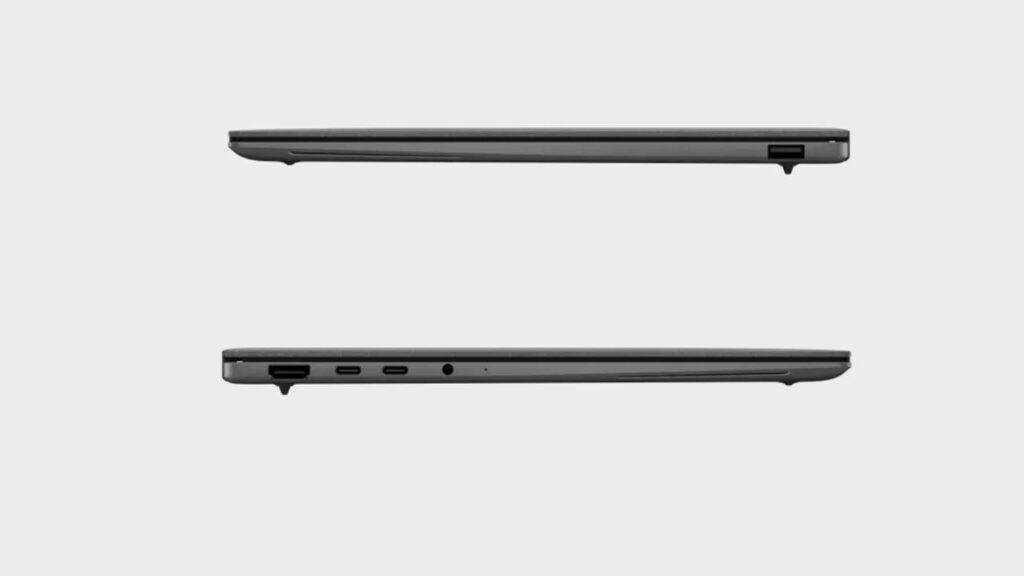
ASUS managed to include “full-size” ports on a razor-thin frame:
- 2x Thunderbolt 4 (USB-C)
- 1x USB 3.2 Gen 2 Type-A (Vital for older drives/mice)
- 1x HDMI 2.1
- 1x 3.5mm Audio Jack
- Wi-Fi 7 & Bluetooth 5.4
Price & Value for Money
Priced around $1,399 – $1,599, it occupies the premium tier. While you can find cheaper laptops with similar raw power, the value here is in the premium materials (Ceraluminum), the top-tier OLED display, and the exceptional port selection. For a Windows user who wants the “MacBook experience” without the dongle life, it is a solid investment.
2026 Premium Ultraportable Comparison
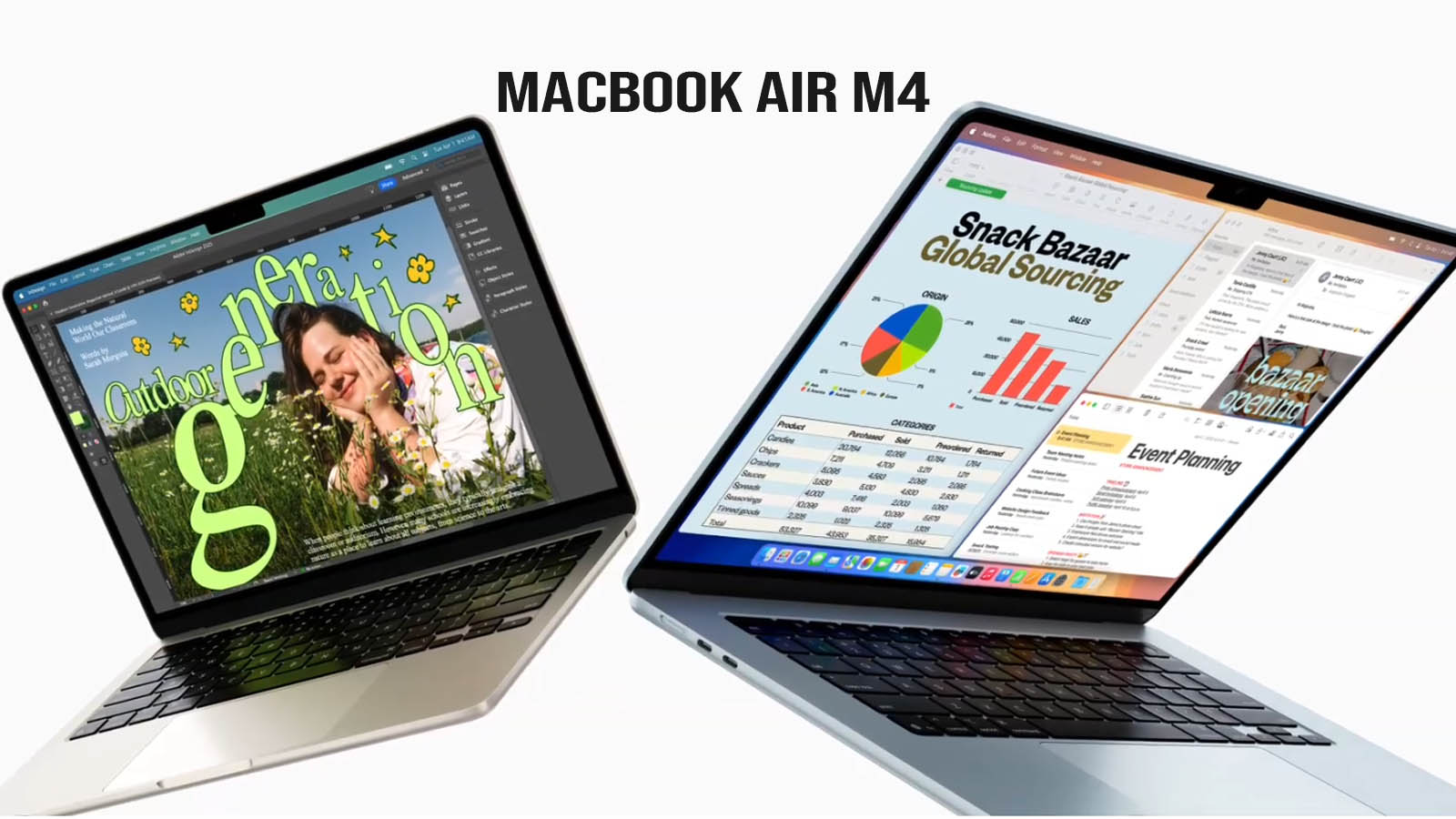
| Feature | ASUS Zenbook S 14 | MacBook Air M4 | Dell XPS 13 (9345) | Surface Laptop 7 | ThinkPad X1 Carbon Gen13 |
| Processor | Intel Core Ultra 7 258V | Apple M4 (10-core) | Snapdragon X Elite | Snapdragon X Elite | Intel Core Ultra 7 258V |
| Build Material | Ceraluminum | Recycled Aluminum | Aluminum & Glass | Aluminum | Carbon Fiber / Mag. |
| Weight | 2.65 lbs (1.20 kg) | 2.7 lbs | 2.6 lbs | 2.9 lbs | 2.17 lbs (0.98 kg) |
| Display | 14″ 3K OLED (120Hz) | 13.6″ Liquid Retina | 13.4″ Tandem OLED | 13.8″ PixelSense | 14″ 2.8K OLED (120Hz) |
| Ports | 2x TB4, USB-A, HDMI | 2x USB4, MagSafe | 2x USB4 Only | 2x USB4, USB-A | 2x TB4, 2x USB-A, HDMI |
| RAM (Standard) | 32GB | 16GB | 16GB | 16GB | 32GB |
| Battery Life | ~14-17 Hours | ~18-20 Hours | ~18-22 Hours | ~15-20 Hours | ~11-16 Hours |
| Design Vibe | “Soft Stone” / Modern | Minimalist / Iconic | Futuristic / Polarizing | Clean / Professional | Tactical / Classic |
| Starting Price | ~$1,399 | ~$1,099 | ~$1,299 | ~$999 | ~$1,899 |
Key Comparison Insights
- The Best Value for RAM: ASUS is currently leading the pack by offering 32GB of RAM as the standard for the $1,399 price point. To get 32GB on the MacBook Air M5 or Dell XPS 13, you often have to pay a significant upgrade premium that pushes the price closer to $1,800.
- Unique “Ceraluminum” Advantage: While everyone else uses standard aluminum or carbon fiber, the Zenbook’s Ceraluminum finish is a genuine innovation for 2026. It doesn’t show fingerprints like the “Midnight” MacBook or the “Black” ThinkPad, and it feels more like a piece of high-end pottery than a cold computer.
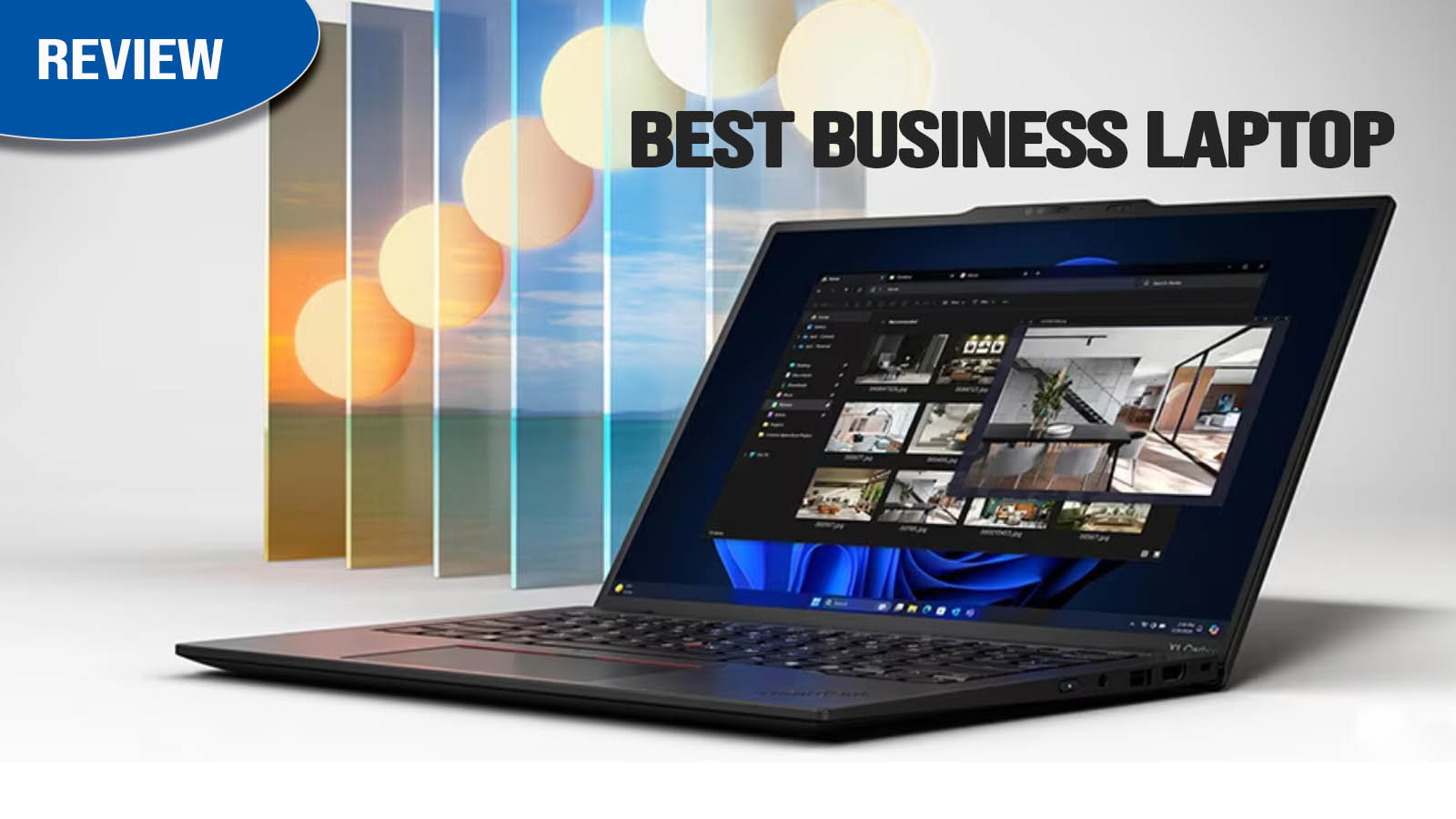
- Port Practicality: The Zenbook S 14 and ThinkPad X1 Carbon are the clear winners for professionals. They are the only two that let you plug in a standard USB-A thumb drive or an HDMI projector cable without carrying a “dongle bag.”
- Performance Trade-off: The Dell XPS 13 and Surface Laptop 7 (Snapdragon models) generally have higher raw multicore performance for tasks like heavy zip compression or code compiling. However, the Zenbook S 14 (Intel Lunar Lake) offers better app compatibility and a superior integrated GPU for light gaming.
- Display War: Every Windows laptop in this list has moved to 120Hz, making the MacBook Air’s 60Hz screen feel noticeably “laggy” by 2026 standards. The Zenbook’s 3K OLED is arguably the best “middle ground” for color, resolution, and battery efficiency.
Pros and Cons
Pros
- Gorgeous, scratch-resistant Ceraluminum design.
- Exceptional 120Hz 3K OLED screen.
- Best-in-class port selection for an ultraportable.
- Incredible battery life for a Windows laptop.
Cons
- Memory (RAM) is soldered and non-upgradable.
- Hinge only opens to ~130 degrees (no 180-degree flat mode).
- Touchpad clicks can feel “plasticky” near the bottom.
Who Should Buy This Laptop?
- Best for: Professionals, executives, and students who want a “MacBook-like” experience on Windows with a superior screen and better port selection.
- Not ideal for: Professional video editors (who need more cores) or hardcore gamers.
Final Verdict
The ASUS Zenbook S 14 is one of the best Windows ultrabooks of 2026. It finally proves that Windows laptops can have “all-day” battery life without sacrificing a high-resolution OLED screen or a full set of ports.
Which one is for you?
- Buy the ASUS Zenbook S 14 if you want the most “balanced” laptop: great ports, beautiful OLED, and a unique design that stands out.
- Buy the ThinkPad X1 Carbon if you have the budget and want the absolute lightest weight and the world’s best keyboard.
- Buy the MacBook Air M5 if you are already in the Apple ecosystem and want a fanless, silent machine.
- Buy the Surface Laptop 7 if you want a clean, “no-nonsense” Windows experience with incredible battery life.
FAQs
Is the Zenbook S 14 good for students?
Yes, it’s lightweight and the battery lasts a full day of classes.
Can Zenbook S 14 handle gaming?
Casual gaming and eSports titles (Valorant, LoL) run perfectly; AAA games require low settings.
Is Zenbook S 14 worth buying in 2026?
Absolutely. Its Wi-Fi 7 and NPU make it highly future-proof for the coming AI software wave.