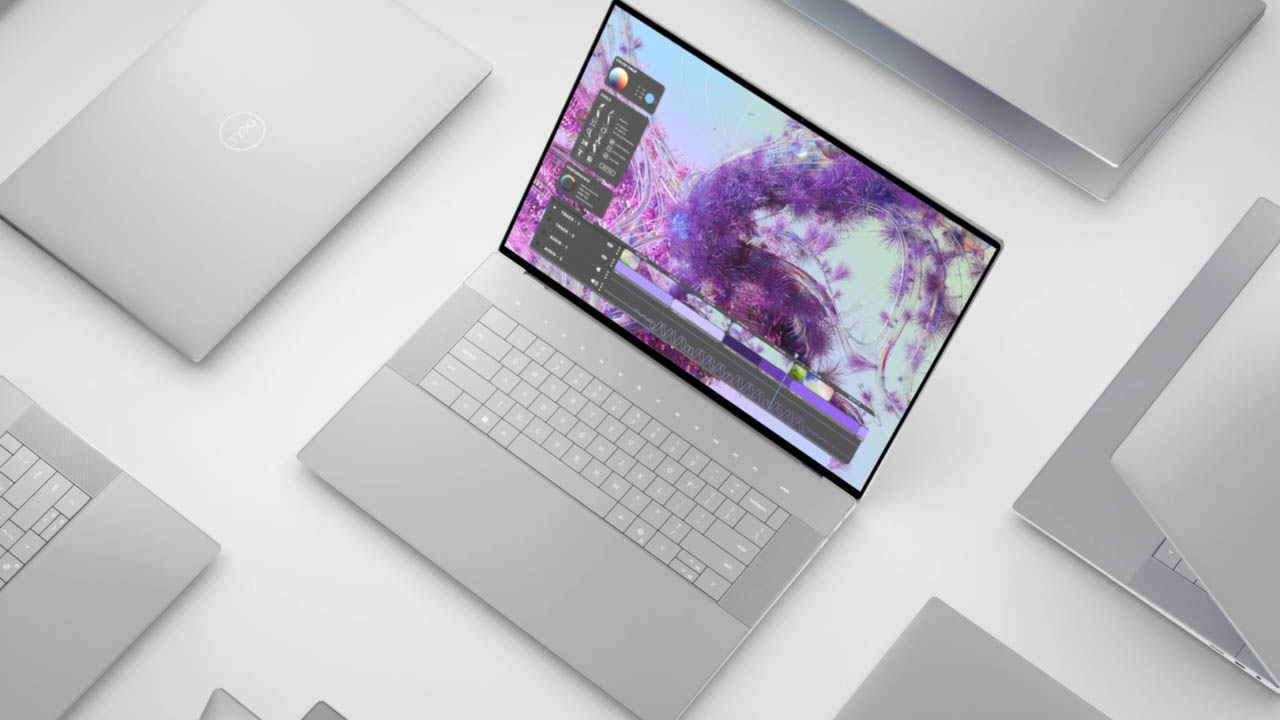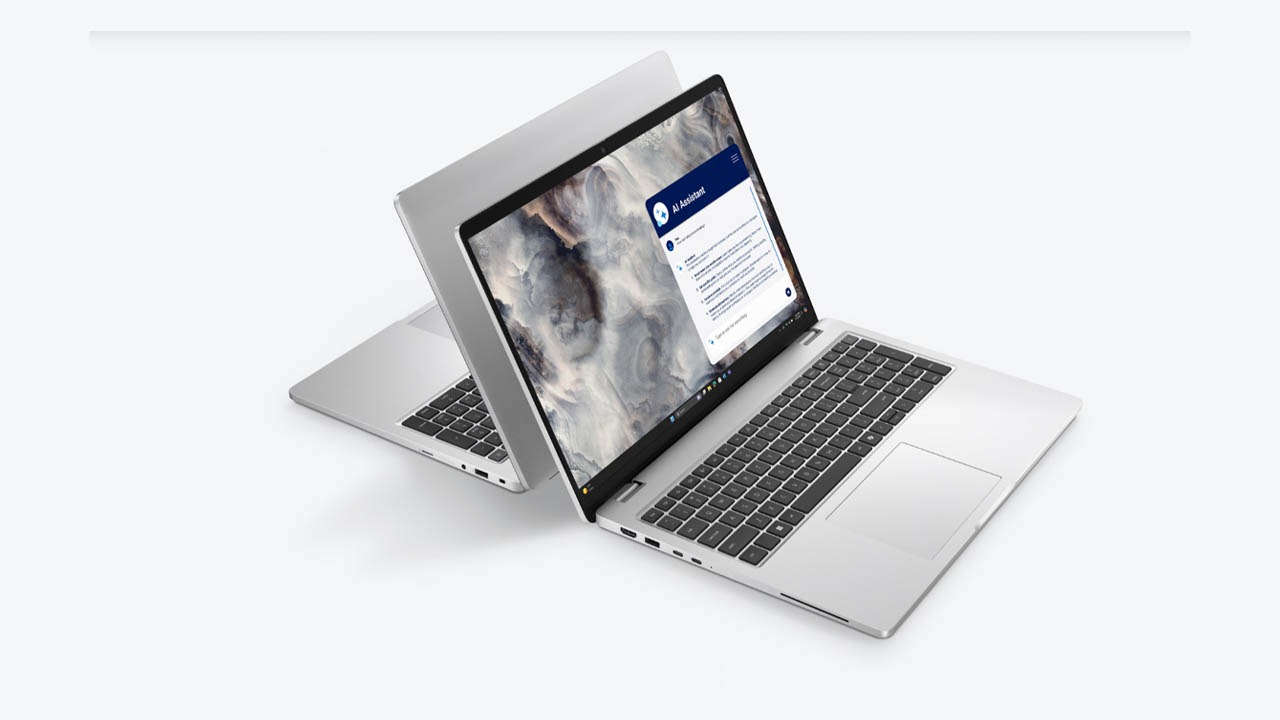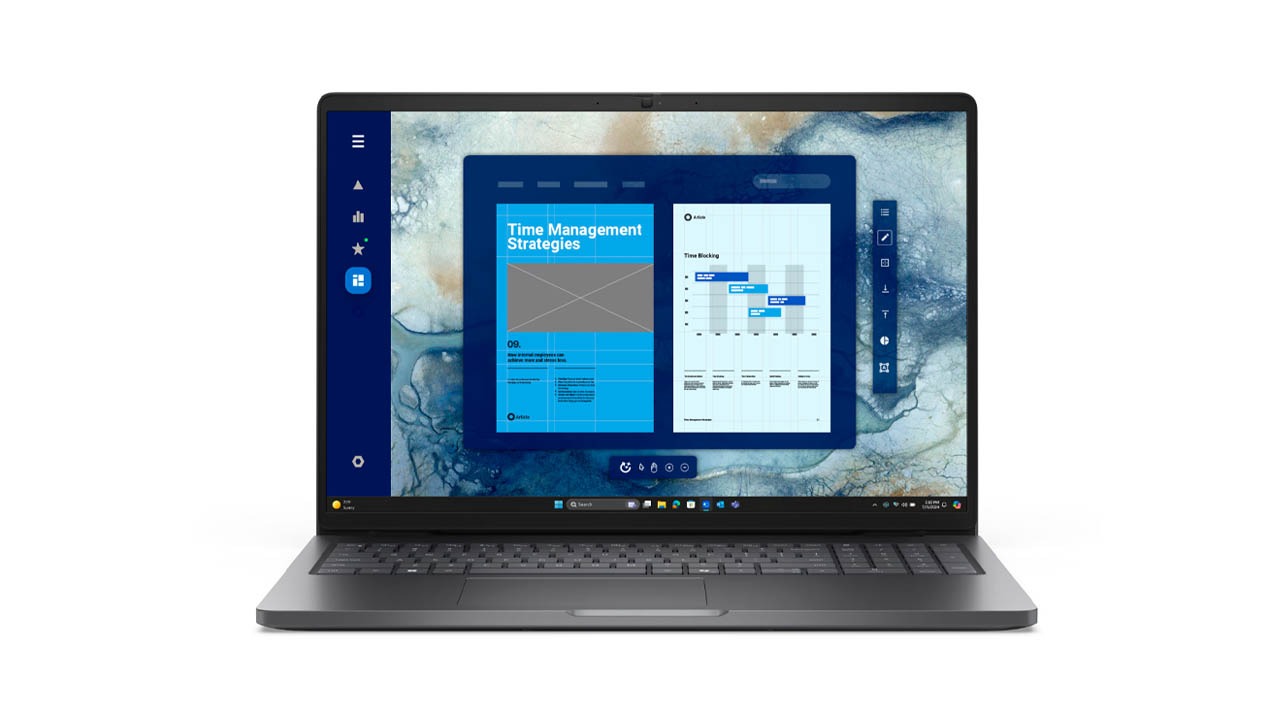
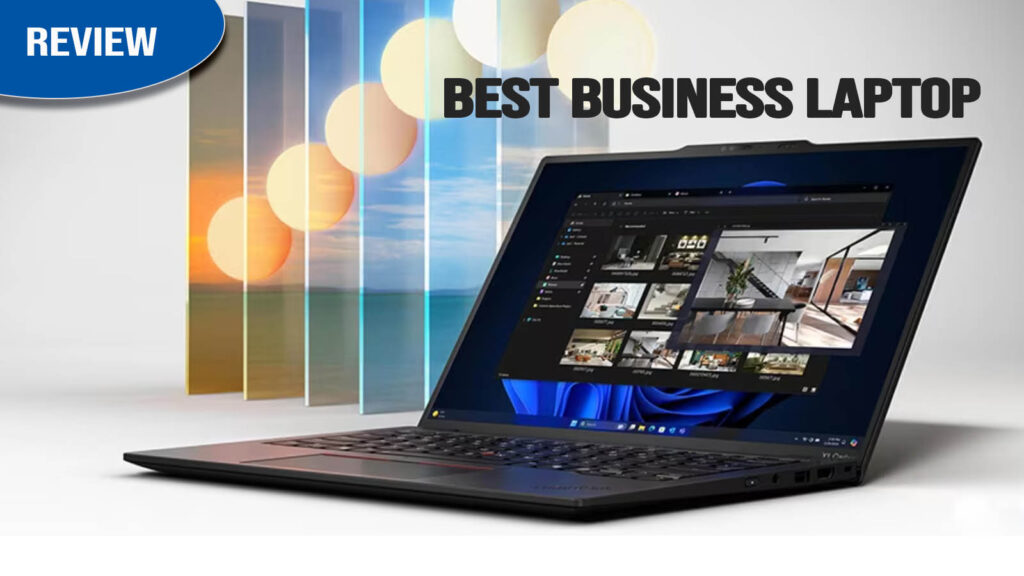
The ThinkPad X1 Carbon Gen 13 Aura Edition is a premium business ultraportable that marks a significant milestone in Lenovo’s flagship lineup. Designed for “road warriors” and executives who demand peak portability without sacrificing power, this 2026 model introduces Intel’s “Lunar Lake” architecture to the Carbon family. The “Aura Edition” branding signifies a collaboration with Intel, focusing on smarter AI-driven productivity features and a “Neural-first” approach to work.
In this review, we’ll dive into how Lenovo managed to drop the weight to an incredible 2.17 lbs while boosting battery life and performance, and whether the new AI features justify its premium price tag.
Key Specifications (Quick View)
| Feature | Details |
| Processor (CPU) | Intel Core Ultra 7 258V (Lunar Lake) |
| Graphics (GPU) | Integrated Intel Arc Graphics 140V |
| RAM | 32GB LPDDR5x-8533 (On-Package, non-upgradable) |
| Storage | 512GB to 2TB PCIe Gen 5 SSD |
| Display Size | 14-inch |
| Display Type | OLED (Anti-glare, Anti-reflection) |
| Resolution | 2.8K (2880 x 1800) |
| Refresh Rate | 120Hz |
| Battery Capacity | 57Wh with 65W Rapid Charge |
| Weight | 2.17 lbs (0.98 kg) |
| Operating System | Windows 11 Pro |
| Price Range | ~$1,899 – $2,500 |
Design & Build Quality
The Gen 13 is a feat of engineering, dropping the weight to an incredible 2.17 lbs (0.98 kg), making it the lightest X1 Carbon to date. It utilizes a recycled carbon fiber lid and a magnesium-aluminum base that feels “impossibly light” yet remains rigid and MIL-STD 810H durable. The signature matte black “soft-touch” finish is still present, though it remains a magnet for fingerprints.
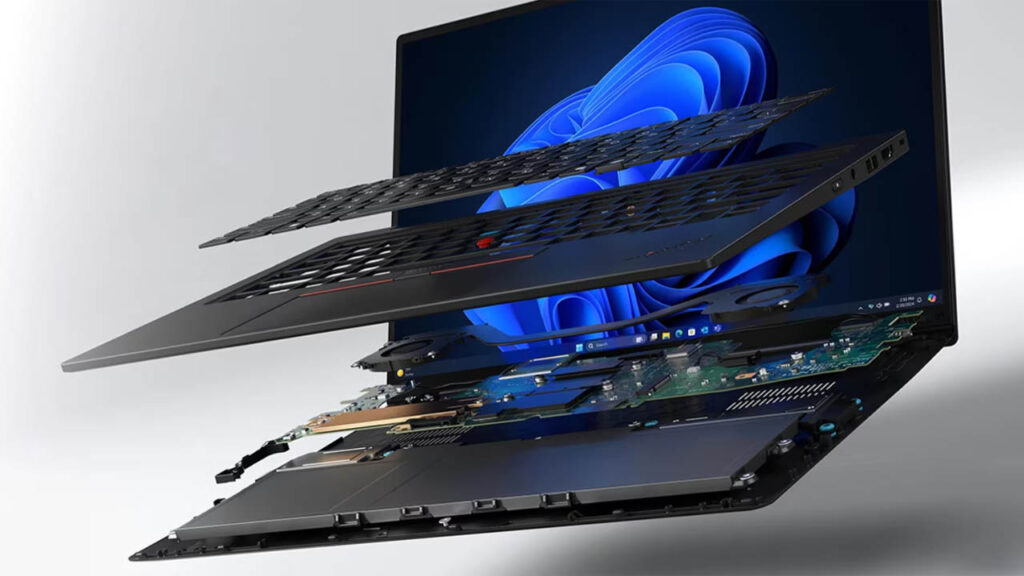
The Gen 13 is the lightest X1 Carbon ever. Lenovo has utilized a mix of carbon fiber, magnesium, and aluminum to achieve a weight of just 2.17 lbs, making it feel more like a magazine than a laptop.
- Durability: Despite its featherlight feel, it passes MIL-STD 810H testing, ensuring it survives drops and extreme temperatures.
- Finish: The signature “Black” matte finish remains, though it still tends to attract fingerprint smudges.
- Hinge: A sturdy 180-degree hinge allows the screen to lay completely flat, which is excellent for collaborative meetings.
Display Quality
The standard 2.8K (2880 x 1800) OLED panel is stunning, offering 120Hz refresh rates and 100% DCI-P3 color coverage. Expert reviews highlight the “magic” anti-glare coating, which allows the OLED to maintain deep blacks while virtually eliminating reflections—a rare win for productivity-focused OLEDs. There is also a high-brightness 500-nit IPS option for those who prefer maximum battery life over contrast.
The 2.8K OLED display is the centerpiece of the Aura Edition. With a 120Hz refresh rate, scrolling through documents feels incredibly smooth.
- Vibrancy: It covers 100% of the DCI-P3 gamut, making it suitable for color-accurate work.
- Brightness: Rated at 400 nits, it is bright enough for most office environments, though it can struggle slightly in direct, harsh sunlight compared to some 500+ nit competitors.
- Coating: The anti-glare coating is top-notch, virtually eliminating reflections without the “graininess” found on older matte screens.
Performance & Daily Usage
Powered by Intel’s “Lunar Lake” Core Ultra 7 258V, the experience is defined by “snappiness.” While it doesn’t win raw multicore races against heavy workstations, it excels in efficiency. It handles 50+ browser tabs and office multitasking with ease, and unlike previous generations, it stays remarkably cool and quiet during standard workloads due to the much-improved thermal efficiency of the new Intel architecture.
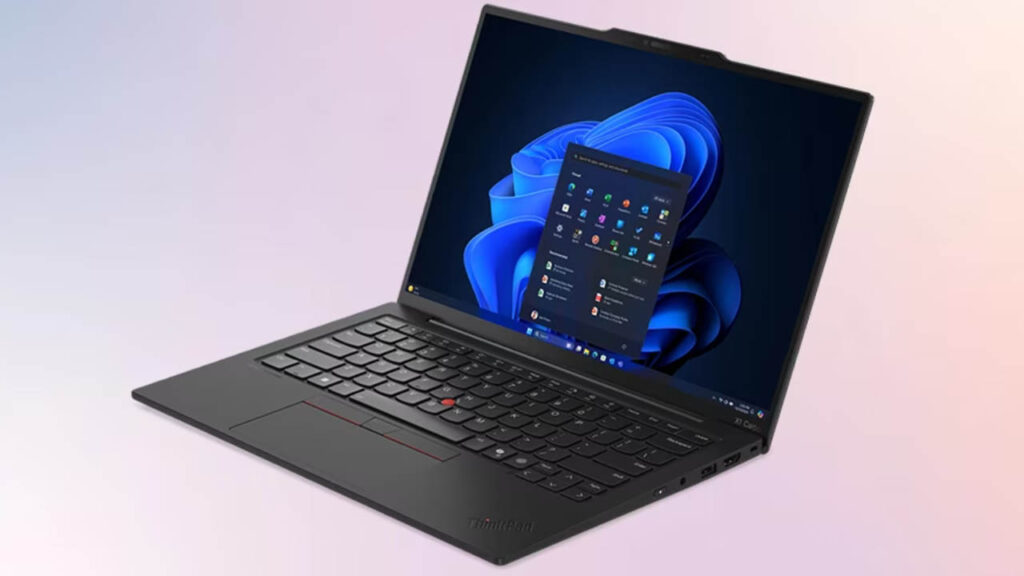
Powered by the Intel Core Ultra 7 258V, this laptop is built for efficiency and “snappiness.”
- Daily Tasks: It handles 50+ Edge tabs and simultaneous Zoom calls with zero lag.
- AI Power: The dedicated NPU (Neural Processing Unit) powers the “Aura” features, like Smart Shield (which blurs the screen if someone looks over your shoulder) and AI-enhanced video calls.
- Quiet Operation: The dual-fan system is remarkably quiet; under standard office workloads, the fans are virtually inaudible.
Keyboard & Trackpad
ThinkPad remains the gold standard for typists. The 1.5mm key travel provides a tactile, “clicky” feel that ultra-thin competitors can’t match. This generation features a haptic glass touchpad that is precise and smooth, though it still includes the iconic red TrackPoint nub for traditionalists.
ThinkPad purists will be happy: the keyboard remains best-in-class.
- Typing: The 1.5mm key travel is deep and tactile, providing a far superior experience to the MacBook Air.
- Trackpad: You get the choice of the traditional TrackPoint (red nub) or the smooth glass touchpad. In some regions, a haptic touchpad is available, which provides a satisfying, uniform click across the entire surface.
Audio & Webcam
The audio is clear and professional for calls but can sound slightly “thin” or “tinny” for movies compared to a MacBook. The webcam has been significantly improved, with some configurations featuring an 8MP sensor that delivers sharp video. The Aura Edition AI features enhance this further with auto-framing and background blur that runs efficiently on the NPU.
- Audio: Two 2W speakers with Dolby Atmos deliver clear, professional audio for calls, though they lack the deep bass of a MacBook Pro.
- Webcam: The 1080p IR camera includes a physical privacy shutter and supports Windows Hello for biometric login. The AI “Aura” features automatically enhance low-light video quality.
Battery Life & Charging
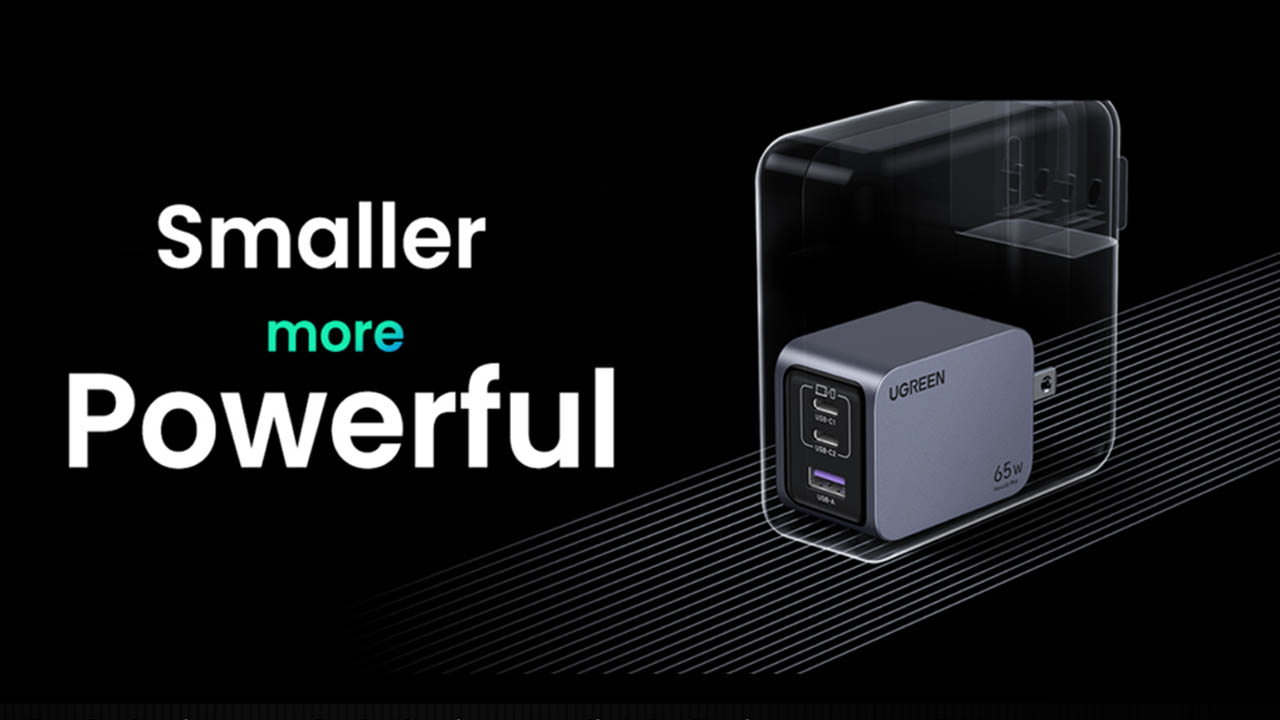
The “Lunar Lake” chip provides a massive boost over previous Intel models. In real-world productivity, users report between 11 and 16 hours of screen-on time, finally allowing it to compete with the MacBook Air for all-day endurance. The 65W GaN charger is smaller than a deck of cards and can fast-charge the device to 80% in about an hour.
The switch to Intel Lunar Lake has resulted in a “dramatic” leap in endurance.
- Screen-on Time: Expect 11–16 hours of real-world productivity, depending on your brightness and workload.
- Charging: The 65W GaN charger is compact and supports Rapid Charge, hitting 80% battery in just 60 minutes.
Ports & Connectivity
Remarkably, Lenovo kept a full port array despite the 0.56-inch thickness. You get two Thunderbolt 4 (USB-C) ports, two USB-A 3.2 ports, and a full-sized HDMI 2.1. It’s one of the only laptops in this weight class that doesn’t require a dongle for basic peripherals or projectors. Connectivity is future-proofed with Wi-Fi 7 and Bluetooth 5.4.
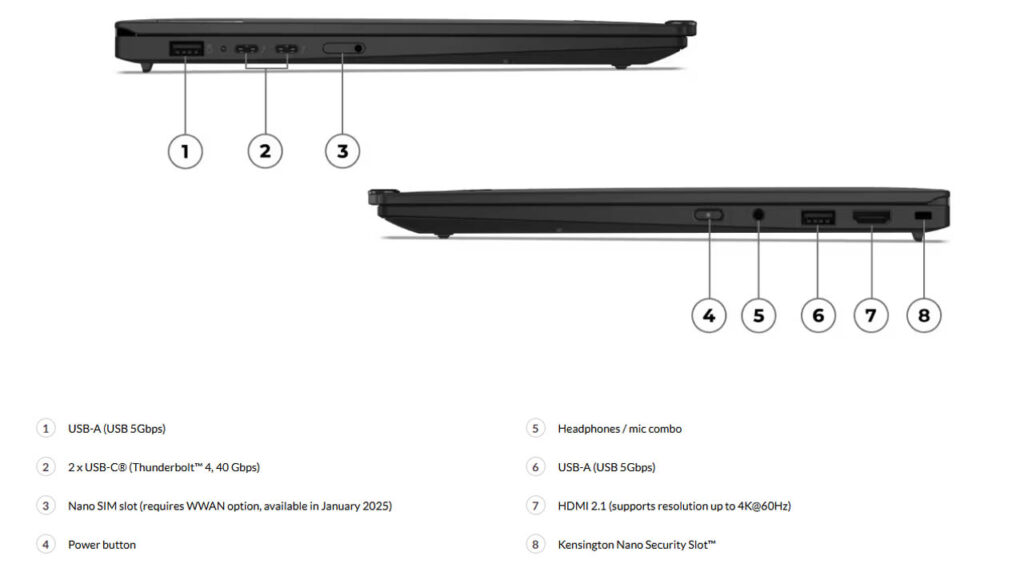
Despite its thin profile, Lenovo hasn’t cut corners on ports:
- 2x Thunderbolt 4 (USB-C)
- 2x USB-A 3.2 Gen 1 (A rarity in modern ultraportables!)
- 1x HDMI 2.1
- 1x 3.5mm Headphone Jack
- Wi-Fi 7 & Bluetooth 5.4
Software & Features
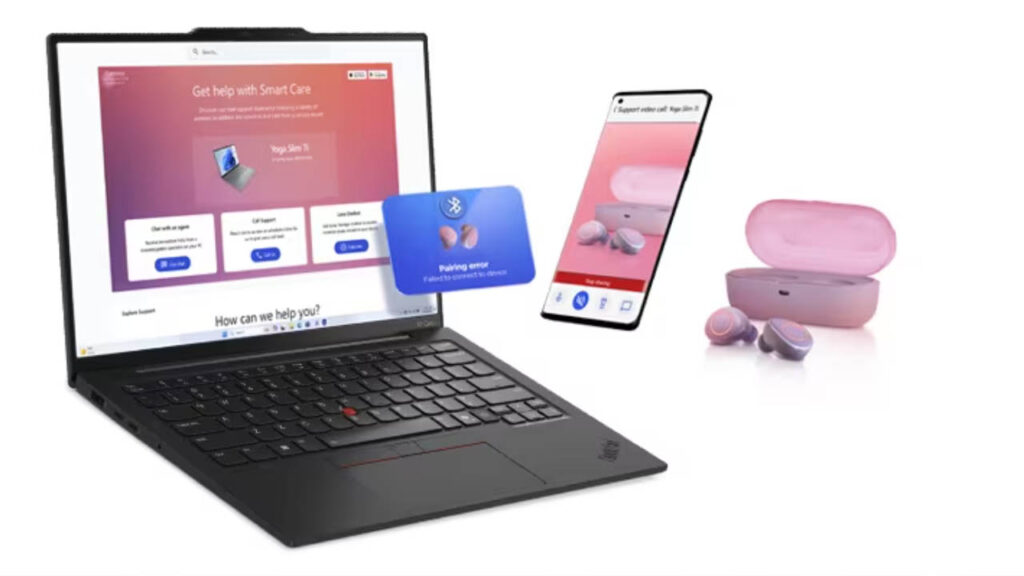
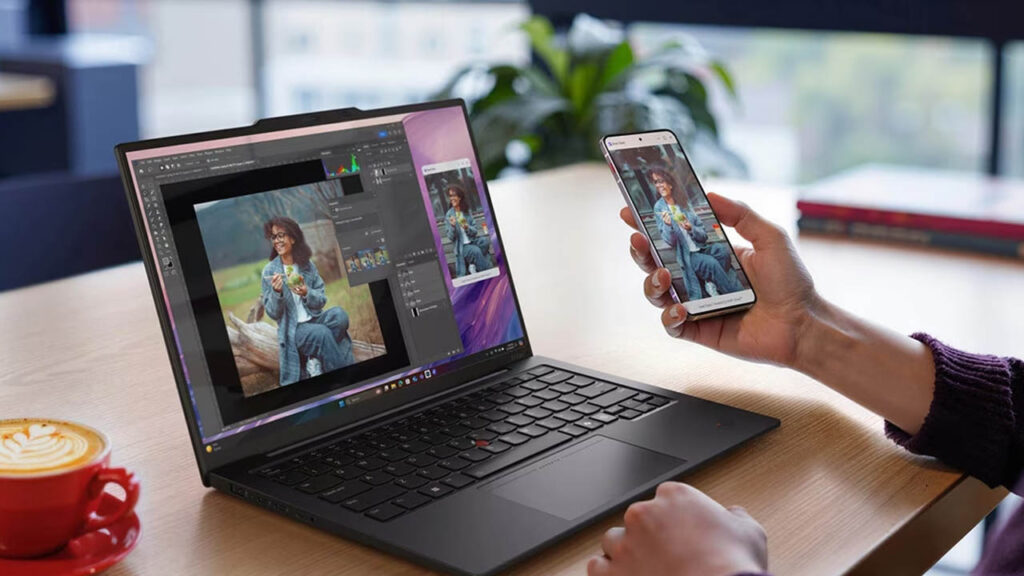
The “Aura Edition” software suite adds meaningful utility. Shield Mode automatically blurs the screen if it detects someone “shoulder surfing” behind you, and Smart Share allows you to tap your phone to the side of the screen to instantly transfer files. It is a clean Windows 11 Pro experience with minimal bloatware.
The Lenovo Aura Edition features include specialized modes:
- Attention Mode: Blocks distracting websites to help you focus.
- Wellness Features: Alerts you to correct your posture or rest your eyes.
- Smart Share: Easily tap your phone to the side of the laptop to transfer photos.
Price & Value for Money
At its current 2026 pricing, the ThinkPad X1 Carbon Gen 13 Aura Edition offers premium value. You are paying for the engineering required to make a laptop this light without breaking. If you value ports and the ThinkPad keyboard above all else, it is worth every penny.
2026 Premium Business & Ultraportable Comparison
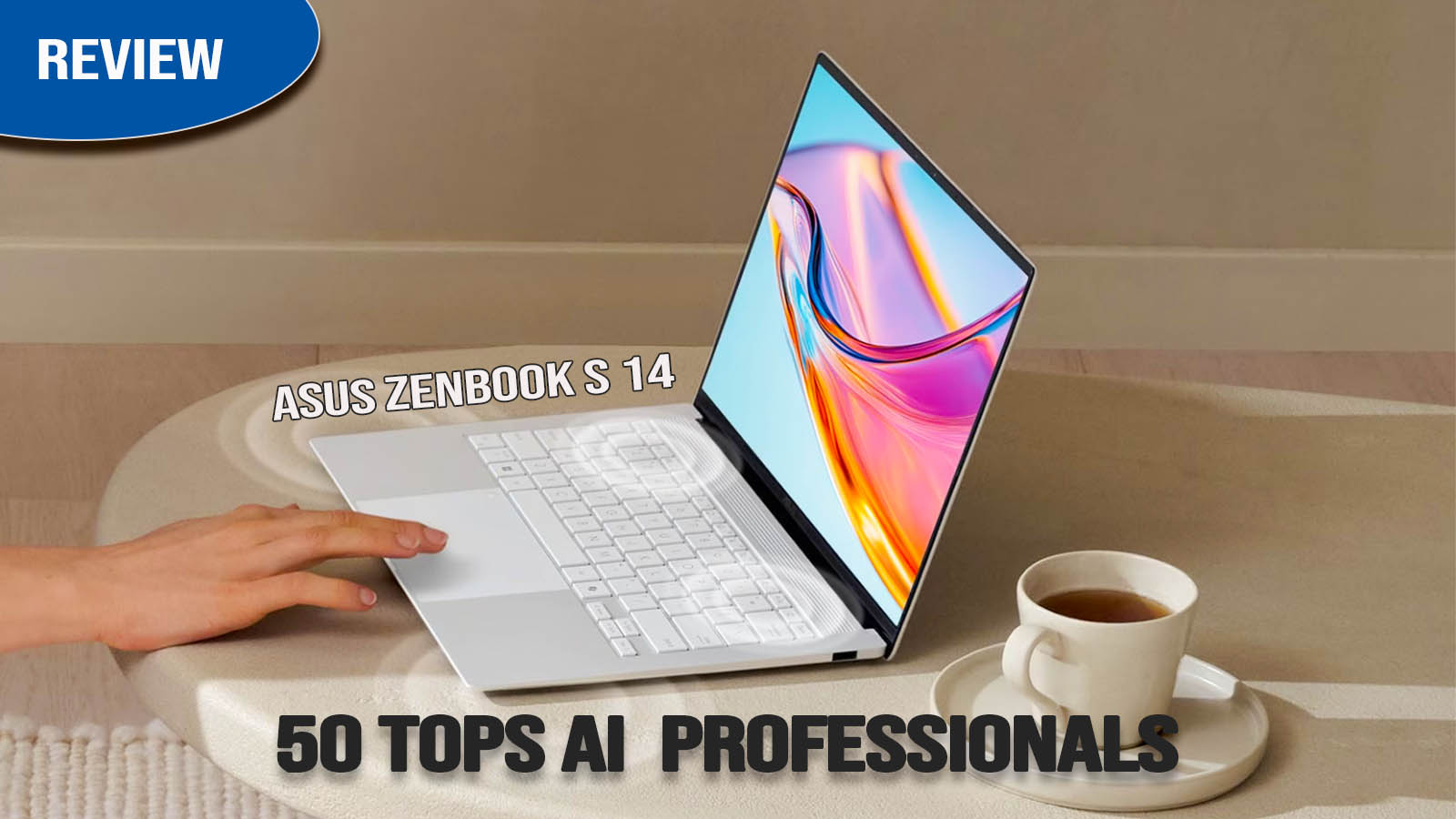
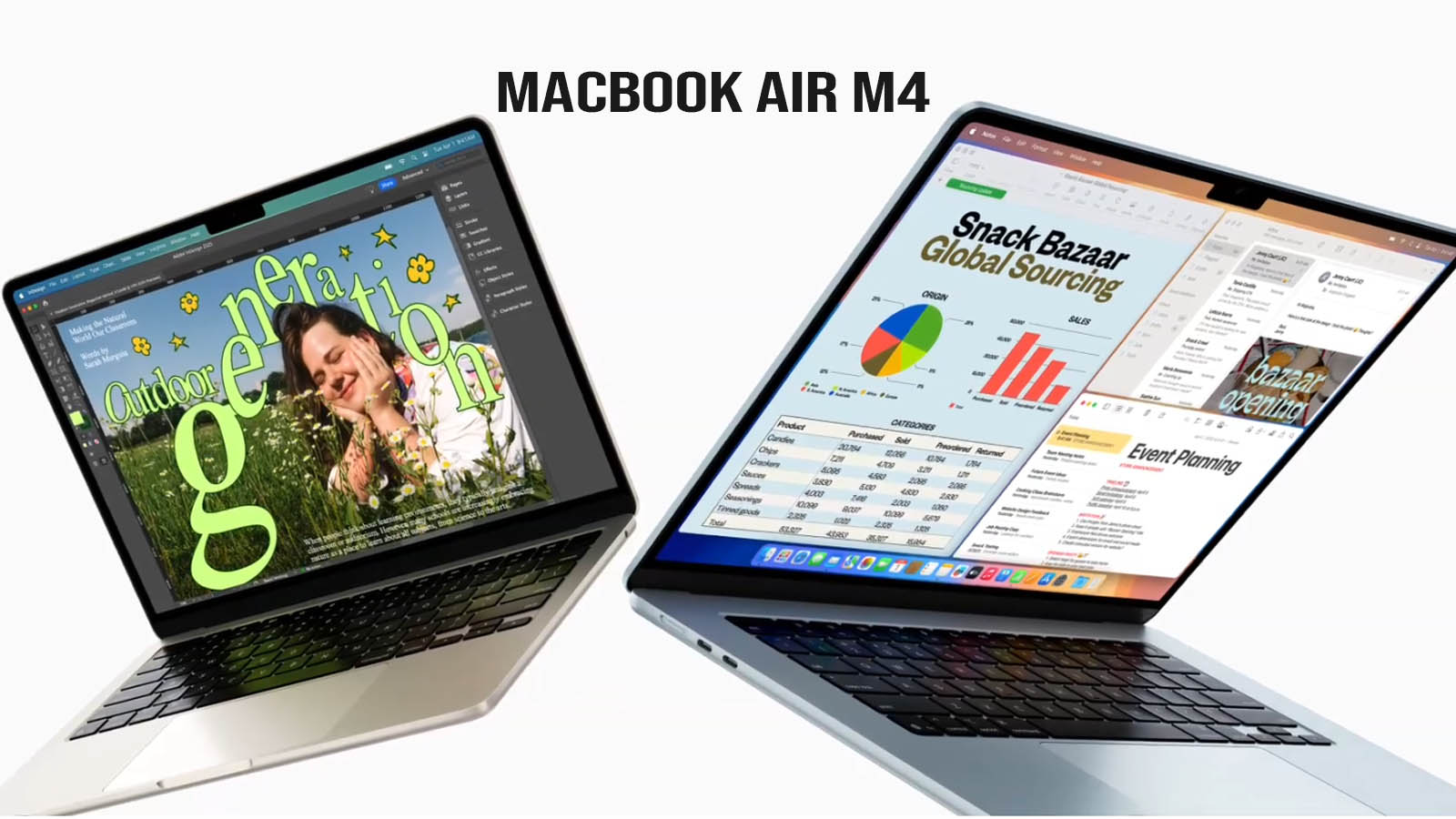
| Feature | ThinkPad X1 Carbon Gen 13 | MacBook Air M4 | Dell XPS 13 (2026) | ASUS Zenbook S 14 | HP EliteBook X G1a |
| Processor | Intel Core Ultra 7 258V | Apple M4 (10-Core) | Intel Core Ultra 7 / Snapdragon | Intel Core Ultra 7 258V | AMD Ryzen AI 9 HX |
| Weight | 2.17 lbs (0.98 kg) | 2.7 lbs | 2.6 lbs | 2.6 lbs | 3.2 lbs |
| Display | 14″ 2.8K OLED | 13.6″ Liquid Retina | 13.4″ Tandem OLED | 14″ 3K OLED | 14″ 2.8K OLED |
| Refresh Rate | 120Hz | 60Hz | 120Hz | 120Hz | 120Hz |
| RAM (Standard) | 32GB LPDDR5x | 16GB Unified | 16GB LPDDR5x | 32GB LPDDR5x | 32GB LPDDR5x |
| Battery Life | ~18-20 Hours | ~18 Hours | ~22+ Hours | ~14 Hours | ~15 Hours |
| Ports | 2x TB4, 2x USB-A, HDMI | 2x USB4, MagSafe | 2x TB4 | 2x TB4, 1x USB-A, HDMI | 2x TB4, 1x USB-A, HDMI |
| Keyboard | Industry Best (1.5mm) | Excellent (1.0mm) | Capacitive Touch Row | Shallow Chiclet | Solid Business Class |
| Build Material | Carbon Fiber/Magnesium | Aluminum | Aluminum/Glass | Ceraluminum | Magnesium/Aluminum |
| Starting Price | ~$1,899 | $999 | $1,099 | $1,399 | $1,699 |
Key Comparison Insights
- The Portability Champion: The ThinkPad X1 Carbon Gen 13 is the clear winner for weight. At 2.17 lbs, it is significantly lighter than the MacBook Air and the XPS 13, making it the best choice for frequent travelers.
- Port Selection: Unlike the MacBook Air or Dell XPS 13 (which require dongles for almost everything), the ThinkPad and HP EliteBook maintain “Legacy Support” with built-in USB-A and HDMI ports, which are still crucial for business presentations.
- Performance vs. Efficiency: The HP EliteBook X G1a with its AMD Ryzen AI 9 chip generally wins on raw multi-core power, but the ThinkPad’s Intel “Lunar Lake” chip is optimized for silence and battery efficiency, staying much cooler during long Zoom calls.
- Display Tech: While the MacBook Air is still using 60Hz IPS tech in 2026, the entire Windows field has moved to 120Hz OLED. The Dell XPS 13 specifically uses a “Tandem OLED” which is brighter and more durable than standard OLED panels.
- RAM Value: Lenovo and ASUS now bundle 32GB of RAM as the baseline for these specific high-end models, whereas Apple and Dell still start at 16GB for their entry-level configurations.
Pros and Cons
Pros
- Mind-blowing portability (under 1kg).
- Excellent 120Hz OLED display.
- Full selection of ports (including USB-A and HDMI).
- Class-leading keyboard.
Cons
- Very expensive at launch.
- Memory (RAM) is not upgradable.
- Fingerprint-prone exterior.
Who Should Buy This Laptop?
Best for:
- Executives & Business Travelers: Who need the lightest possible machine for constant travel.
- Writers & Coders: Who prioritize the industry’s best typing experience.
- Privacy-Conscious Users: Who benefit from the advanced AI security features.
Not ideal for:
- Video Editors: Who need more multicore power (the MacBook Pro or ThinkPad P-series are better for heavy rendering).
- Budget Seekers: You are paying a heavy “premium” for the X1 brand and materials.
Final Verdict
Overall, the ThinkPad X1 Carbon Gen 13 Aura Edition is a masterpiece of business engineering. By combining a featherlight chassis with Intel’s most efficient chip to date, Lenovo has created a laptop that is as powerful as it is portable. It is the ultimate tool for the modern professional.
- Choose the ThinkPad X1 Carbon if you want the best keyboard and the lightest possible 14-inch frame.
- Choose the MacBook Air M5 if you want the best “bang for your buck” and a fanless, silent machine.
- Choose the Dell XPS 13 if you want the most futuristic design and the longest battery life on the Windows side.
- Choose the HP EliteBook if you need a “Workhorse” with the highest possible processing power for heavy multitasking.
FAQs
Is ThinkPad X1 Carbon Gen 13 good for students?
Yes, but it’s likely overkill. Most students would be better served by a more affordable ThinkPad T-series or MacBook Air unless they specifically want the X1’s ultra-light weight.
Can ThinkPad X1 Carbon Gen 13 handle gaming?
It can handle casual titles (Minecraft, Valorant) and some older AAA games on low/medium settings, but it is not a gaming machine.
How long does the battery last?
In real-world use, expect 12-14 hours.
Does ThinkPad X1 Carbon Gen 13 have a backlit keyboard?
Yes, it features the standard ThinkPad white-backlit keyboard with two levels of brightness.
Disclaimer
This review is based on current product specifications, brand information, and user feedback available in 2026. Actual performance may vary depending on usage and software updates.