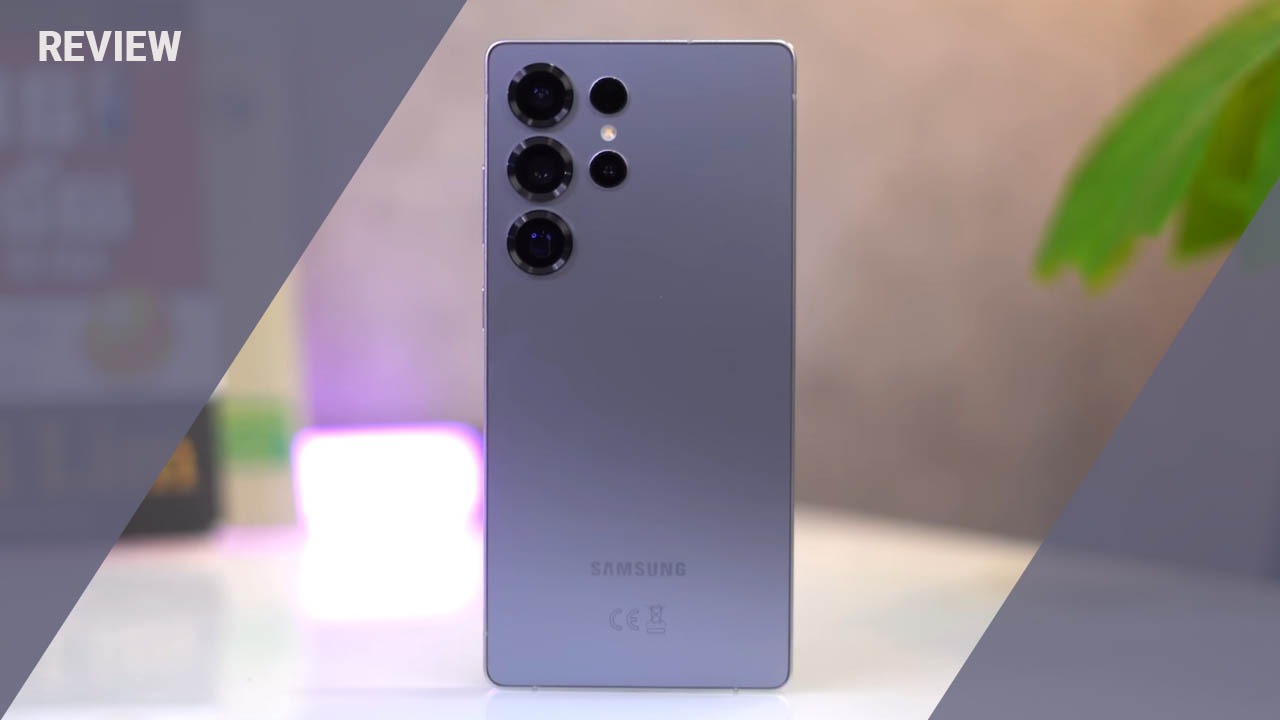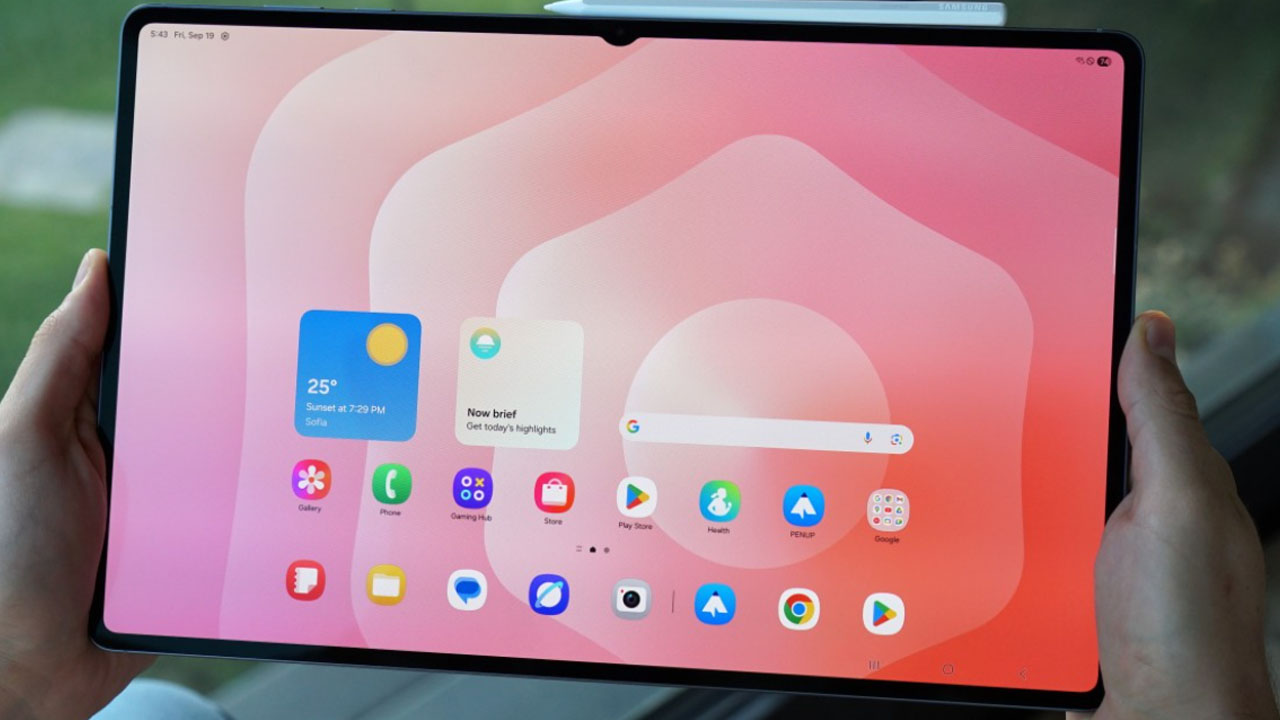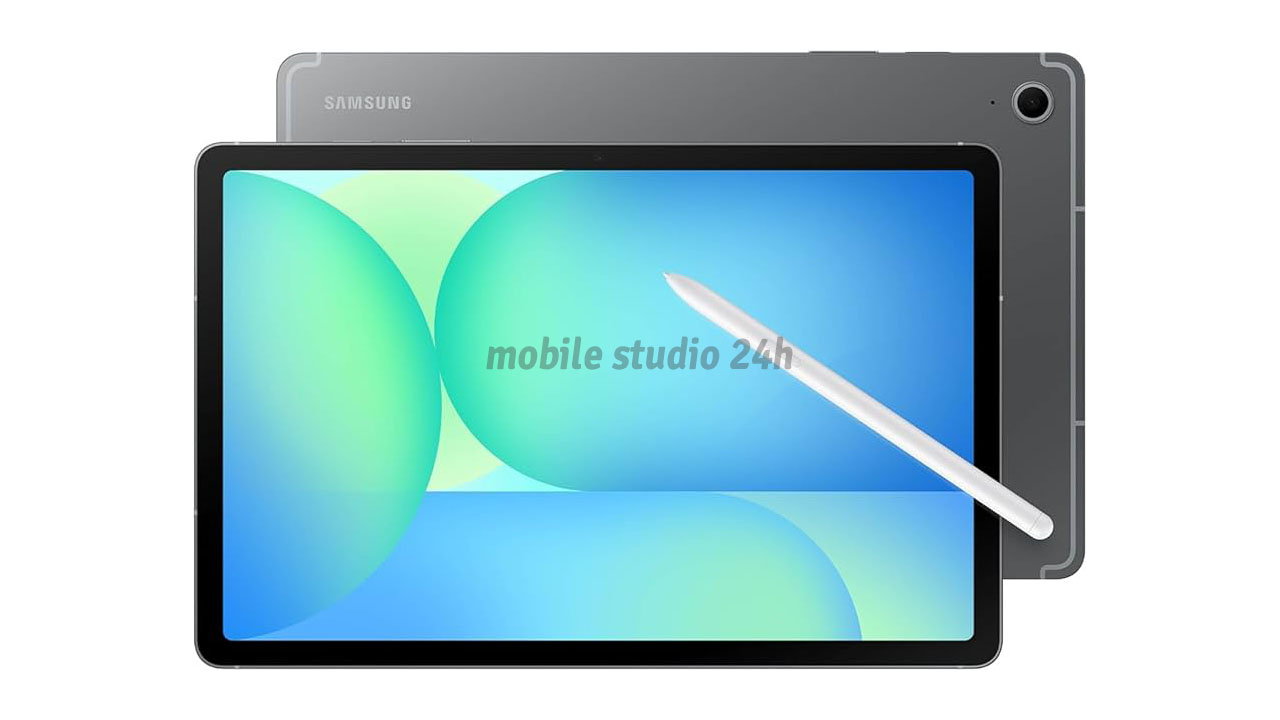
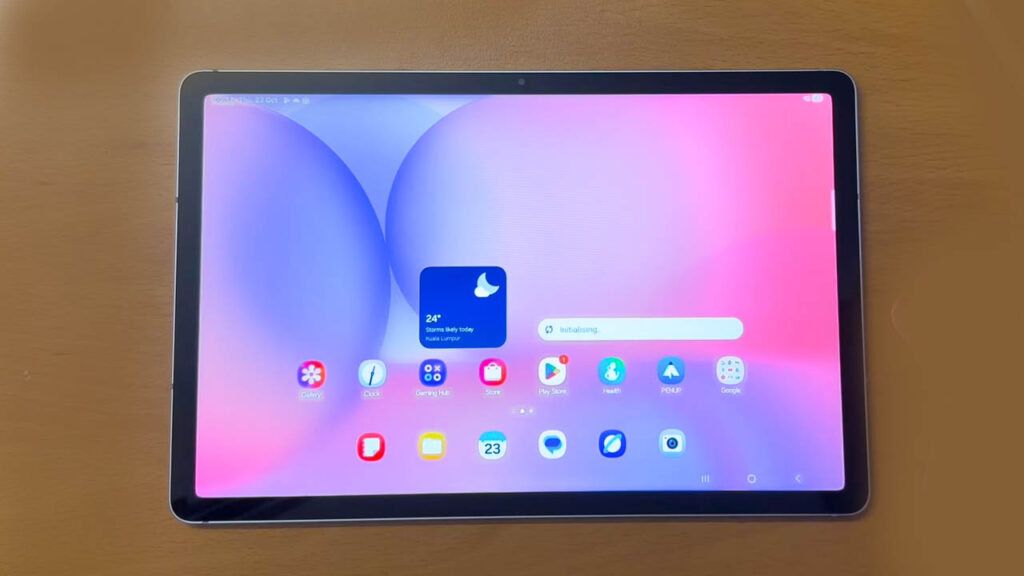
The Samsung Galaxy Tab S10 Lite is a mid-range Android tablet specifically designed for students, digital note-takers, and budget-conscious professionals who want the premium Samsung ecosystem experience without the flagship price tag. Positioned as a direct competitor to the base-model iPad, this tablet focuses on providing high-quality handwriting tools and seamless multitasking.
In this comprehensive review, we will explore its sleek design, the responsiveness of the included S Pen, real-world performance benchmarks, and long-term battery endurance. Whether you are a university student highlighting endless PDFs or a casual user looking for a reliable media machine, this deep dive into the Tab S10 Lite’s specifications and daily usability will help you decide if it is the right investment for your digital toolkit in 2026.
Key Specifications
- Display: 10.9-inch TFT LCD
- Resolution: 2000 x 1200 pixels (WUXGA+)
- Refresh Rate: 90Hz
- Processor: Samsung Exynos 1380 (5nm)
- RAM & Storage: 6GB/8GB RAM | 128GB/256GB (Expandable up to 1TB)
- Rear Camera: 8MP (Auto-Focus)
- Front Camera: 5MP (Landscape Oriented)
- Battery: 7,040 mAh | 15W Charging Support
- Connectivity: Wi-Fi 6, Bluetooth 5.3, Optional 5G
- Operating System: Android 15 with One UI 7.1
- Price Range: $329 – $379 (Market dependent)
Design & Build Quality
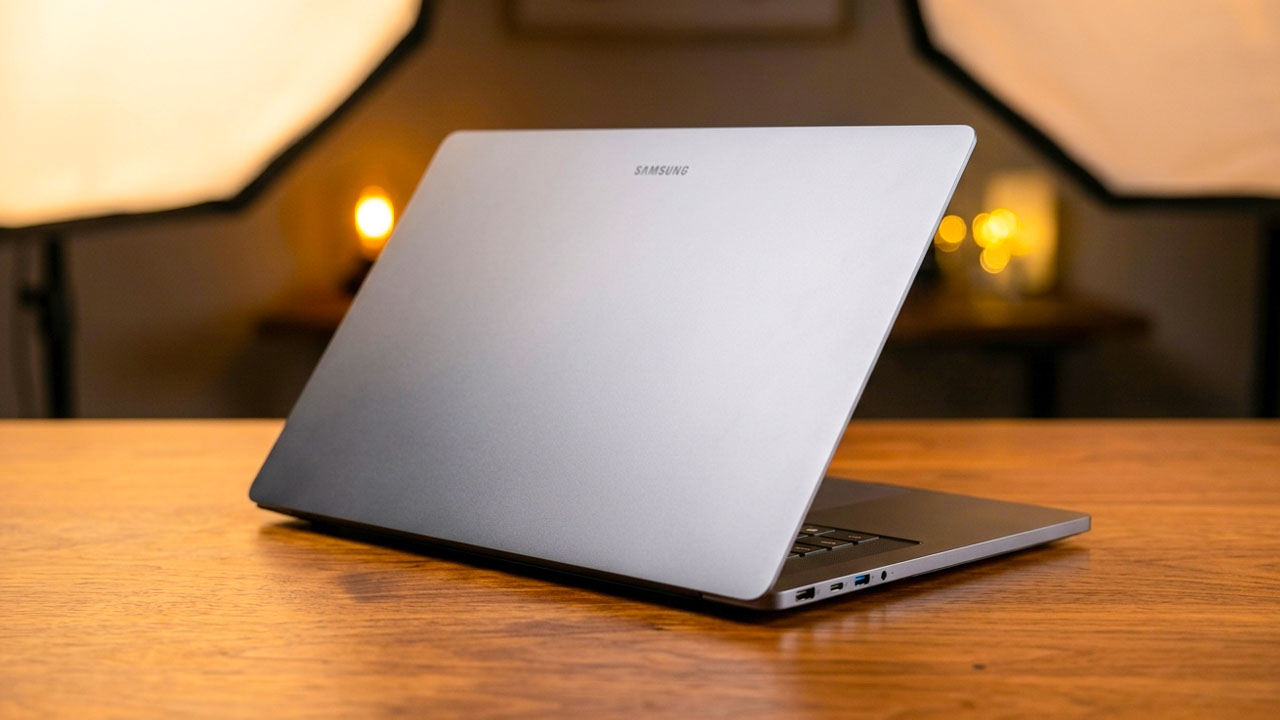
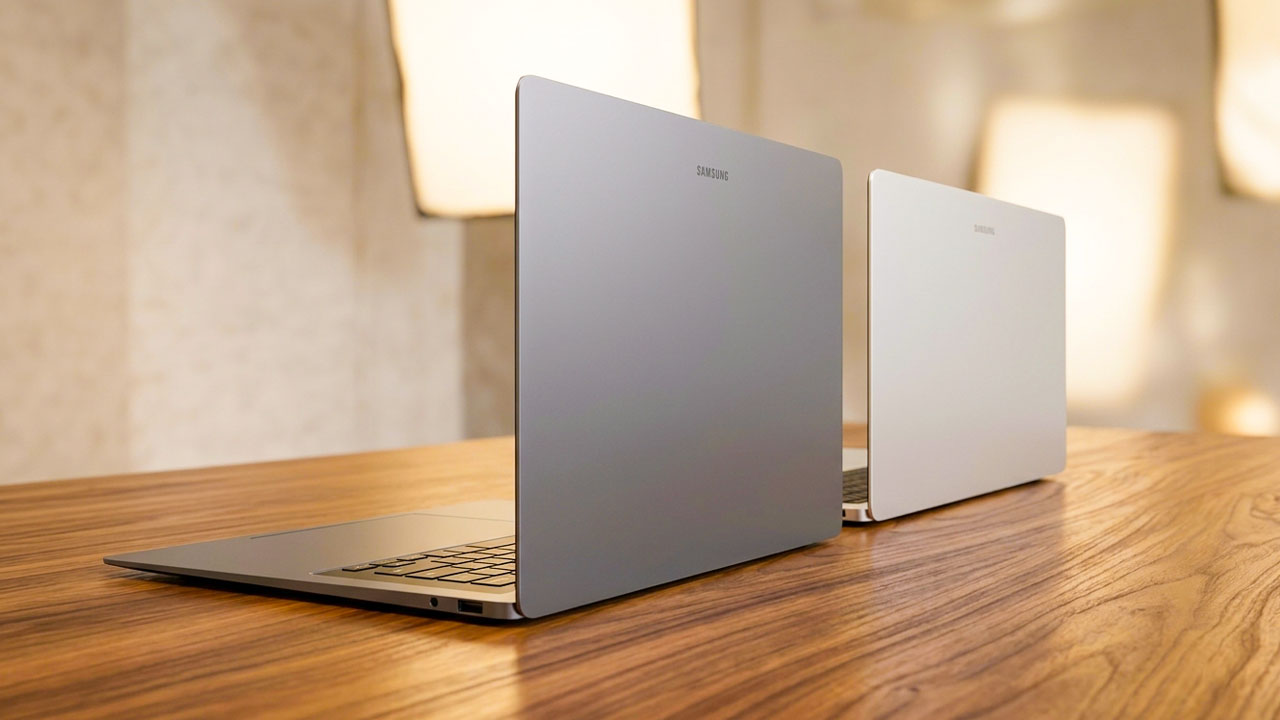
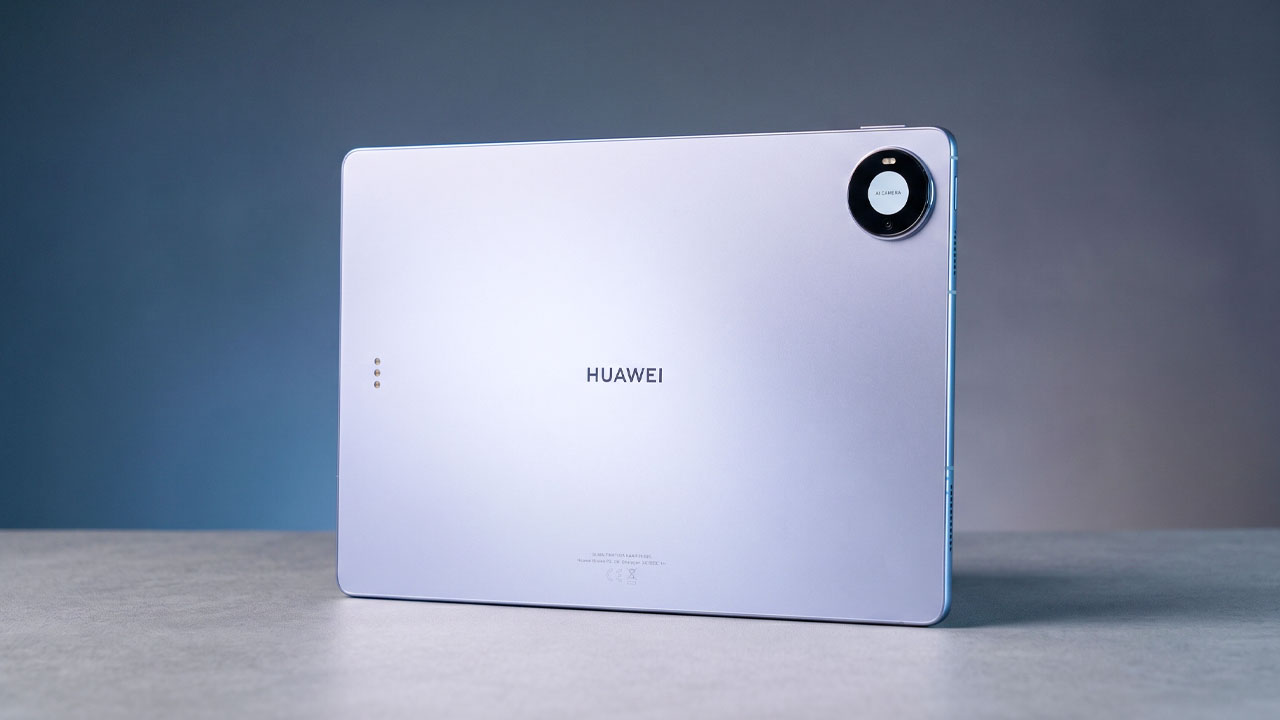
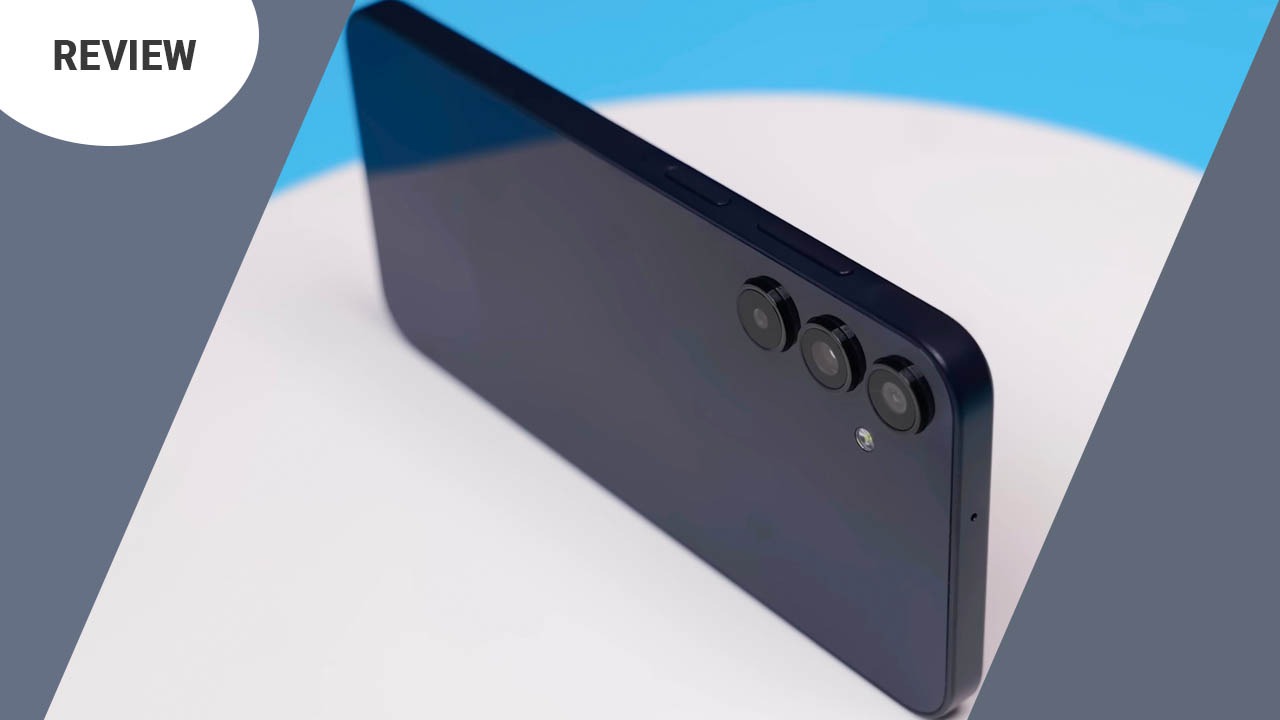
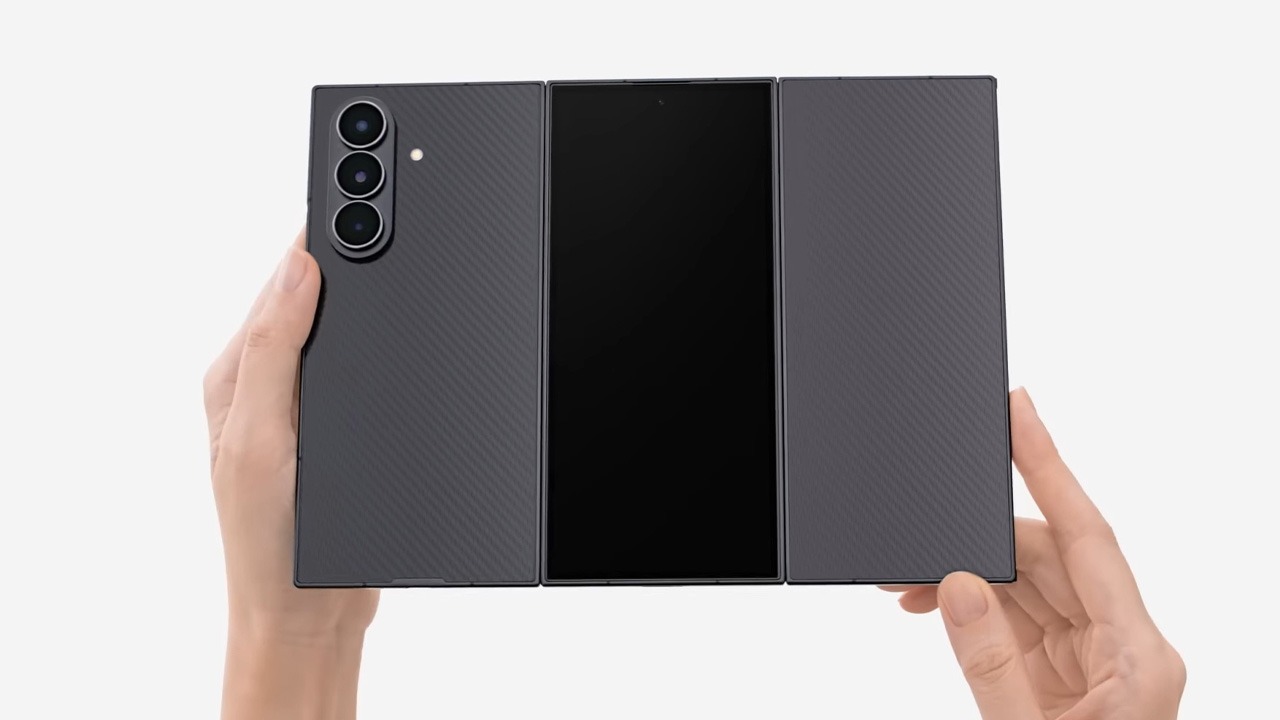
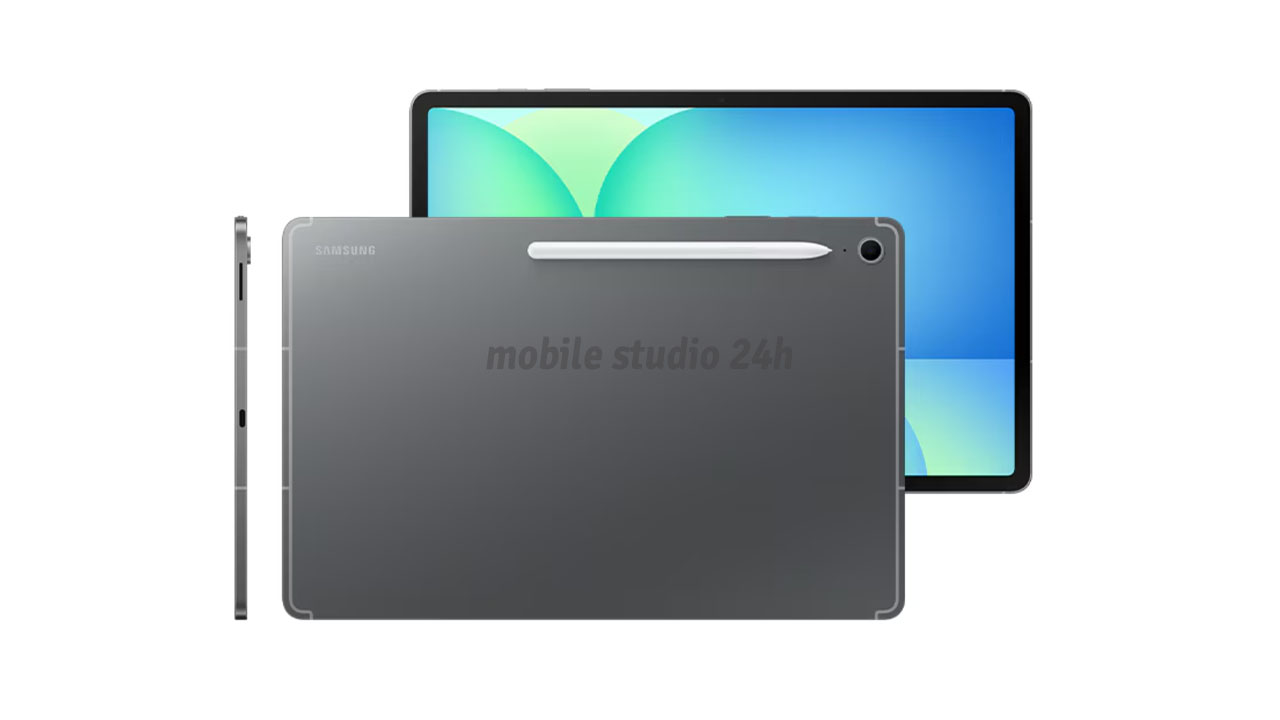
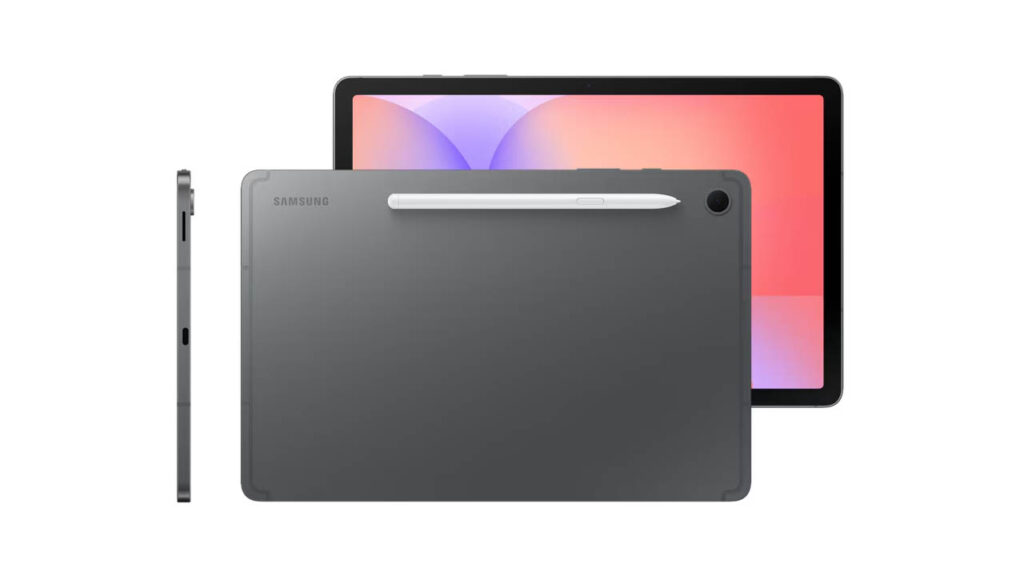
The Tab S10 Lite follows Samsung’s modern design language with a slim, all-aluminum chassis that feels much more expensive than its price suggests. At only 7mm thick and weighing roughly 465g, it is incredibly portable and comfortable to hold for long study sessions.
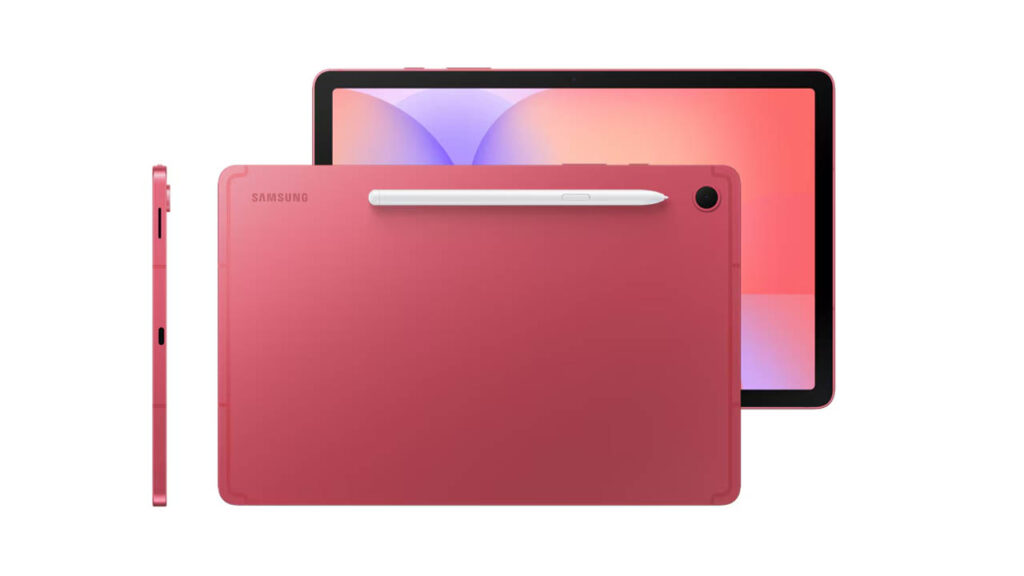
The button placement is intuitive, with the power and volume rockers on the top right (in portrait), and the dual speakers tuned by AKG located on the sides for a balanced stereo effect. The back features a magnetic strip to hold the S Pen, and while the bezels are thick enough to prevent accidental touches, they look modern and symmetrical.
Display Quality
The 10.9-inch screen provides a sharp and vibrant viewing experience. While it uses an LCD panel instead of the premium AMOLED found on the “S11” series, the color accuracy is impressive. The 90Hz refresh rate is a major upgrade for this price point, making scrolling through long web pages and handwriting feel significantly smoother.
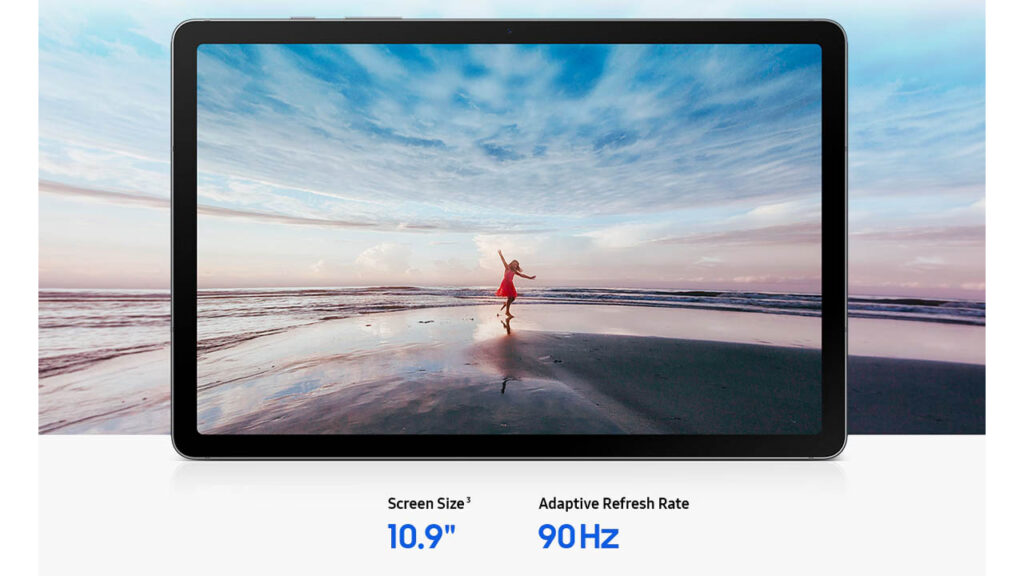
Outdoor visibility is decent with a peak brightness of around 480 nits. While it might struggle under direct, harsh sunlight, it performs beautifully in classrooms, libraries, and home environments.
Performance & Daily Usage
Powered by the Exynos 1380 chipset, the Tab S10 Lite is a productivity workhorse. In daily usage, app opening speeds are snappy, and the 6GB of RAM handles split-screen multitasking—such as having a YouTube lecture open alongside a note-taking app—without any noticeable lag.
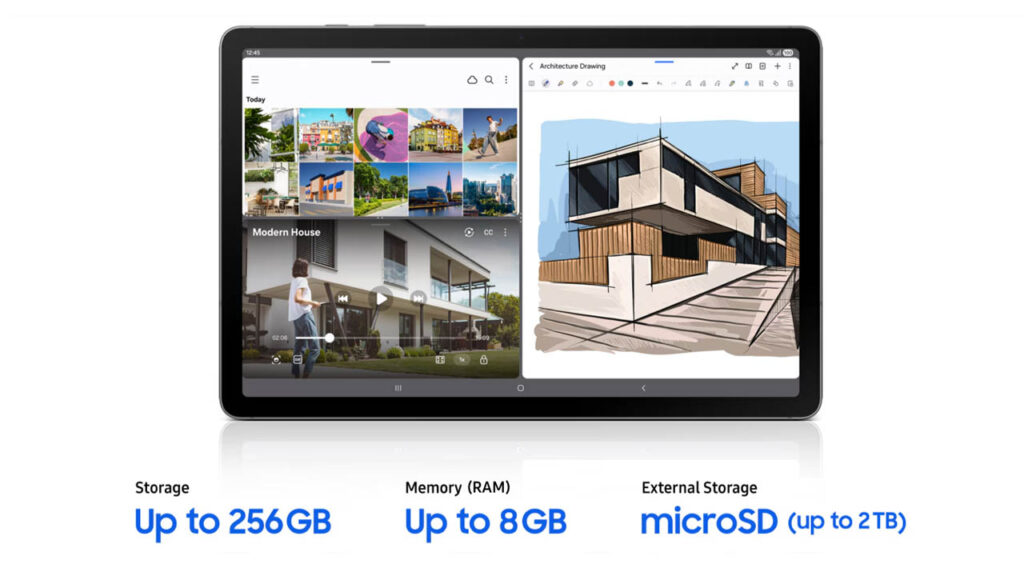
Samsung’s One UI 7.1 is highly optimized here. Features like the “Taskbar” allow you to switch between apps instantly, mimicking a desktop experience. During a full day of browsing and document editing, the device remains cool to the touch with zero thermal throttling.
Gaming Performance
The Tab S10 Lite is built for “Casual to Mid-tier” gaming.

- Casual Gaming: Titles like Subway Surfers or Among Us run flawlessly at maximum settings.
- Heavy Gaming: In more demanding games like Genshin Impact or PUBG Mobile, the tablet runs best on Medium settings. At these levels, you can expect a stable 45–60 FPS.
- Heating: After 30 minutes of heavy gaming, there is a slight warmth near the camera module, but it never becomes uncomfortable.
Camera Performance
The Samsung Galaxy Tab S10 Lite features a practical camera setup tailored for students. The 8MP rear camera excels at document scanning and capturing clear whiteboard notes in daylight. Meanwhile, the landscape-oriented 5MP front camera is perfectly positioned for natural-looking video calls during online lectures and study sessions.
- Daylight Photos: The 8MP rear camera is perfect for scanning documents or taking quick snaps of a whiteboard. Colors are natural, and the text is sharp.
- Low-Light: Performance drops significantly in the dark, with noticeable grain, but this is expected for a budget tablet.
- Front Camera: The 5MP front camera is specifically placed on the long edge (landscape). This is a huge benefit for Zoom and Microsoft Teams calls, as it makes your eye contact look natural.
Battery Life & Charging
The 7,040 mAh battery is one of the tablet’s strongest features. On a single charge, you can expect roughly 10 to 12 hours of screen-on time, which easily covers a full day of classes and evening entertainment.

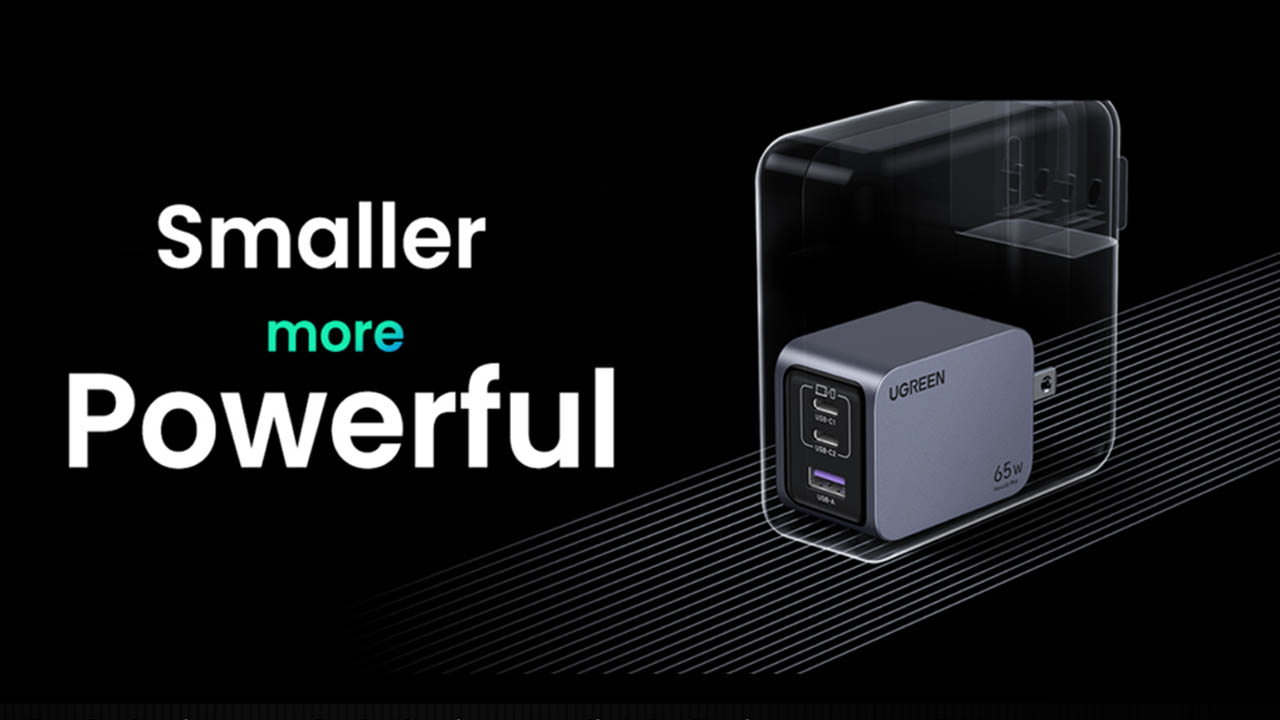
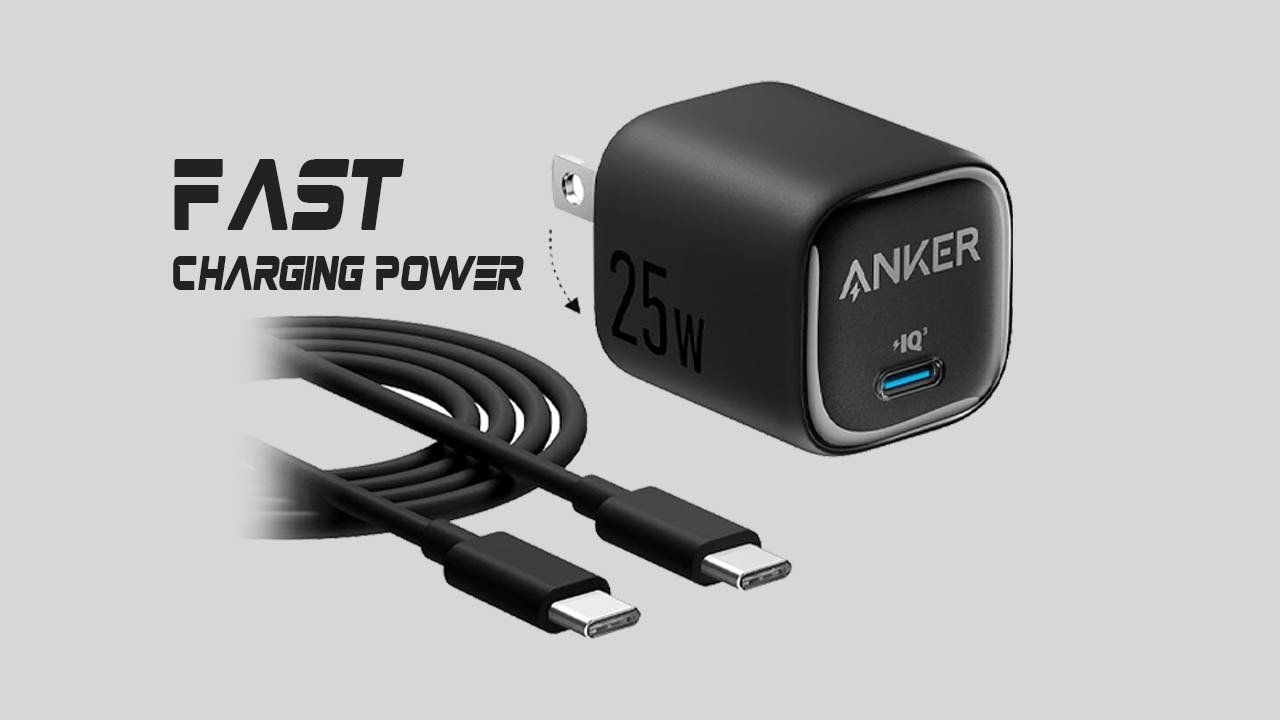
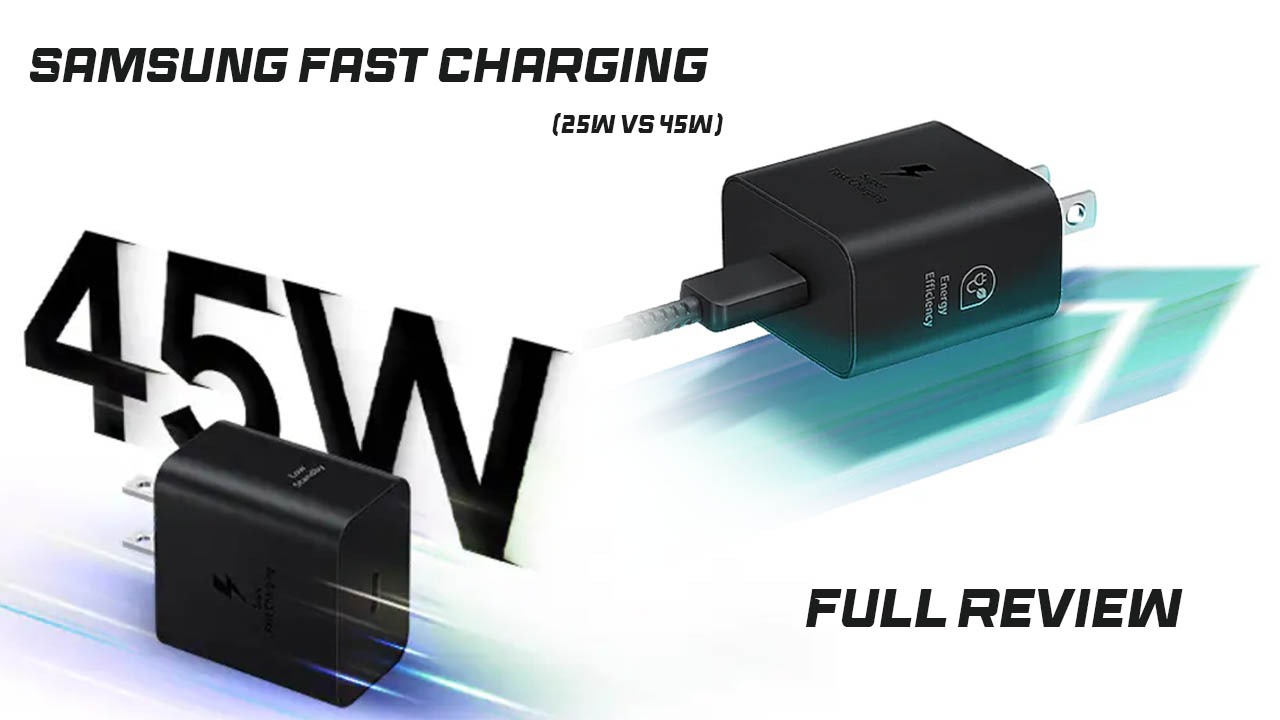
The charging speed is the only area where the device feels “Lite.” It supports 15W charging, which takes about 2.5 hours to reach 100%. Note that in 2026, Samsung typically does not include a wall adapter in the box, only a USB-C to USB-C cable.
Connectivity & Features
- S Pen: The star of the show. It is included in the box, requires no battery for writing, and offers a “pen-on-paper” feel that is superior to the Apple Pencil.
- Biometrics: It uses Face Unlock, which is fast in well-lit rooms but lacks a fingerprint sensor.
- Software: Samsung promises 4 years of OS updates, ensuring this tablet remains secure through a standard undergraduate degree.
- Special Features: Includes Samsung DeX (On-Device), allowing you to use the tablet like a PC when connected to a keyboard.
Pros and Cons
Pros:
- ✅ S Pen Included: Saves you roughly $100 compared to competitors.
- ✅ 7-Year Software Support: Incredible long-term value.
- ✅ Premium Build: Sleek, lightweight metal design.
- ✅ Expandable Storage: Up to 2TB via MicroSD.
Cons:
- ❌ No Fingerprint Sensor: Relies on Face Unlock or PIN.
- ❌ LCD Display: Not as vibrant as AMOLED panels.
- ❌ Average Processor: Not ideal for professional video editing or heavy gaming.
Who Should Buy This Tablet?
- Best For: University and school students who need a reliable, long-lasting device for note-taking and research.
- Avoid It If: You are a professional gamer or a high-end video editor who needs maximum processing power.
2026 Mid-Range Tablet Comparison
| Feature | Tab S10 Lite | Tab S10 FE | Galaxy Tab S10+ | iPad (11th Gen) |
| Display | 10.9″ LCD (90Hz) | 10.9″ LCD (90Hz) | 12.4″ AMOLED (120Hz) | 10.9″ Liquid Retina |
| Processor | Exynos 1380 | Exynos 1580 | Dimensity 9300+ | Apple A16 Bionic |
| RAM | 6GB / 8GB | 8GB / 12GB | 12GB | 6GB |
| Storage | 128GB (SD Slot) | 128GB (SD Slot) | 256GB+ (SD Slot) | 128GB (No Slot) |
| Stylus | S Pen Included | S Pen Included | S Pen Included | Apple Pencil (Sold Sep.) |
| IP Rating | None | IP68 (Waterproof) | IP68 (Waterproof) | None |
| Battery | 8,000 mAh | 8,000 mAh | 10,090 mAh | ~8,500 mAh |
| Charging | 25W | 45W | 45W | 20W |
| Price (Est.) | $350 | $449 | $999 | $349 |
Quick Breakdown
1. Galaxy Tab S10 Lite (The Budget King)
- Best For: Students on a strict budget who primarily need to take notes and read.
- Why choose it: It is the cheapest way to get a high-quality stylus (S Pen) included in the box.
2. Galaxy Tab S10 FE (The Balanced All-Rounder)
- Best For: Users who want a bit more “future-proofing” and durability.
- Why choose it: It features a significantly faster Exynos 1580 chip and is IP68 water-resistant, making it safer for use in coffee shops or outdoor environments.
3. Galaxy Tab S10+ (The Professional Choice)
- Best For: Power users, artists, and those who want the best media experience.
- Why choose it: The AMOLED screen offers “perfect” blacks and much better colors for movies and design work. It is much larger and faster, but also much more expensive.
4. iPad 11th Gen (The Reliable Alternative)
- Best For: Those who prefer the Apple ecosystem or specific apps like Procreate.
- Why choose it: The A16 chip is incredibly powerful for gaming and video editing. However, remember that you have to buy the Apple Pencil separately, which adds about $79–$99 to the total cost.
Price & Value for Money
At its current price of $299 – $349, the Samsung Galaxy Tab S10 Lite offers exceptional value for money, especially for users who prioritize handwriting and long-term software support. Getting a high-quality stylus included in the box makes it significantly cheaper than the entry-level iPad.
Final Verdict
Overall, the Samsung Galaxy Tab S10 Lite offers a polished and reliable experience for its price. While it cuts some corners with an LCD screen and a mid-range chip, the inclusion of the S Pen and 7 years of updates make it the smartest choice for students in 2026.
For a student tablet, the cameras on the Tab S10 Lite are exactly what they need to be: functional and reliable. It skips the expensive high-megapixel sensors found on the Ultra models to keep the price low, while focusing the quality on the front-facing camera for the best possible online learning experience.
Personal Opinion: Don’t expect to take your next vacation photos with this, but for scanning homework and attending online lectures, it is one of the best-positioned cameras in the mid-range market.
FAQs
1. Is the Samsung Tab S10 Lite good for gaming?
It is excellent for casual games, but heavy titles should be played on medium settings to avoid frame drops.
2. Does it come with the S Pen?
Yes! One of its biggest selling points is that the S Pen is included in the box at no extra cost.
3. Is it better than an iPad for students?
If you value an included stylus and expandable storage, the S10 Lite is a better value. If you need specific Pro apps like Procreate, the iPad remains the leader.
4. How long does the battery last?
You can expect around 14–16 hours of mixed usage, comfortably lasting a full school day.
Disclaimer
Disclaimer: This review is based on current 2026 research, official specifications, and user feedback. Actual performance may vary depending on individual usage and future software updates.