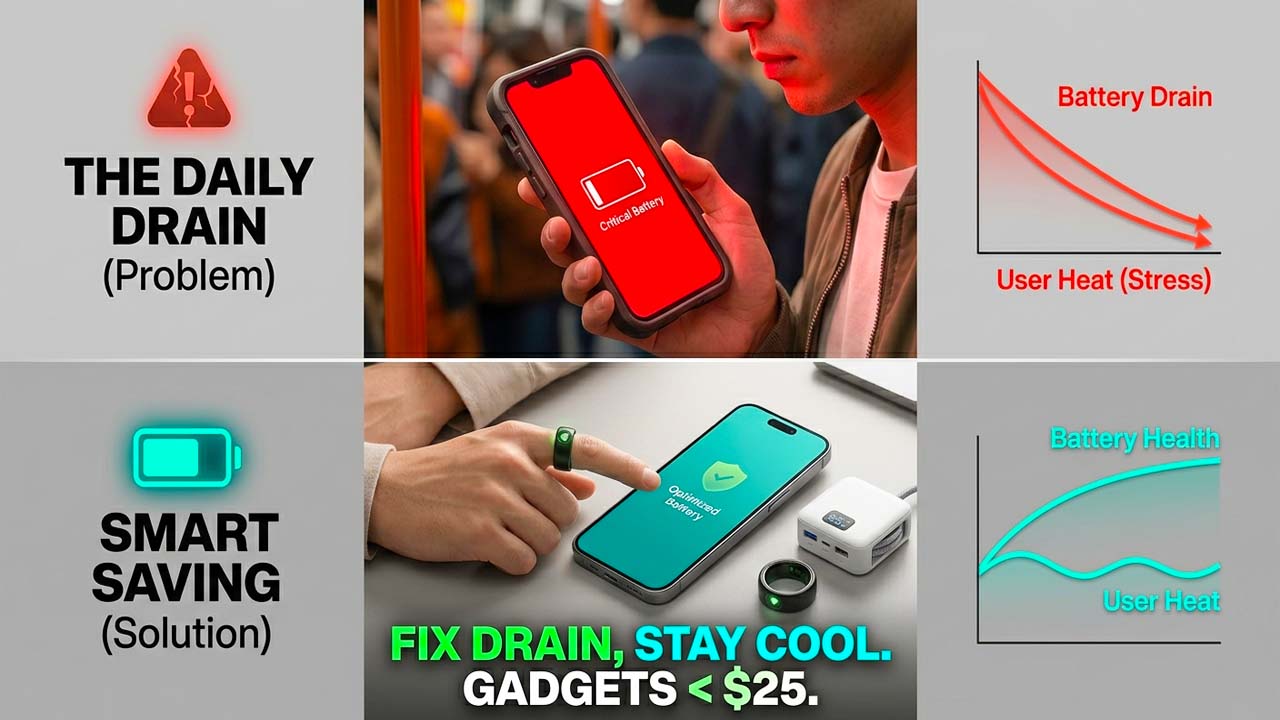

For most of us, our nighttime routine follows a familiar script: brush our teeth, set the morning alarm, plug the smartphone into its charger, and drift off to sleep. It feels logical. By leaving the phone connected for seven or eight hours, we guarantee that we will wake up to a pristine, 100% fully charged battery ready to tackle a busy day of navigating, messaging, and working.
However, this convenient habit is slowly killing your device.
While it feels satisfying to see that three-digit charge icon in the morning, keeping your smartphone plugged in long after it hits maximum capacity actively accelerates the degradation of its battery. Modern smartphones are powered by Lithium-ion (Li-ion) technology, and the physical chemistry behind these power cells means that high voltage and prolonged maximum capacity are incredibly stressful environments.
If you want your premium flagship to maintain its day-long battery life for three, four, or even five years down the line, you need to change how you charge. By understanding the inner workings of your phone and leveraging built-in intelligent software features like Samsung’s “Battery Protection” or Apple’s “Optimized Battery Charging,” you can cap your charge at 80% and drastically extend your device’s lifespan.
The Secret Chemistry Inside Your Phone: How Lithium-ion Batteries Work
To understand why a 100% charge is harmful, we have to look at what happens inside the battery cell itself. A Lithium-ion battery doesn’t store electricity like a water tank stores water; instead, it stores energy through chemical reactions involving the movement of lithium ions.
Inside the battery, there are two primary sides:
- The Anode (The negative electrode): Usually made of graphite.
- The Cathode (The positive electrode): Usually made of a lithium metal oxide.
When you use your phone (discharging), lithium ions move from the negative anode to the positive cathode, releasing energy that powers your screen, processor, and cellular modems. When you plug your phone into a charger, the process is reversed: electricity forces the lithium ions to migrate back across an internal electrolyte fluid from the cathode, packing tightly into the graphite spaces of the anode.
The Problem with High Voltage Stress
Think of the ions as guests at a crowded party. When the battery is empty or at 50%, the graphite anode has plenty of open space. The ions can drift over and settle in comfortably without any resistance. This is why smartphones can fast-charge from 0% to 50% in just a matter of minutes—the chemical resistance is low.
However, as the charge approaches 80%, 90%, and finally 100%, the anode becomes incredibly crowded. Forcing those final lithium ions into an already packed space requires a higher voltage from the charger.
When a battery is held at 100%, it is sitting at its maximum operational voltage (often around 4.2 to 4.4 volts per cell). Sitting at this peak voltage creates extreme internal chemical stress. Over time, this high-voltage environment causes several irreversible issues:
- Electrolyte Oxidation: The fluid that carries the ions begins to break down and decompose under high voltage.
- Lithium Plating: Metallic lithium can build up on the anode surface, permanently trapping ions so they can no longer hold a charge.
- Microscopic Cracking: The physical structure of the cathode expands and contracts as ions enter and leave. Staying at peak volume keeps the structure stretched to its absolute limit, causing microscopic fractures.
When you leave your phone plugged in overnight, it quickly hits 100% within the first hour or two. For the remaining five to six hours of the night, the phone undergoes “trickle charging”—constantly dropping down to 99% and being forced back up to 100%. This keeps the battery in a state of high chemical stress and elevated temperature for a massive portion of every single day.
The Magic Number: Why 80% is the Ultimate Sweet Spot
Battery scientists measure the lifespan of a smartphone battery in “charge cycles.” A single cycle is counted when you use an amount equal to 100% of your battery’s capacity, even if it isn’t all from a single charge. Most standard mobile batteries are designed to retain roughly 80% of their original health after 300 to 500 complete cycles. For a typical user, this threshold is reached in just 18 to 24 months, which is exactly when people start noticing their phone dying by mid-afternoon.
However, data shows that you can drastically alter this trajectory by avoiding the extremes of the charging spectrum (0% on the low end and 100% on the high end).
By capping your daily charge at 80%, you prevent the cell from ever experiencing the punishing high-voltage zone. Operating your phone consistently between 20% and 80% reduces internal chemical wear so effectively that your battery can easily last three to four times longer before showing signs of degradation. Instead of needing a costly battery replacement or a new phone after two years, your device’s hardware remains robust and healthy for years to come.
Let Software Do the Work: Built-In Protection Features
Recognizing the realities of lithium-ion degradation, smartphone manufacturers have built excellent, automated utilities directly into their operating systems to protect your hardware without ruining your overnight convenience.
For iPhone Users: Optimized Battery Charging & 80% Limits
Apple integrated a smart solution called Optimized Battery Charging. When enabled, your iPhone uses on-device machine learning to study your daily routine. If you plug your phone in at 11:00 PM and wake up at 7:00 AM, the software will quickly charge the phone to 80% and pause. It keeps the battery sitting at that relaxed 80% threshold for the majority of the night. Then, right around 6:00 AM, it will resume charging so that it hits 100% exactly by the time you wake up, drastically shortening the time the battery spends under high voltage.
On newer iOS devices, Apple takes this a step further by allowing a hard 80% or 85% limit. This completely stops the phone from ever crossing that line, keeping your device permanently protected from high-voltage stress.
- How to turn it on: Navigate to Settings > Battery > Battery Health & Charging and select your preferred optimization limit.
For Samsung Users: Battery Protection
Samsung offers an equally robust feature under its ecosystem. Depending on your version of One UI, this feature allows you to toggle “Basic,” “Adaptive,” or “Maximum” protection. The “Maximum” setting functions as a strict limit, preventing the phone’s hardware from charging past 80%. Even if it remains plugged into a fast charger all night, the circuit shuts off at 80%, allowing the battery cell to remain completely cool and unstressed until you unplug it in the morning.
- How to turn it on: Go to Settings > Battery > Battery Protection (or Device Care > Battery > More Battery Settings on older software versions) and toggle the feature on.
Extra Tips to Maximize Long-Term Battery Health
While managing your charge limits is the absolute most impactful action you can take, pairing it with good environmental habits will ensure your phone’s hardware stays pristine:
- Avoid Extreme Temperatures: Heat is the ultimate enemy of chemical batteries. Never leave your phone charging under a pillow, in direct sunlight, or inside a hot car. Charging your phone while it is hot causes accelerated, permanent capacity loss.
- Ditch the Cheap Cables: Low-quality, uncertified chargers and third-party cables can deliver unstable current and improper voltage regulation, generating excess heat and bypassing your phone’s internal safety measures. Stick to reputable, brand-name charging bricks.
- Don’t Let it Drop to 0%: Just as 100% causes high-voltage stress, letting a battery drain completely to 0% creates an intense low-voltage state that can destabilize the battery components. Try to plug your phone in once it hits the 15% to 20% mark.
Change Your Habits, Save Your Hardware
It can feel strange at first to purposely restrict your phone to an 80% charge. We have been conditioned to believe that more is always better. However, unless you are embarking on a long travel day or heading off-grid where every drop of power counts, 80% is more than enough to handle a standard day of remote work, browsing, and media consumption.
By flipping a simple toggle in your phone’s settings and ending the habit of unchecked overnight charging, you step off the planned-obsolescence treadmill. Your phone will perform better, maintain its value longer, and save you money on premature replacements. Turn on your battery protection features tonight, and let your phone sleep as soundly as you do.