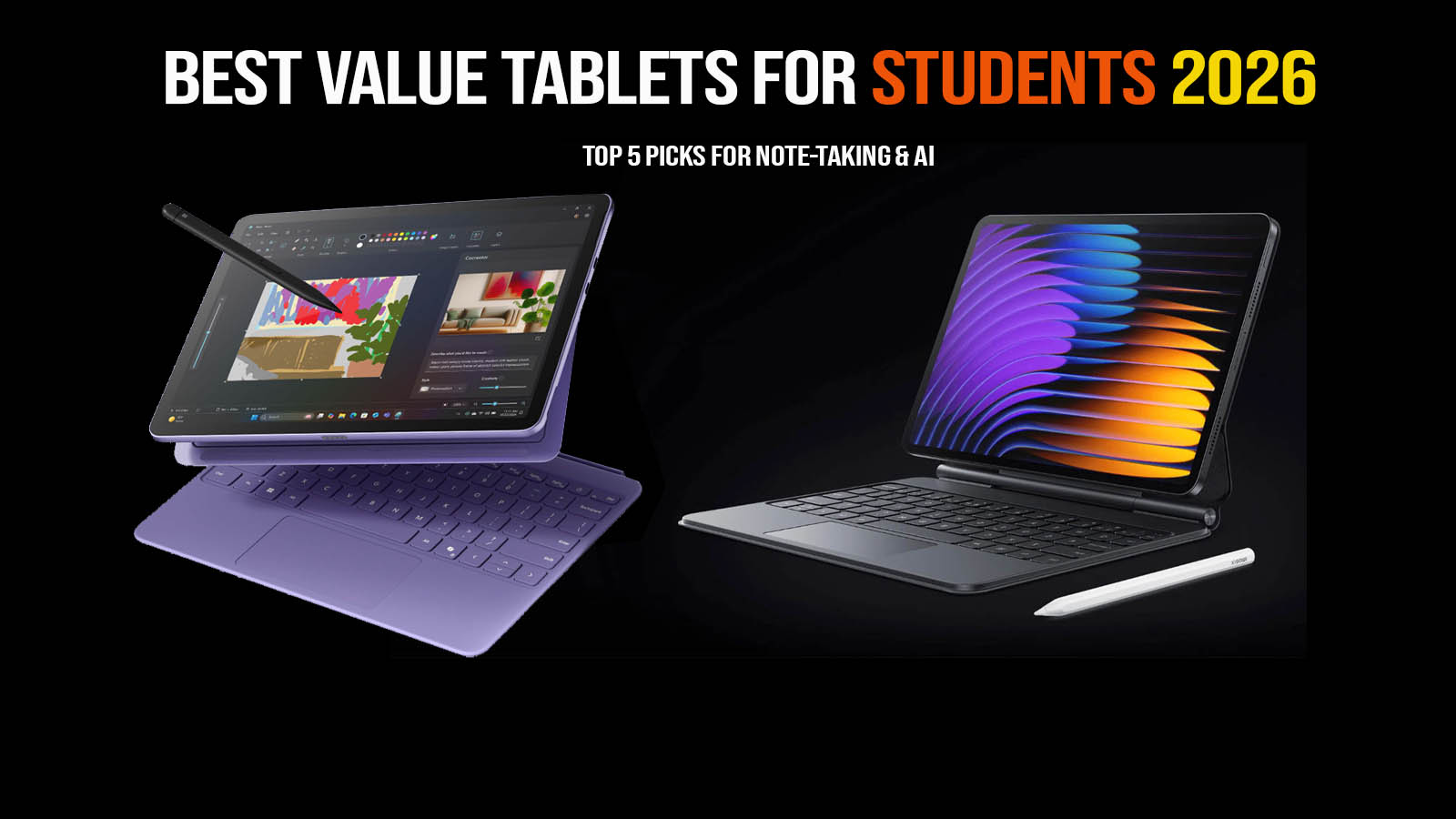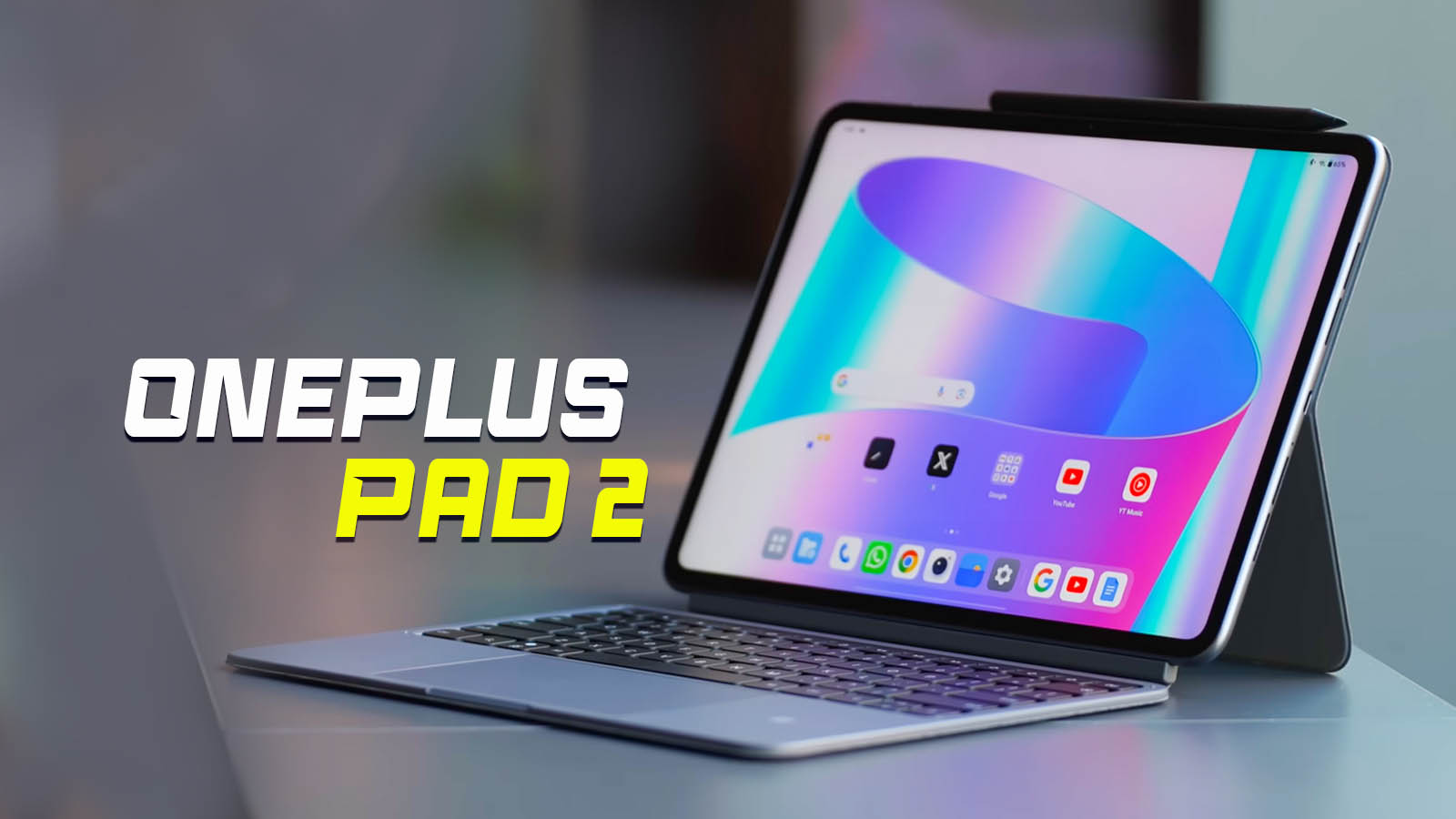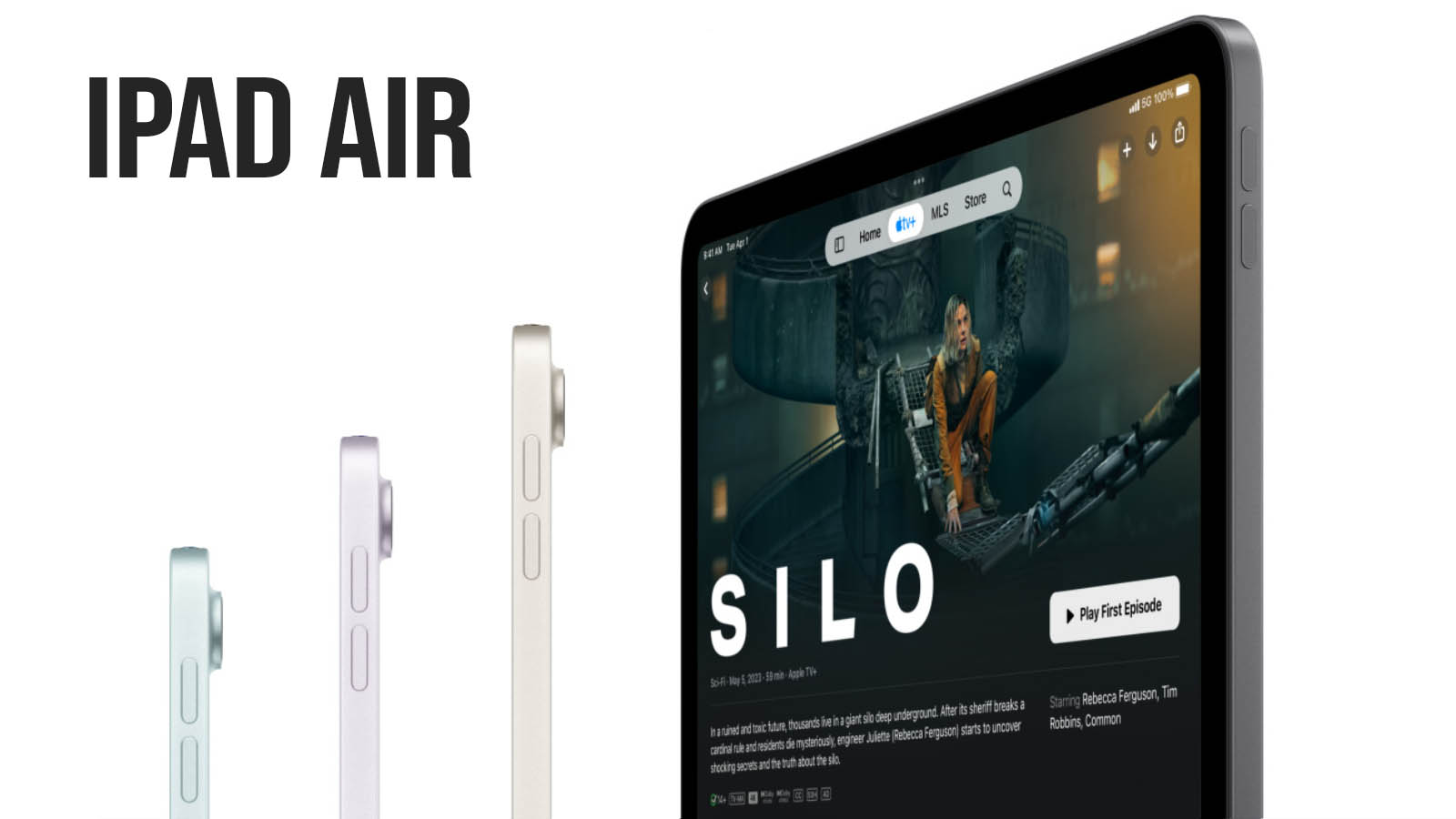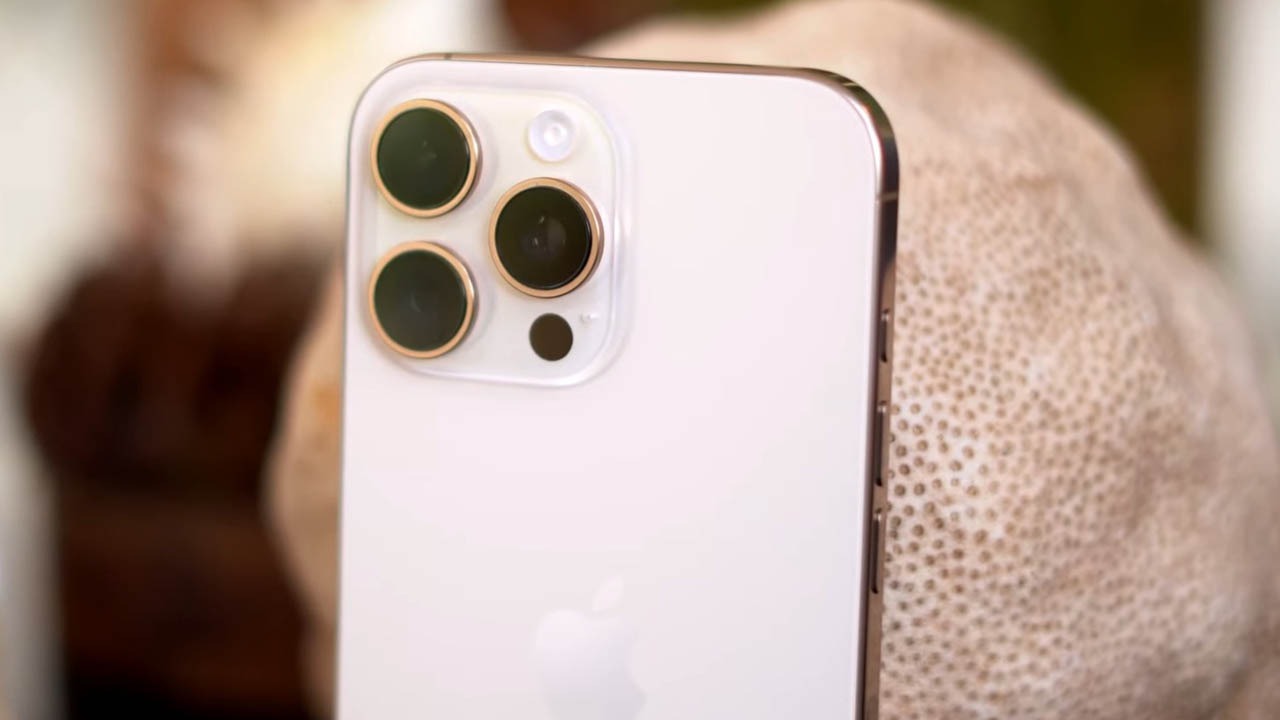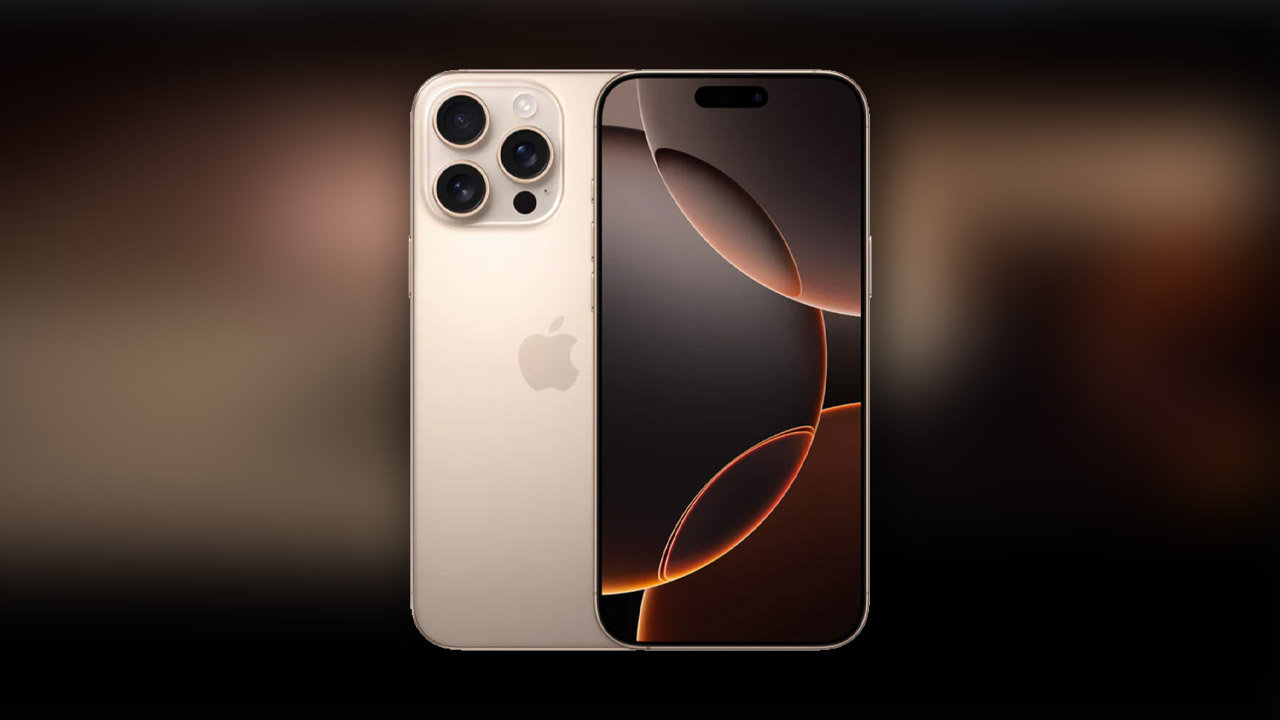
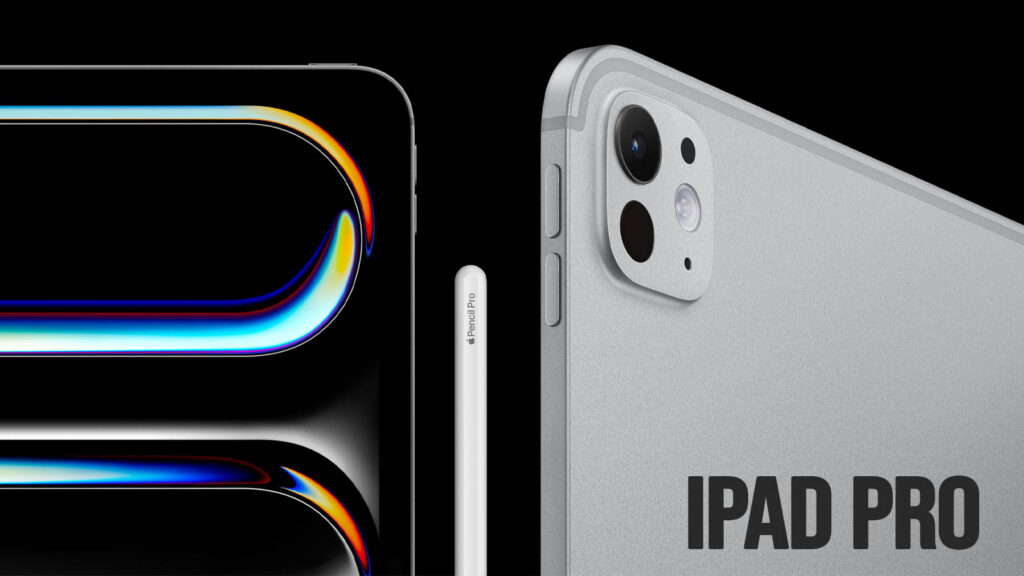
The Apple iPad Pro (M5) is a flagship tablet designed for users who want a no-compromise device that blurs the line between a mobile tablet and a professional workstation. In this review, we will look at its design, display, performance, camera, battery life, and overall value to help you decide whether it is worth buying in 2026.
Featuring the revolutionary M5 chip and a stunning Tandem OLED display, it serves as the ultimate tool for digital artists, video editors, and power users. This review explores its cutting-edge design, AI capabilities, and raw performance to help you decide if this high-end workstation is the right investment for your creative workflow in 2026.
Key Specifications
- Display: 11-inch or 13-inch Tandem OLED Ultra Retina XDR
- Resolution: 2420×1668 (11″) / 2752×2064 (13″) at 264 ppi
- Brightness: 1,000 nits (SDR/XDR), 1,600 nits Peak (HDR)
- Processor: Apple M5 Chip (3nm architecture)
- RAM & Storage: 12GB RAM (256/512GB) | 16GB RAM (1/2TB)
- Rear Camera: 12MP Wide (f/1.8) + LiDAR Scanner
- Front Camera: 12MP Landscape Ultra Wide (Center Stage)
- Battery: 31.29Wh (11″) / 38.99Wh (13″)
- Connectivity: 5G (sub-6 GHz), Wi-Fi 7, Bluetooth 6.0, Thunderbolt 4
- Operating System: iPadOS 26.3 (as of Feb 2026)
- Price Range: $999 – $2,299 USD
Design & Build Quality
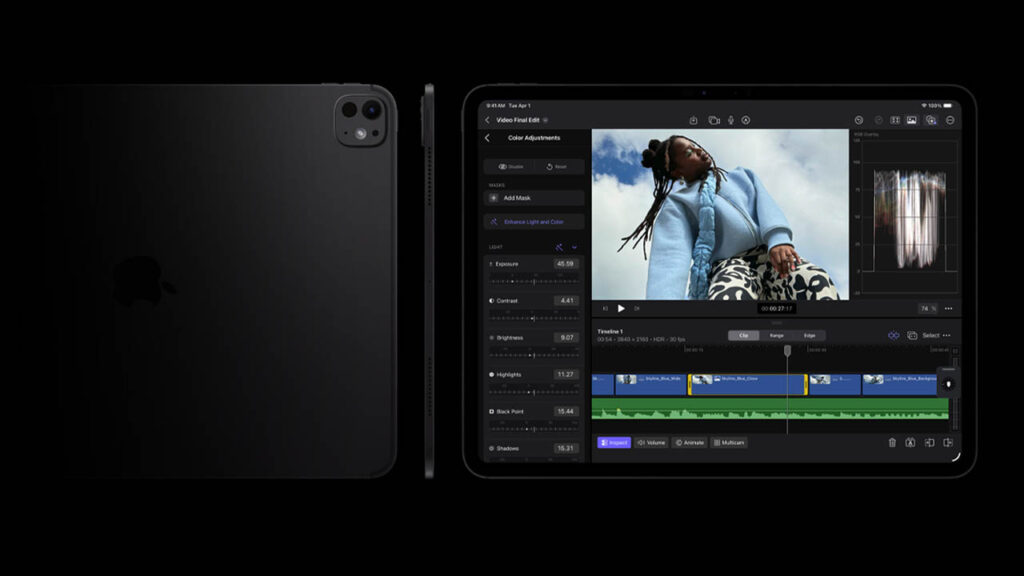
The 2026 iPad Pro retains the record-breaking thinness introduced in the previous generation, measuring a mere 5.1mm (13-inch model). Crafted from 100% recycled aluminum, it feels incredibly rigid yet surprisingly light.
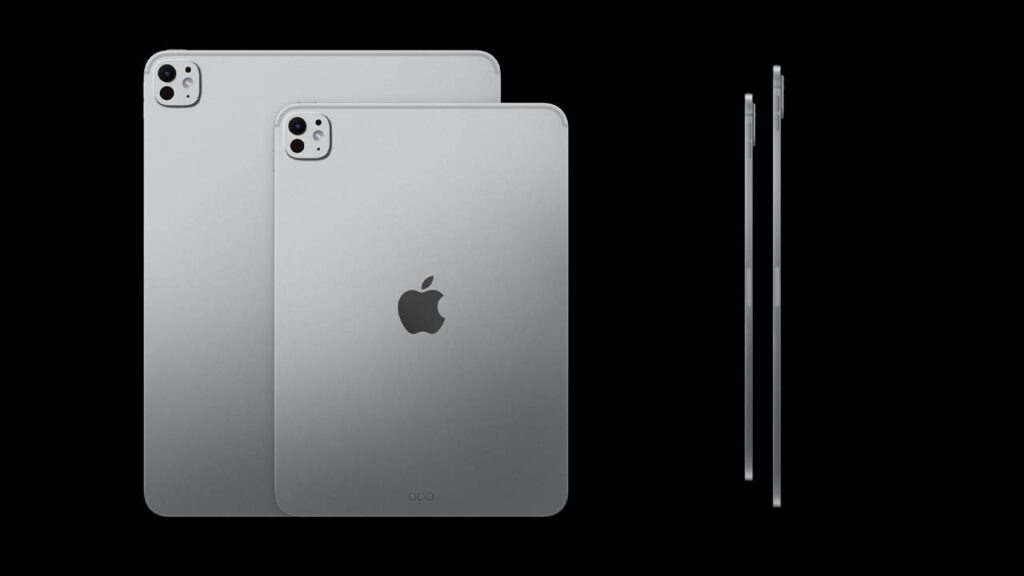
Button placement remains intuitive, though the major win is the landscape-oriented Face ID camera, which makes video calls feel natural when used with a Magic Keyboard. The build is premium, available in Silver and Space Black, with the latter featuring a sophisticated matte finish that resists fingerprints better than past iterations.
Display Quality
The Tandem OLED display is the crown jewel of this device. By stacking two OLED panels, Apple achieves immense brightness without sacrificing the deep blacks OLED is known for.
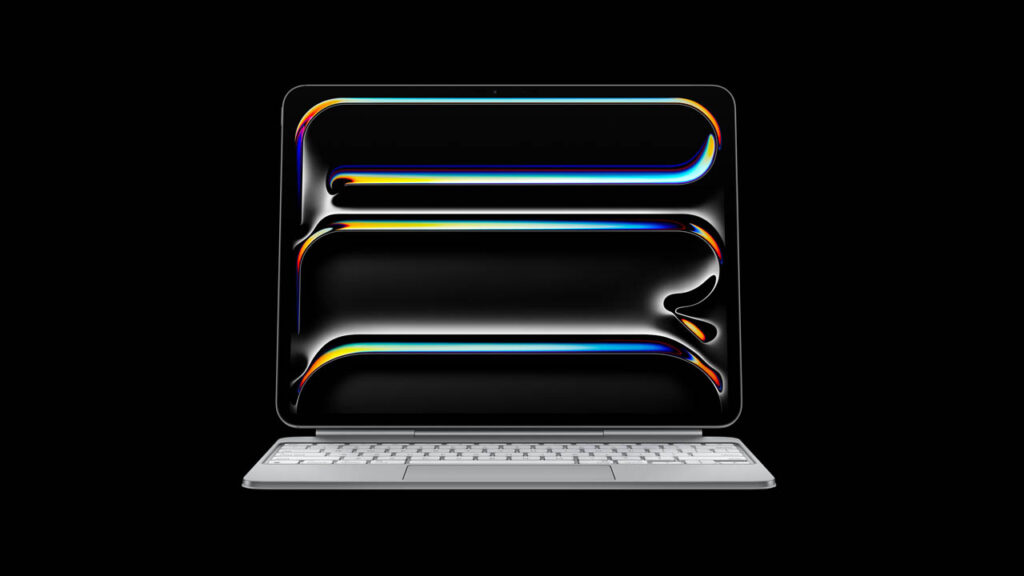
- ProMotion: The 10Hz to 120Hz adaptive refresh rate makes every animation fluid.
- Minimum Brightness: A new feature for 2026 allows the screen to dim to just 1 nit, perfect for creators working in dark studios.
- Nano-Texture: For an extra cost on 1TB+ models, the nano-texture glass virtually eliminates glare, making it the best tablet for outdoor visibility.
Performance & Daily Usage
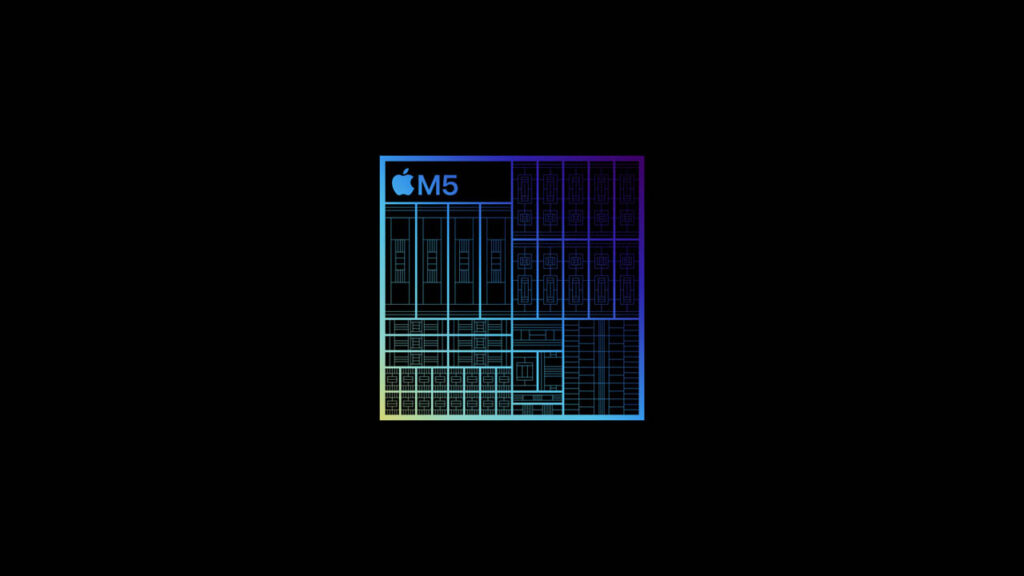
Powered by the M5 chip, this iPad is roughly 1.6 times faster in graphics and rendering than the M4.
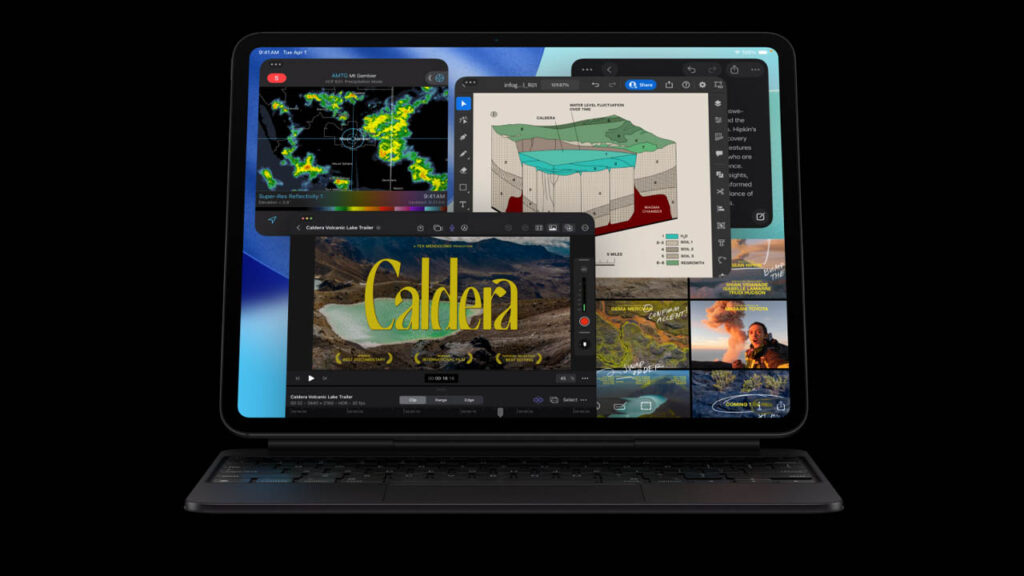
- Daily Tasks: Apps like Safari, Notes, and Slack open instantly. With 12GB of RAM now standard on base models, multitasking is seamless.
- AI Power: The M5 features a dedicated Neural Accelerator in each core, making “Apple Intelligence” tasks—like real-time video object removal or live transcription—happen locally without any lag.
- Heating: Even during 8K video exports in Final Cut Pro, the device stays remarkably cool thanks to the graphite sheets in the housing.
Gaming Performance
The iPad Pro (M5) is a stealth gaming console. With hardware-accelerated Ray Tracing and a 10-core GPU, it handles AAA titles like Death Stranding and Resident Evil Village with console-quality textures.
- Frame Rates: Tested games maintained a steady 120 FPS on high settings.
- External Play: You can connect a DualSense controller and output to a 6K monitor for a full-screen gaming experience via Thunderbolt.
Camera Performance
While most don’t use iPads for street photography, the Pro’s camera system is optimized for Document Scanning and AR.
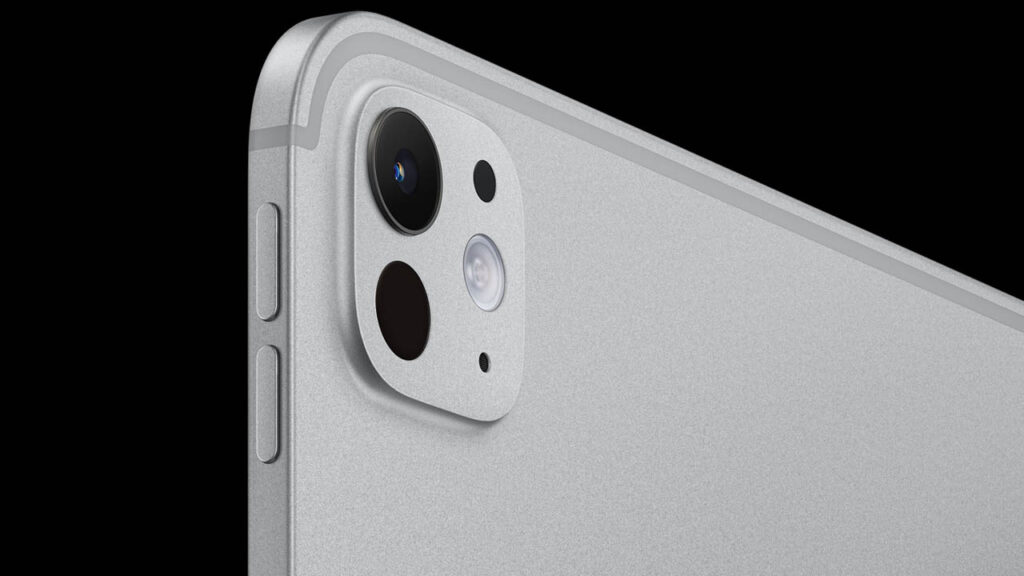
- Rear Camera: The 12MP sensor captures sharp 4K video. The LiDAR scanner is essential for 3D room mapping and precision AR apps.
- Landscape Front Camera: The 12MP Ultra Wide camera with Center Stage is the best in class, keeping you perfectly framed during Zoom or FaceTime calls even if you move around the room.
Battery Life & Charging
Apple continues to promise “all-day” battery life, but the M5 chip is more efficient during light tasks.
- Real-World Use: You can expect about 10 hours of continuous web browsing or video streaming.
- Fast Charging: A major 2026 update allows for fast-charging up to 50% in 30 minutes when using a 60W or higher adapter. Note that a 20W adapter is still the standard included in many regions.
Connectivity & Features
The jump to Wi-Fi 7 and Bluetooth 6.0 ensures that you have the lowest possible latency for professional peripherals.
- Apple Pencil Pro: Supports squeeze gestures and haptic feedback, making it feel like a real pen on paper.
- Thunderbolt 4: Allows for data transfer speeds up to 40Gb/s, ideal for photographers moving large RAW libraries from external SSDs.
Pros and Cons
Pros
- M5 Chip: Desktop-class power in a 5mm body.
- Tandem OLED: Best display on any mobile device.
- Landscape Camera: Finally fixes the “side-view” video call issue.
- Wi-Fi 7: Future-proof connectivity speeds.
Cons
- Price: Becomes very expensive once you add a keyboard and Pencil.
- iPadOS Limits: The hardware is still significantly more powerful than the software allows it to be.
- Fragility: The ultra-thin design requires a protective case for peace of mind.
Who Should Buy This Tablet?
- Creative Professionals: Artists, video editors, and 3D designers who need power on the go.
- Students: Those who want a 2-in-1 device that can replace a laptop for note-taking and research.
- Office Users: Professionals who travel frequently and need a high-end device for presentations and signatures.
2026 Flagship Tablet Comparison Table
| Feature | Apple iPad Pro (M5) | Samsung Galaxy Tab S11 Ultra | Microsoft Surface Pro 11 | Huawei MatePad Pro 13.2 | Xiaomi Pad 7 Max |
| Display | 13″ Tandem OLED (XDR) | 14.6″ Dynamic AMOLED 2X | 13″ OLED PixelSense | 13.2″ Flexible OLED | 14″ IPS LCD |
| Processor | Apple M5 (3nm) | MediaTek Dimensity 9400+ | Snapdragon X Elite | Kirin T92 (Octa-core) | Snapdragon 8 Gen 3 |
| Refresh Rate | 120Hz ProMotion | 120Hz | 120Hz (Dynamic) | 144Hz | 144Hz |
| Peak Brightness | 1,600 Nits | 1,600 Nits | 600-1,000 Nits | 1,000 Nits | 1,000 Nits |
| Storage (Max) | 2TB | 1TB (Expandable) | 1TB (Removable SSD) | 1TB | 1TB |
| Battery Size | 38.99 Wh | 11,600 mAh | 53 Wh | 10,100 mAh | 12,000 mAh |
| Charging | 60W Fast Charging | 45W Wired | 65W Surface Connect | 100W SuperCharge | 120W HyperCharge |
| OS | iPadOS 26 | Android 16 (One UI 8) | Windows 11 Pro | HarmonyOS 4.3 | HyperOS 2.0 |
| Key Strength | Best Performance/AI | Best Media/Multitasking | Full Desktop Software | Thinnest Bezels | Best Value/Charging |
Quick Comparison Insights
- For Pure Power: The iPad Pro (M5) remains undefeated. Its 3nm architecture benchmarks significantly higher than the Snapdragon and MediaTek chips found in Android rivals.
- For Productivity: The Surface Pro 11 is the only “true” laptop replacement here because it runs full Windows 11 desktop applications (like .exe files).
- For Immersive Media: The Samsung Galaxy Tab S11 Ultra wins on size. Its massive 14.6-inch screen is essentially a portable cinema.
- For Budget Professionals: The Xiaomi Pad 7 Max offers 90% of the Pro experience at nearly half the price, featuring the fastest charging speed (120W) in the group.
Recommendation
If your workflow involves heavy 4K video editing, 3D design, or intensive AI processing, the iPad Pro (M5) is the superior choice. However, if you need a device primarily for office multitasking or watching movies, the Samsung Tab S11 Ultra or Surface Pro 11 may offer better flexibility for your money.
Price & Value for Money
At its current starting price of $999, the iPad Pro (M5) offers solid value for users who keep their devices for 5+ years. The inclusion of 12GB of RAM in the base model makes it much more future-proof than previous “Pro” models.
Final Verdict
The Apple iPad Pro (M5) is the pinnacle of tablet technology. While it may be “overkill” for just watching Netflix, it is an essential tool for anyone whose workflow benefits from a high-quality stylus, massive processing power, and the best portable screen in existence.
FAQs
1. Is iPad Pro (M5) good for gaming? Absolutely. It is one of the most powerful portable gaming machines available, supporting Ray Tracing and 120Hz refresh rates.
2. Does it support fast charging? Yes, with a 60W adapter, it can reach 50% charge in approximately 30 minutes.
3. Is it worth buying in 2026? Yes. With the M5 chip and Wi-Fi 7, this device is designed to stay relevant for at least the next 6 to 7 years.
4. Can it replace a laptop? For most users, yes—especially when paired with the Magic Keyboard. However, developers or those needing specialized desktop software may still find iPadOS limiting.
Disclaimer
Disclaimer: This review is based on current 2026 market specifications, research, and user feedback. Actual performance and battery life may vary depending on individual settings and usage patterns.