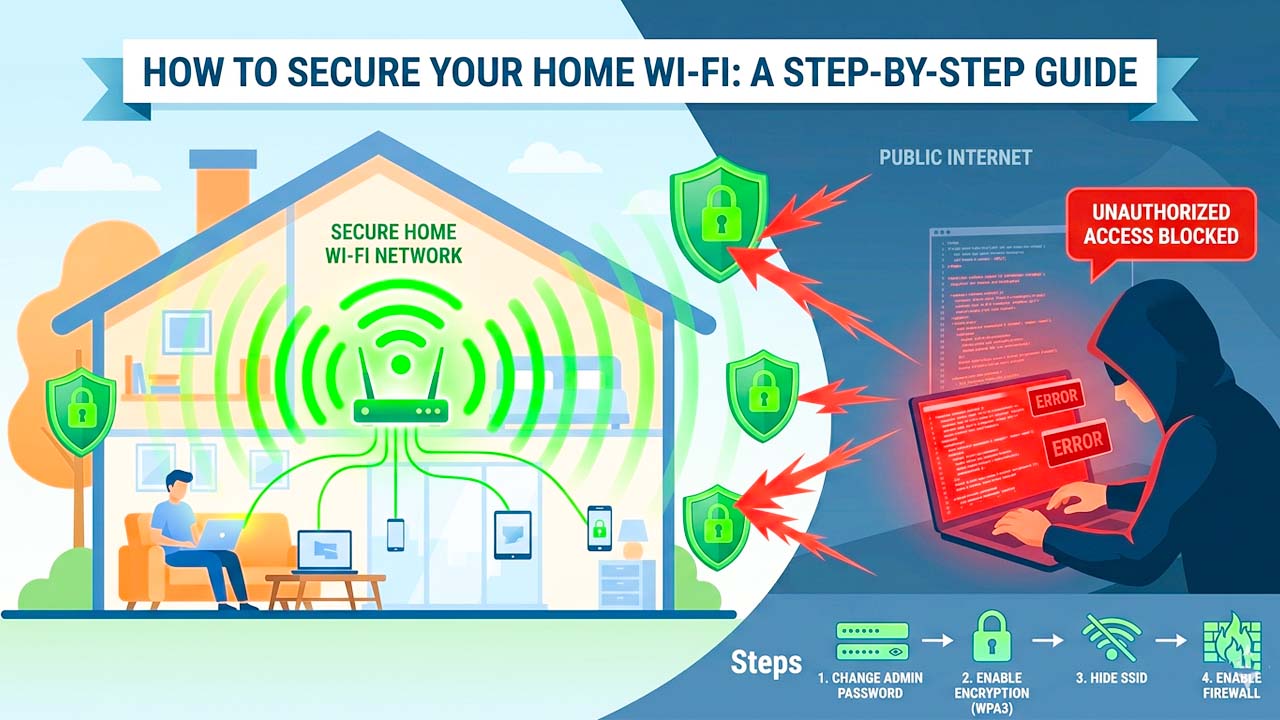
Imagine waking up tomorrow morning, reaching for your smartphone, and opening your favorite social or messaging app, only to find that you have been completely logged out. You confidently type in your password, but an error message pops up: “Incorrect password.” You try to reset it, but the recovery email address and phone number have already been changed to an unfamiliar account based halfway across the world.
Within minutes, the reality sets in: you have been hacked.
Suddenly, your private conversations, personal photos, business contacts, and sensitive financial discussions are in the hands of a malicious stranger. Worse yet, the hacker is now using your trusted profile to send spam links, investment scams, or urgent money requests to your close friends, family members, and professional colleagues.
This nightmare scenario happens to thousands of internet users every single day. Many people mistakenly believe that hackers only target high-profile individuals, celebrities, or large corporations. The truth is that automated scripts and cybercriminals systematically target everyday accounts. If you rely solely on a traditional password to protect your online identity, your digital life is standing on incredibly shaky ground.
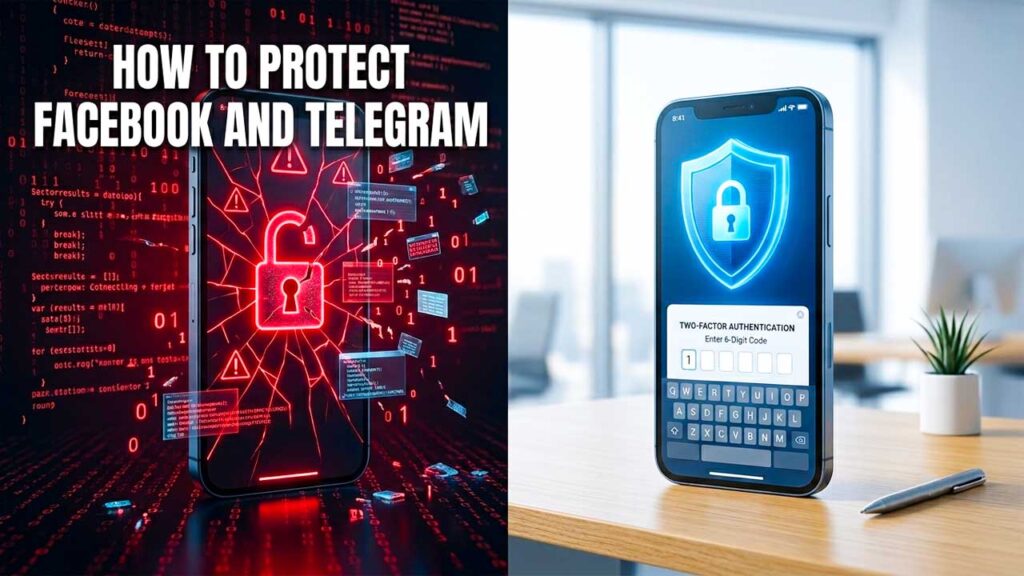
You cannot afford to wait until your account gets compromised to take action. Password leaks happen daily on a global scale. Fortunately, there is an incredibly powerful, digital shield that can stop virtually 100% of automated hacking attempts in their tracks: Two-Factor Authentication (2FA). By enabling this simple security feature on critical platforms like Facebook and Telegram, you add an unbreachable layer of safety that protects your data, even if a hacker manages to steal your password.
The Hard Truth: Why Passwords Are No Longer Enough
For decades, the standard internet safety advice was simple: create a strong password with a mix of uppercase letters, numbers, and special characters, and your data will be safe. While having a complex password is still important, it is no longer enough to defend against modern cyber threats.
Passwords are fundamentally vulnerable for several key reasons:
- Massive Data Breaches: Every single day, corporate databases, e-commerce websites, and online forums are compromised by hackers. Millions of user credentials (email addresses and passwords) are stolen and dumped onto the dark web in massive lists.
- Credential Stuffing: Cybercriminals use automated software bots to take these leaked password lists and “stuff” them into other major platforms like Facebook, Google, and Telegram. Because a vast majority of users reuse the exact same password across multiple websites, a leak on a minor shopping site can easily give a hacker access to your primary social media accounts.
- Sophisticated Phishing Attacks: Fake login pages look more realistic than ever. It takes just one momentary lapse in judgment—clicking a deceptive link in an email, a text message, or a message from an already-compromised friend’s account—to inadvertently hand your login credentials directly to a scammer.
Once a hacker has your password, the traditional security gate swings wide open. They can log in from any device, anywhere in the world, and seize complete control of your digital identity within seconds.
What is Two-Factor Authentication (2FA)?
Two-Factor Authentication (often abbreviated as 2FA) completely rewrites the rules of digital security by requiring two distinct forms of evidence to prove your identity before granting access to your account.
Security experts break these factors down into three core categories:
- Something you know: This is your traditional password or PIN.
- Something you have: This is a physical object or device, such as your smartphone, a registered phone number, or a specialized hardware security key.
- Something you are: This refers to biometric data, like a fingerprint or facial recognition scanner.
When you turn on 2FA, knowing the password is no longer enough to unlock the door. Whenever you or anyone else attempts to log into your account from a completely new or unrecognized computer, tablet, or smartphone, the system pauses. It will strictly demand a second piece of evidence—usually a temporary, time-sensitive verification code sent directly to a device in your physical possession.
Even if a hacker on the other side of the world correctly guesses, buys, or steals your password, they will remain completely locked out because they do not have physical access to your phone to retrieve that secondary code.
Step-by-Step: How to Enable 2FA on Facebook
Facebook acts as a massive hub for our social lives, digital memories, and for many, business pages and ad accounts. Protecting it should be an absolute priority. Facebook offers multiple 2FA methods, including Text Messages (SMS) or third-party Authenticator Apps (like Google Authenticator or Bitwarden).
To secure your Facebook profile, follow these steps:
- Open Settings: Open the Facebook app or website. Click on your profile picture in the corner, select Settings & Privacy, and then tap Settings.
- Navigate to Accounts Center: Tap on the Meta Accounts Center banner at the top of the menu.
- Access Password and Security: Under the Account Settings section, select Password and Security.
- Turn on 2FA: Tap on Two-Factor Authentication and select the specific Facebook profile you wish to secure.
- Choose Your Security Method:
- Recommended: Choose Authentication App. Facebook will show a QR code that you can scan using an app like Google Authenticator or Microsoft Authenticator. The app will generate a shifting 6-digit code every 30 seconds.
- Alternative: Choose Text Message (SMS) to have codes sent directly to your mobile phone number.
- Save Recovery Codes: Once set up, Facebook will provide a list of static “Recovery Codes.” Copy these down and store them in a safe physical place. If you ever lose your phone or change your phone number, these backup codes are the only way to regain access to your account.
Step-by-Step: How to Enable 2FA on Telegram
Because Telegram is a cloud-based messaging platform that handles private conversations, media sharing, and professional crypto or business groups, keeping it secure is critical. Telegram handles 2FA a bit differently, calling it Two-Step Verification.
By default, logging into Telegram on a new device only requires a one-time code sent via SMS or to your other active Telegram sessions. Turning on Two-Step Verification forces the app to demand a permanent, local cloud password in addition to that SMS code.
Here is how to set it up:
- Open Settings: Open Telegram and navigate to the Settings menu.
- Go to Privacy and Security: Scroll down and select the Privacy and Security option.
- Select Two-Step Verification: Under the Security header, tap on Two-Step Verification.
- Set an Additional Password: Tap Set Password. Create a strong, memorable alphanumeric password that is entirely different from your other web accounts.
- Create a Hint: Telegram will ask you to create a password hint. Make sure it helps you remember the password without making it obvious to strangers.
- Provide a Recovery Email: Enter a secure, active recovery email address. Do not skip this step. If you forget this cloud password, the recovery email is your only lifeline to access your chats on a new device.
- Confirm Activation: Check your email for a verification code from Telegram, enter it into the app, and your setup is complete.
Authenticator Apps vs. SMS: Which 2FA Method is Best?
While any form of 2FA is vastly superior to relying on a password alone, not all authentication methods are created equal.
The Vulnerability of SMS 2FA
Receiving a verification code via text message is incredibly convenient, but it introduces unique security risks. Sophisticated hackers can deploy a tactic known as SIM-Swapping. In a SIM-swap attack, a hacker uses leaked personal info to trick your mobile carrier into porting your phone number over to a blank SIM card in the hacker’s possession. Once they control your phone number, all of your incoming text messages and SMS 2FA codes go straight to their device, allowing them to bypass your security gates easily.
The Power of Authenticator Apps
Using a dedicated software authenticator app (such as Google Authenticator, Microsoft Authenticator, or an encrypted password manager) is significantly more secure. These apps generate verification codes locally on your physical phone hardware using a unique, cryptographic secret key. Because the codes are tied to the physical device rather than a cellular network connection, they cannot be intercepted over the air, spoofed by a network carrier error, or stolen via SIM-swapping.
Conclusion: Take Action Before It’s Too Late
In the physical world, we would never leave the front door of our home unlocked simply because locking it requires taking a key out of our pocket. Yet, millions of internet users leave the digital doors to their private data wide open, avoiding 2FA because they worry that typing in a 6-digit code will add an annoying step to their day.
In reality, modern 2FA systems are incredibly smooth. You only have to enter a code the first time you log into a brand-new device; once a device is trusted, it will remember you seamlessly.
The minor inconvenience of spending 30 seconds setting up Two-Factor Authentication today pales in comparison to the immense stress, financial risk, and emotional toll of trying to recover a stolen account tomorrow. Don’t wait around for your password to appear in the next unavoidable data leak. Open your Facebook and Telegram settings right now, turn on 2FA, and take definitive control over your digital safety.