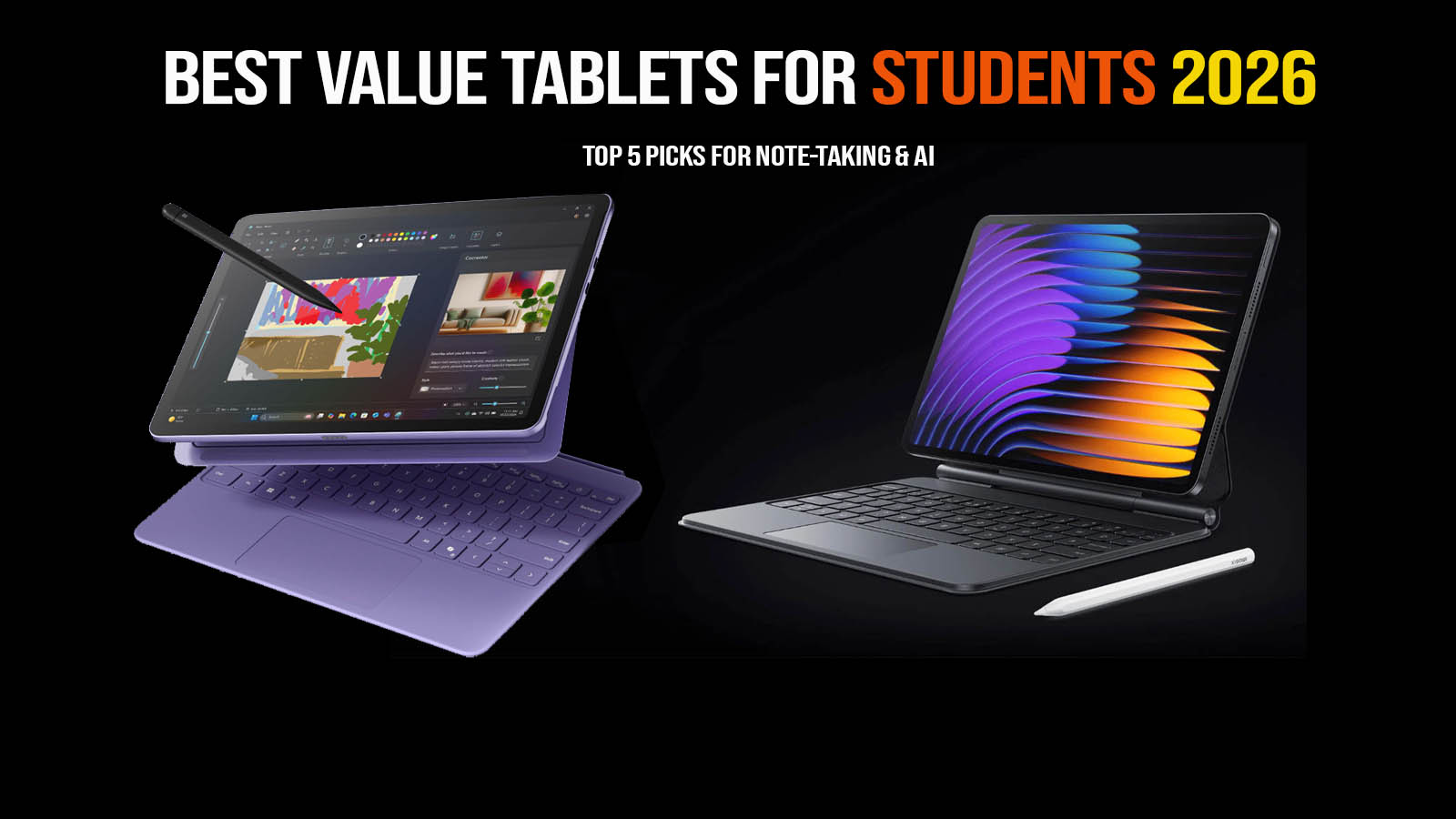
The Xiaomi Pad 7 is a powerful mid-range tablet released in late 2024 and thriving in 2026, designed for users who want a flagship-level experience without the premium price tag. Positioned as a direct competitor to the iPad Air and Samsung’s S-series, it bridges the gap between affordable media slates and high-end productivity workstations. This review is essential for students, office professionals, and mobile gamers who need a reliable device for multitasking and entertainment. We will explore its stunning 3.2K display, the efficiency of the Snapdragon 7+ Gen 3 chip, and its long-lasting battery to help you decide if the Xiaomi Pad 7 is the best value tablet for your needs this year.
Key Specifications
- Display: 11.2-inch IPS LCD (3:2 Aspect Ratio)
- Resolution: 3.2K (3200 x 2136 pixels, 345 PPI)
- Brightness: 800 nits (Peak)
- Processor: Qualcomm Snapdragon 7+ Gen 3 (4nm)
- RAM & Storage: 8GB/12GB LPDDR5X | 128GB (UFS 3.1) / 256GB (UFS 4.0)
- Rear Camera: 13MP (f/2.2) with PDAF
- Front Camera: 8MP (f/2.2) Ultra-wide
- Battery: 8,850 mAh
- Connectivity: Wi-Fi 6E, Bluetooth 5.4, USB 3.2 Gen 1
- Operating System: HyperOS 2 (Based on Android 15)
- Price Range: $350 – $420 USD
Design & Build Quality
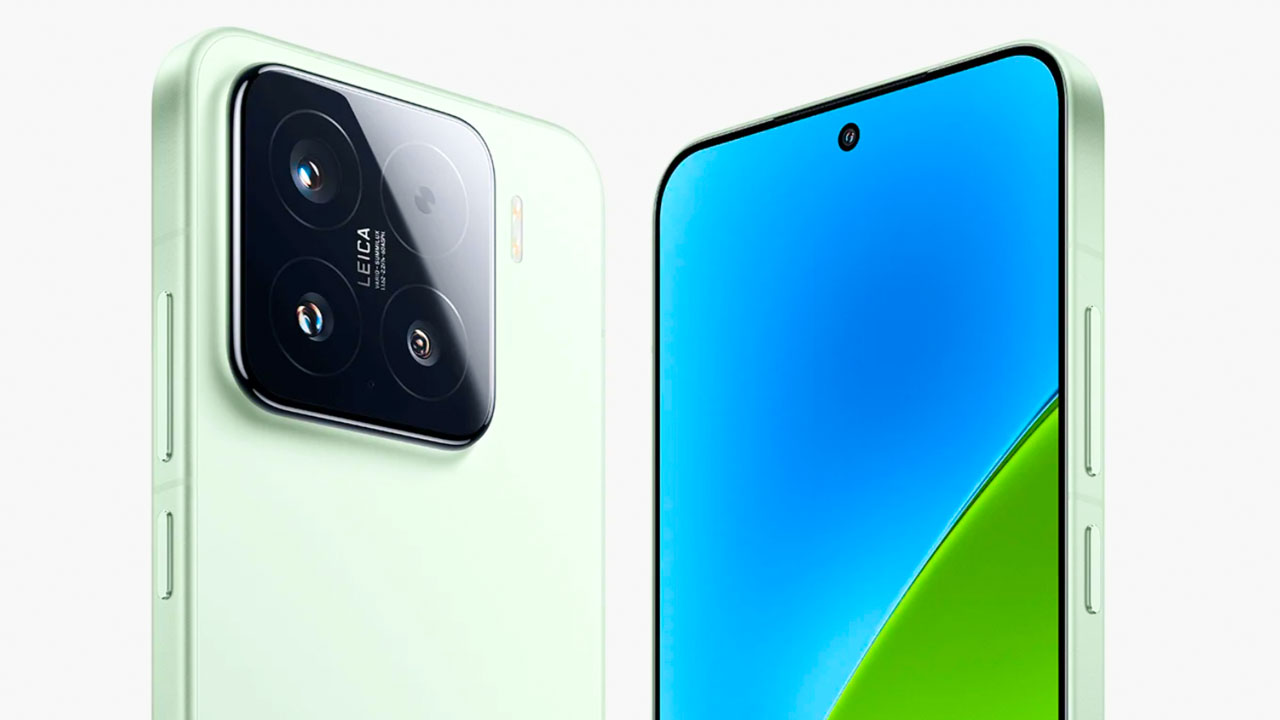
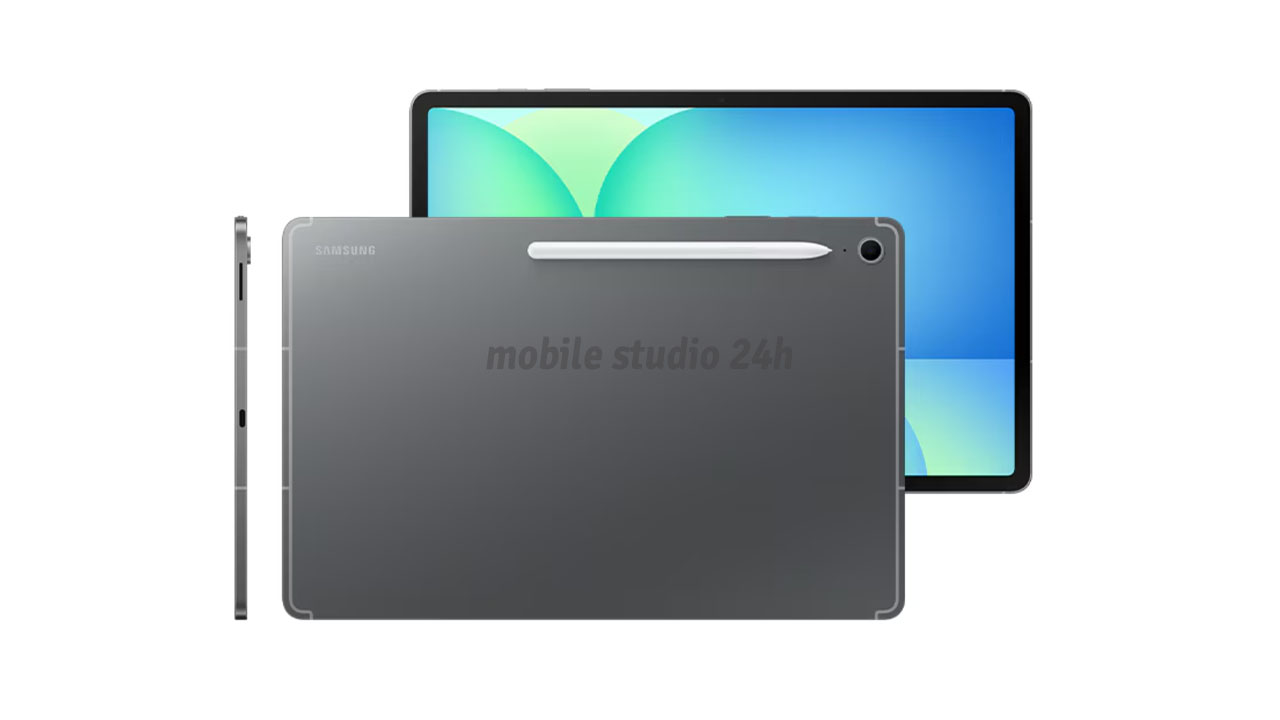
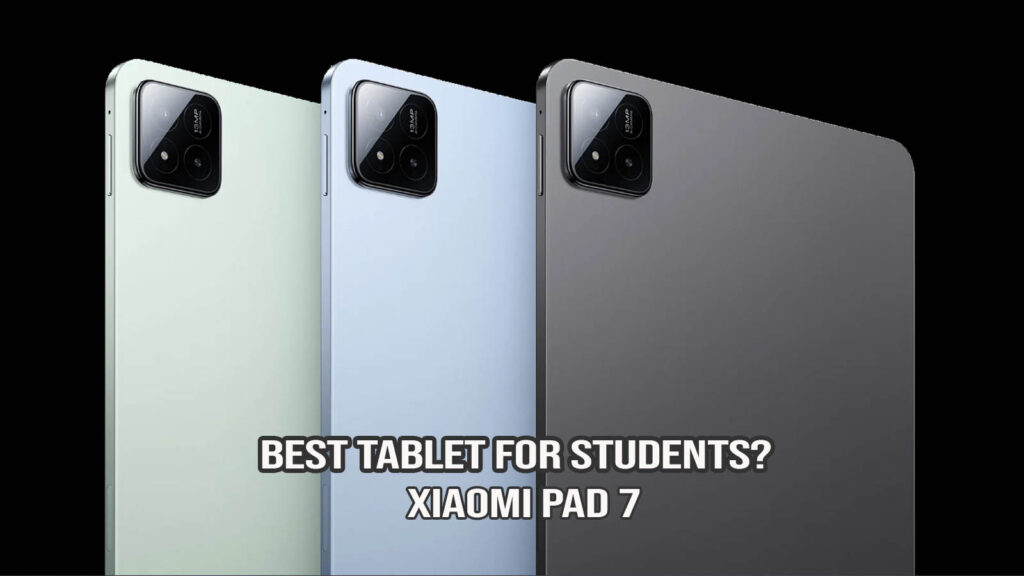
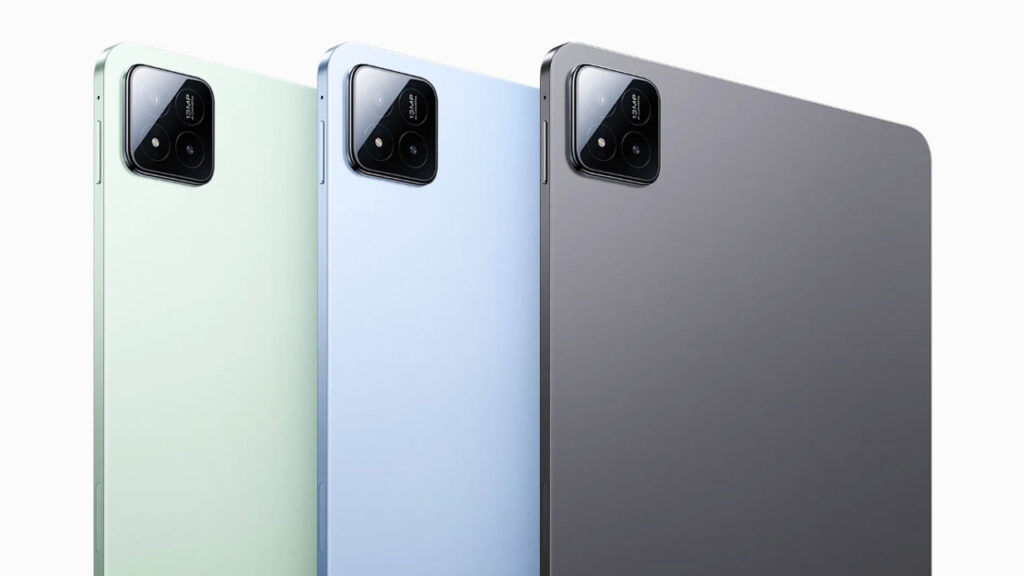
The Xiaomi Pad 7 maintains the brand’s reputation for premium craftsmanship. It features an all-metal unibody design that feels incredibly sturdy yet remains portable at just 6.18mm thin and 500g in weight. The aluminum chassis has a matte finish that resists fingerprints and is available in elegant colors like Graphite Gray, Cyan Blue, and Mist Green.
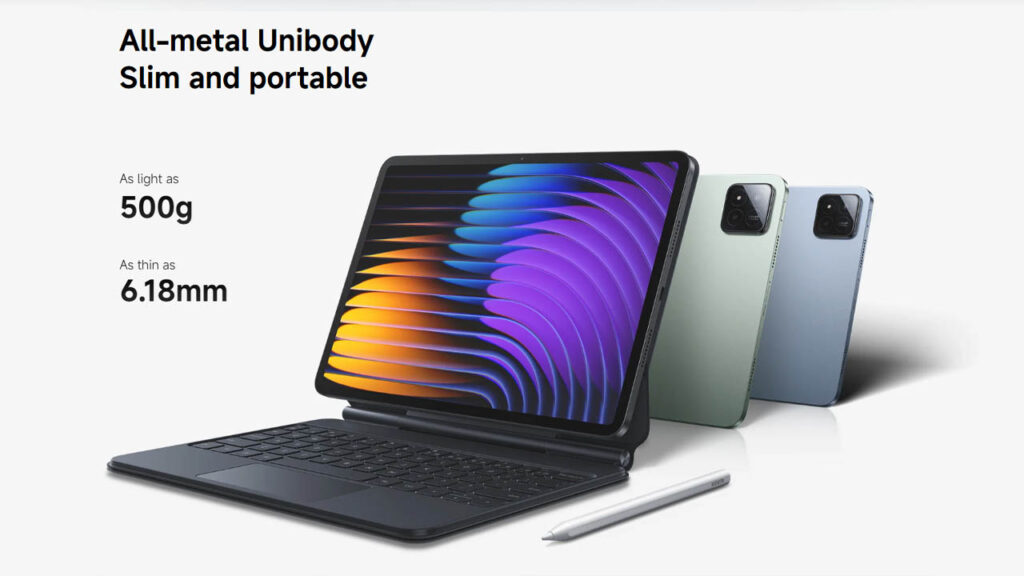
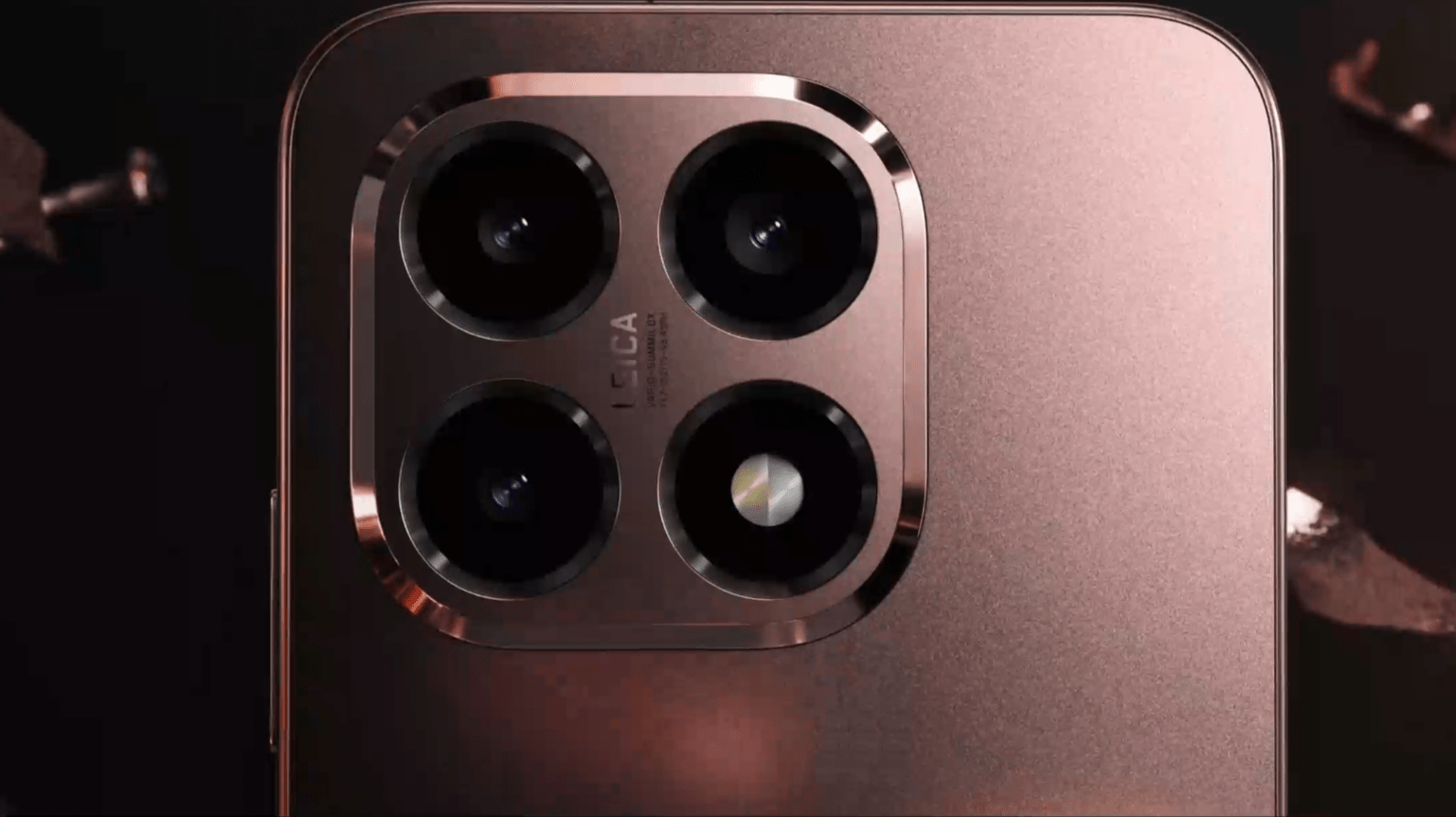
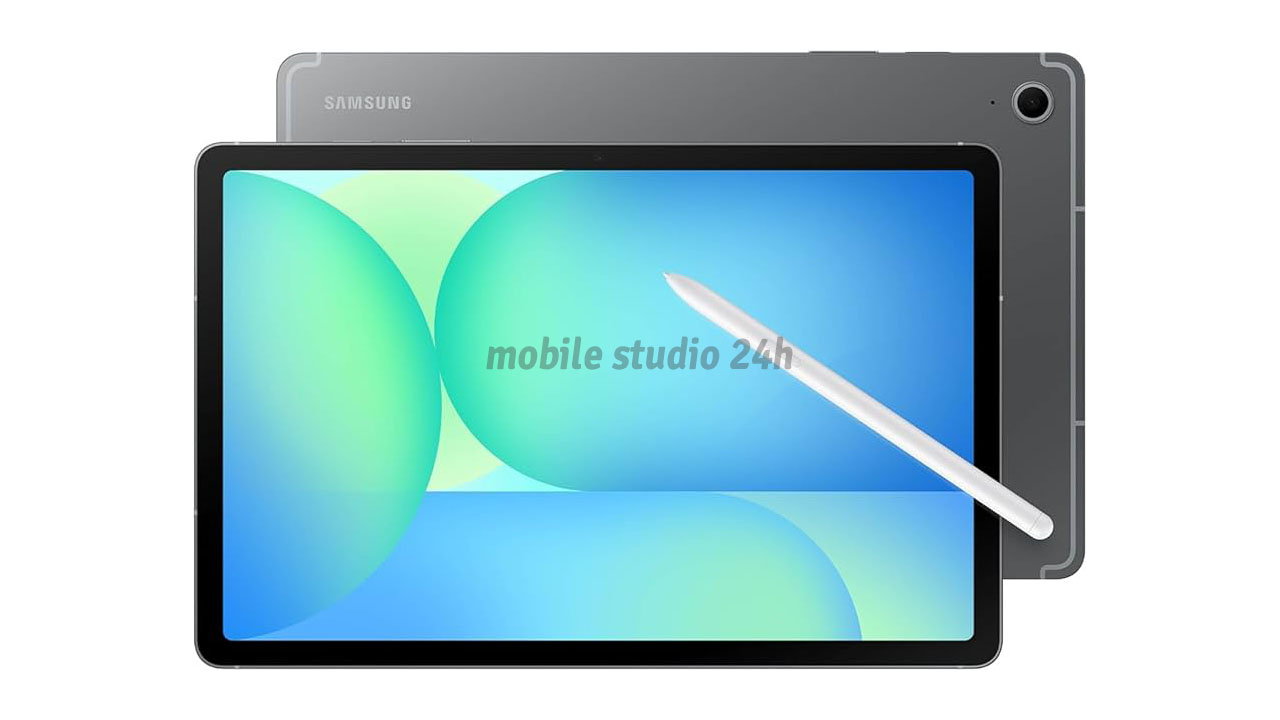
The button placement is intuitive, with the power button and volume rockers positioned for easy access in both portrait and landscape modes. The “Starlight Cloud Ring” camera module adds a touch of modern flair, and the magnetic connectors for the Focus Keyboard and Focus Pen are strong, ensuring a secure desktop-like setup.
Display Quality
The 11.2-inch 3.2K CrystalRes display is often cited as the best LCD on the market. With a 144Hz refresh rate and an 800-nit peak brightness, it is incredibly smooth and readable even in bright rooms. The 3:2 aspect ratio is a game-changer for productivity, providing more vertical room for documents and web browsing compared to traditional widescreen tablets. While it isn’t OLED, the 12-bit color depth ensures vibrant, punchy visuals that are HDR10 and Dolby Vision certified.
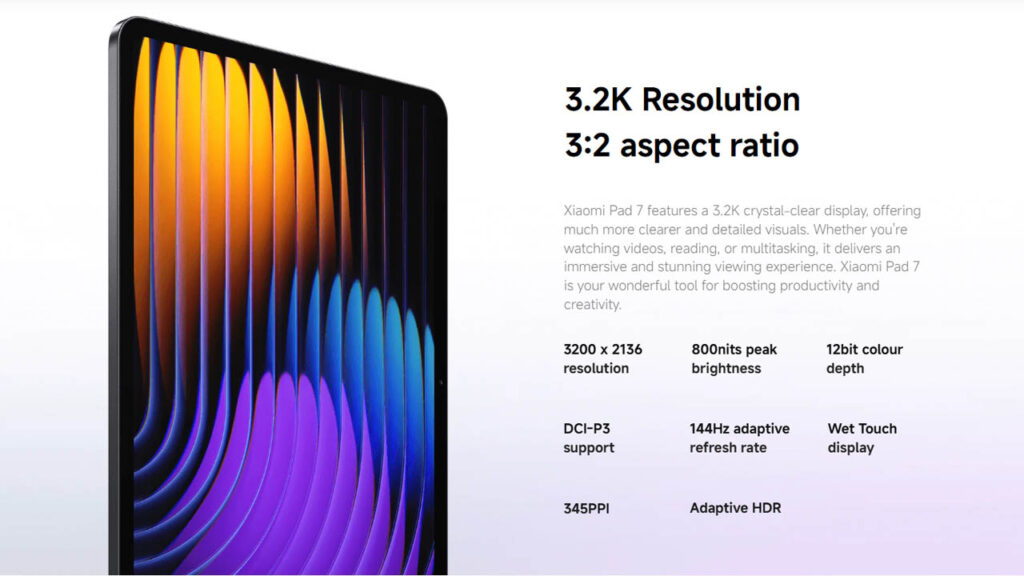
The display is arguably the Pad 7’s biggest selling point.
- Screen Type and Size: The size 11.2-inch 3.2K CrystalRes display uses a unique 3:2 aspect ratio, providing more vertical space for reading & the document editing compared to traditional 16:10 tablets.
- Brightness & Color: With 800 nits of peak brightness and a 12-bit color depth (68 billion colors), the screen is vivid and punchy.
- Outdoor Visibility: Thanks to its high brightness and a “Sunlight Mode,” it remains quite legible even when used on a balcony or near a window.
- Refresh Rate: The 144Hz adaptive refresh rate makes every animation, scroll, and game feel buttery smooth.
Performance & Daily Usage
Driven by the Snapdragon 7+ Gen 3, the Pad 7 offers performance that rivals last year’s flagships. App opening speeds are instantaneous, and HyperOS 2 is highly optimized, resulting in fluid animations and no system lag. The “Workstation Mode” is a highlight, allowing you to run multiple apps in floating windows just like a PC. For daily tasks like browsing with 20+ tabs or heavy multitasking, the 8GB/12GB LPDDR5X RAM handles the load without breaking a sweat.
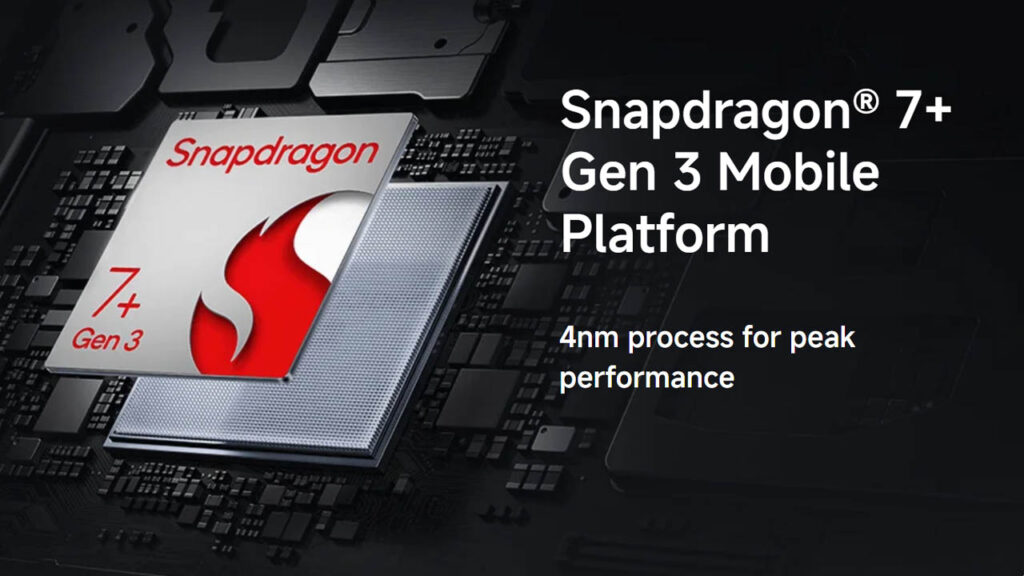
Equipped with the Snapdragon 7+ Gen 3, the Pad 10 handles daily tasks with flagship-level speed.
- App Opening & Multitasking: Apps launch nearly instantly. Xiaomi’s HyperOS 2 workstation mode allows you to use floating windows and a taskbar, making it feel very similar to a laptop experience.
- Heating & Lag: During our testing with heavy Chrome browsing and background Spotify streaming, we encountered zero lag. The 4nm architecture ensures the tablet remains cool even under sustained workloads.
- Real-world Use: Whether you are editing 4K video clips or managing large Excel sheets, the tablet stays responsive and reliable.
Gaming Performance
This tablet is a hidden gem for gamers. In Genshin Impact, it maintains a stable 60 FPS on High settings, and for less demanding titles like PUBG or Mobile Legends, it can take full advantage of the 144Hz display. The Adreno GPU is powerful enough to prevent frame drops during intense combat, and the 4nm chip architecture ensures that the device stays only slightly warm rather than hot during hour-long sessions.
The Snapdragon 7+ Gen 3 is a beast for gaming in the mid-range category.
- Popular Games: In Genshin Impact, the tablet maintains a stable 60 FPS on High settings. Titles like PUBG Mobile and Call of Duty run at the highest possible frame rates without stuttering.
- Graphics & Drops: Even after 45 minutes of heavy gaming, frame drops are minimal.
- Casual vs Heavy: While it sails through casual games like Subway Surfers, its true power is seen in 3D open-world titles where the 144Hz screen really shines.
Camera Performance
Tablet cameras are usually an afterthought, but the 13MP rear sensor is surprisingly capable of taking sharp, color-accurate photos in daylight—perfect for scanning documents. The 8MP front camera is arguably more important; it is centered on the long edge for a natural video call angle. It supports 1080p video and features AI noise reduction, making it a reliable tool for professional Zoom meetings or online classes.
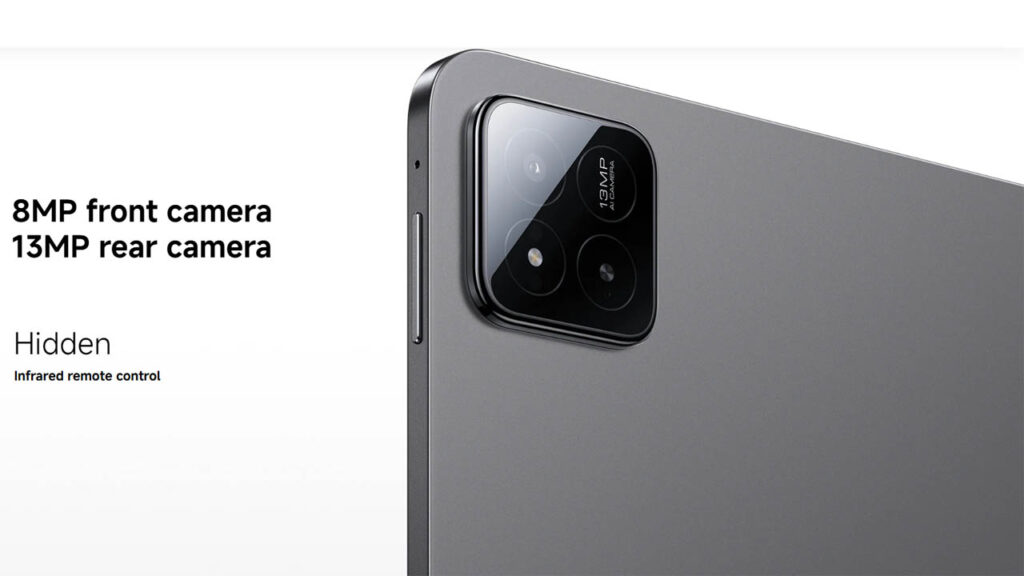
While tablets aren’t primary cameras, the Pad 7 provides a respectable setup.
- Daylight Photos: The 13MP rear camera produces sharp, clean images for document scanning or quick captures.
- Front Camera: The 8MP front camera is optimized for video calls, featuring 1080p recording and AI noise reduction for the microphones, ensuring you look and sound clear in virtual meetings.
- Portrait Mode: The software-based portrait mode does a decent job of blurring the background for professional-looking calls.
Battery Life & Charging
With an 8,850 mAh battery, the Pad 7 is built for endurance. You can expect about 10 hours of heavy use or up to 20 hours of continuous video playback. The 45W Turbo Charging is a significant upgrade over previous models, taking the device from 0% to 40% in just 30 minutes. A full charge takes roughly 95 minutes, which is impressive given the sheer size of the battery.
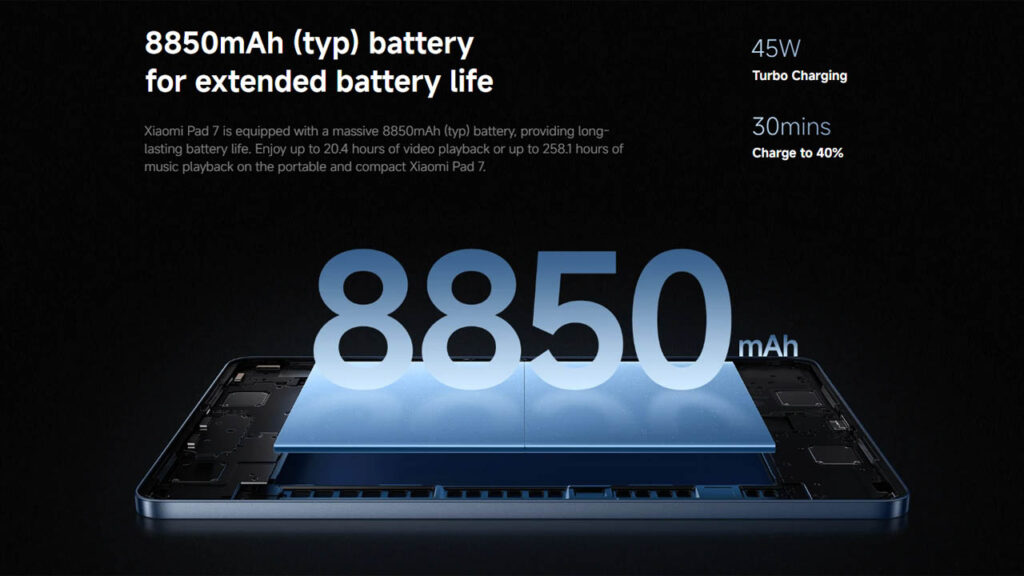
The 8,850 mAh battery is well-optimized for the high-resolution screen.
- Screen-on Time: You can expect about 10–12 hours of active screen time, which easily covers a full day of heavy office or school work.
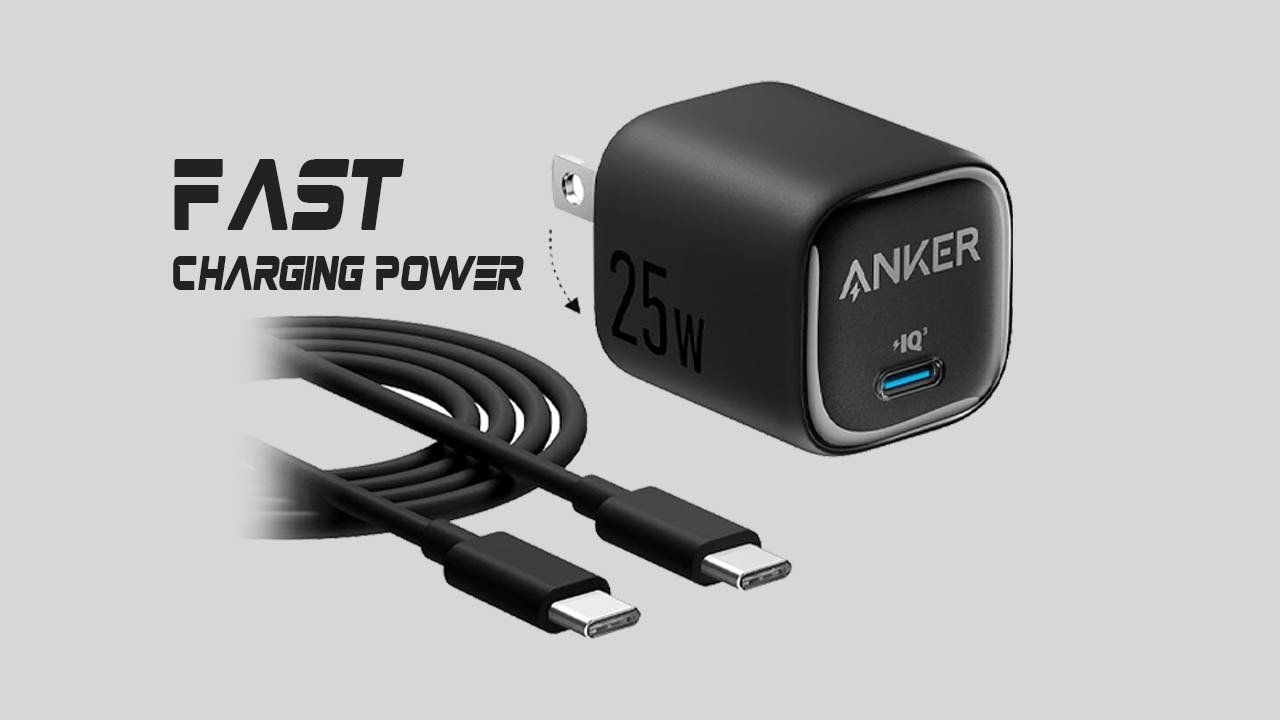
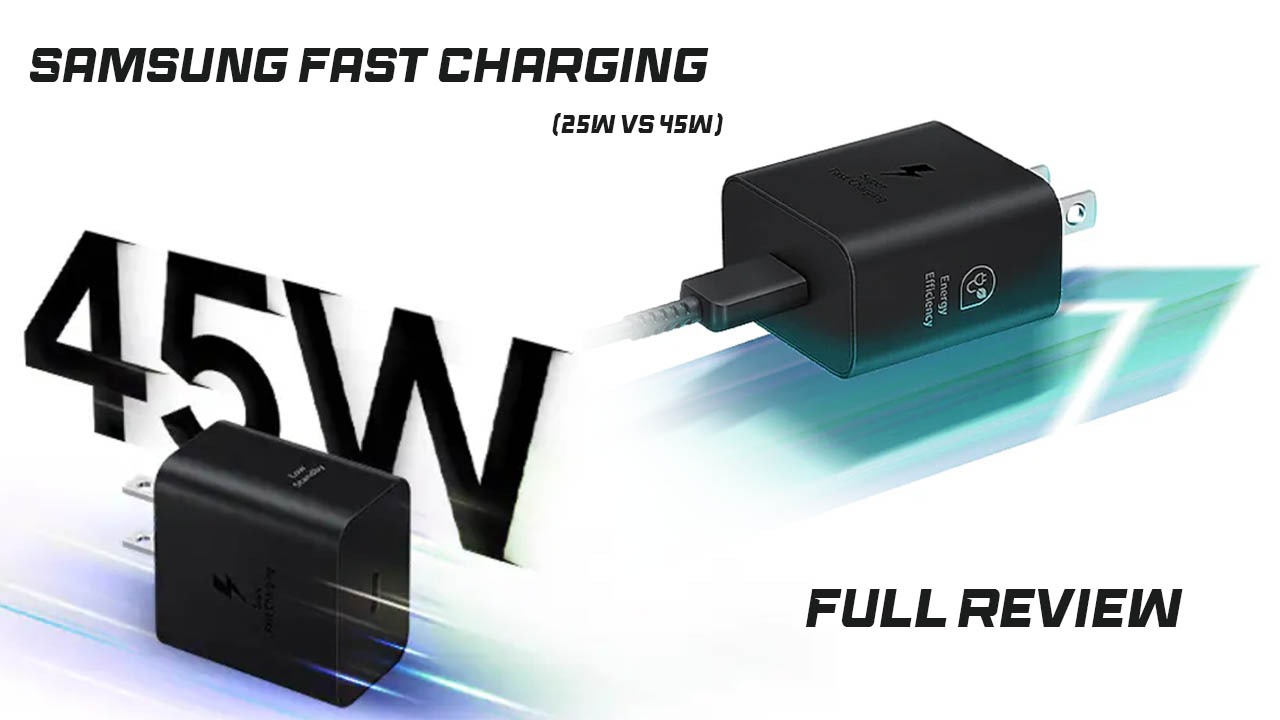
- Charging Speed: It supports 45W Turbo Charging.
- Charger Included: In most regions, the 45W charger is included in the box. It can charge from 0% to 40% in about 30 minutes, with a full charge taking roughly 95 minutes.
Connectivity & Features
The Pad 7 is packed with modern tech, including Wi-Fi 6E and Bluetooth 5.4. The USB 3.2 Gen 1 port is a major win, allowing for fast data transfers and the ability to output video to an external monitor. The quad-speaker system with Dolby Atmos is exceptionally loud and clear. Additionally, the deep integration with the Xiaomi ecosystem (HyperConnect) allows you to mirror your phone screen and share clipboards instantly.
- HyperConnect: Allows seamless file sharing and screen mirroring between your Xiaomi phone and laptop.
- Audio: The quad-speaker system with Dolby Atmos is exceptionally loud and offers rich bass, making it a great media device.
- Smart Tools: The AI Live Subtitles and AI Writing assistant integrated into HyperOS help with summarizing articles and transcribing meetings in real-time.
- Security: Features AI Face Unlock and a secure PIN system (Note: It lacks a physical fingerprint scanner).
Price & Value for Money
At its roughly $350 price point, the Xiaomi Pad 7 offers unbeatable value. It provides a 3.2K screen and a high-tier processor that you would typically find in tablets costing $550 or more. For students and office workers who need a high-performance “daily driver” without the “Pro” tax, this is currently the best value-for-money tablet available.
2026 Mid-Range Tablet Comparison Table
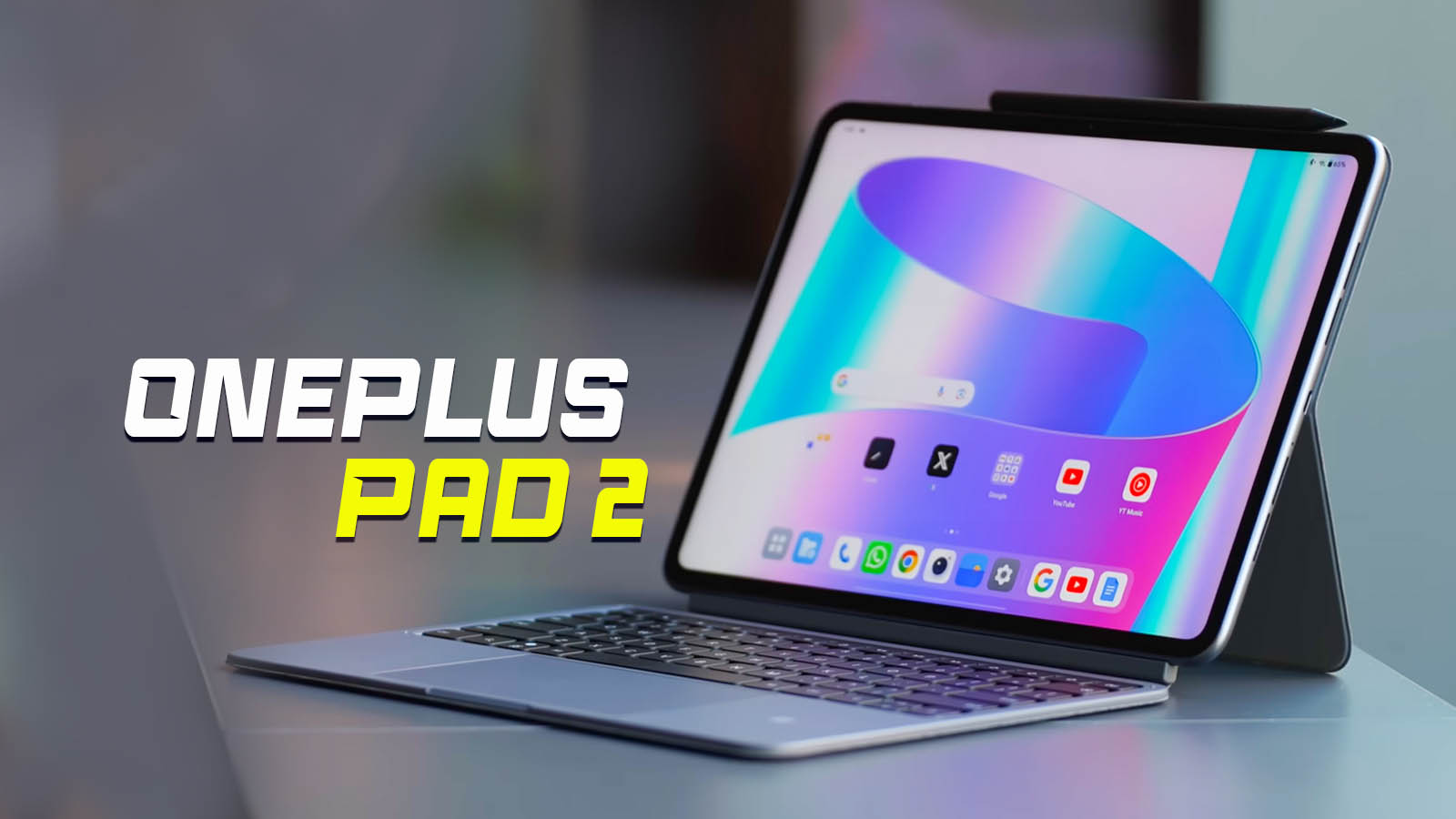
| Feature | Xiaomi Pad 7 | Honor Pad 10 | Galaxy Tab S10 FE | OnePlus Pad 2 | iPad (11th Gen, 2025) |
| Display | 11.2″ 144Hz LCD | 12.1″ 120Hz LCD | 10.9″ 90Hz LCD | 12.1″ 144Hz LCD | 10.9″ 60Hz LCD |
| Aspect Ratio | 3:2 (Work focus) | 16:10 (Media focus) | 16:10 | 7:5 (Book focus) | 4.3:3 |
| Processor | Snapdragon 7+ Gen 3 | Snapdragon 7 Gen 3 | Exynos 1580 | Snapdragon 8 Gen 3 | Apple A16 Bionic |
| RAM | 8GB / 12GB | 8GB / 12GB | 6GB / 8GB | 8GB / 12GB | 6GB |
| Charging | 45W Turbo | 35W Wired | 45W Wired | 67W SuperVOOC | 20W Wired |
| Battery | 8,850 mAh | 10,100 mAh | 8,000 mAh | 9,510 mAh | ~7,600 mAh |
| Storage Type | UFS 4.0 (Fast) | UFS 3.1 | UFS 3.1 | UFS 4.0 | NVMe (Standard) |
| Stylus Support | Focus Pen | Magic-Pencil | S-Pen (Included) | Stylo 2 | Apple Pencil (USB-C) |
| Price (Est.) | ~$350 | ~$320 | ~$449 | ~$499 | ~$349 |
Critical Comparison Insights
- The Productivity King: The Xiaomi Pad 7 uses a 3:2 aspect ratio, which makes it feel like a mini-laptop. This provides significantly more vertical space for reading and writing than the Samsung or Honor models, which are wider and better suited for movies.
- Performance Powerhouse: While the OnePlus Pad 2 has a more powerful flagship chip (Snapdragon 8 Gen 3), the Xiaomi Pad 7’s Snapdragon 7+ Gen 3 is more efficient and stays cooler during long multitasking sessions.
- The Value Gap: The Samsung Galaxy Tab S10 FE includes the S-Pen in the box, which is a great bonus. However, the Xiaomi Pad 7 offers a much faster 144Hz screen (vs Samsung’s 90Hz) and a sharper 3.2K resolution for a lower starting price.
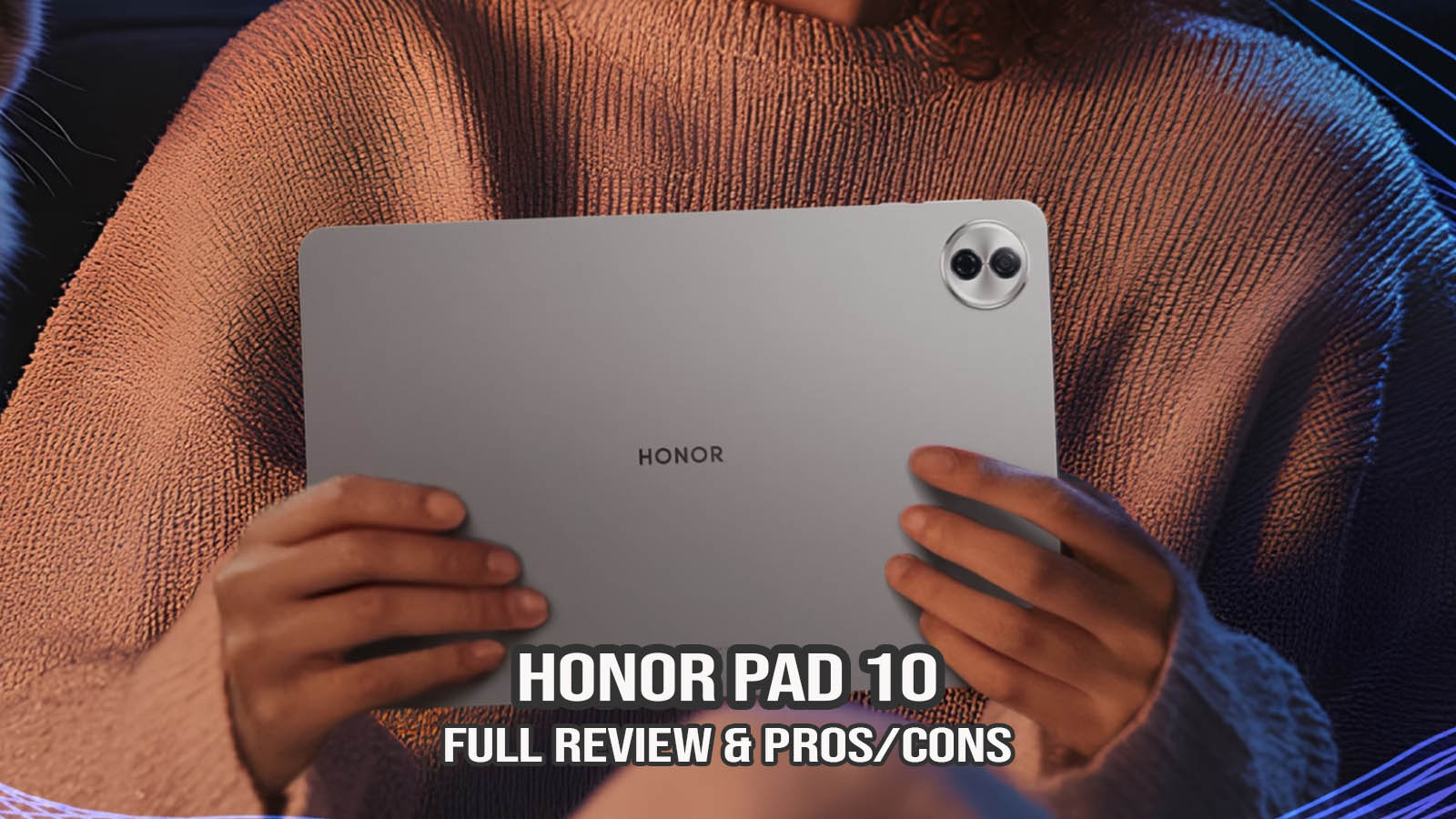
- The Battery Trade-off: The Honor Pad 10 wins on pure battery capacity with its 10,100 mAh cell. However, the Xiaomi Pad 7 charges significantly faster (45W vs 35W), meaning you spend less time waiting at the wall outlet.
Recommendation
- Choose Xiaomi Pad 7 if: You want the best screen resolution and a professional 3:2 screen for work and study.
- Choose Honor Pad 10 if: You are a student who needs a “three-day battery” and a larger screen for media.
- Choose Samsung S10 FE if: You need an IP68 water-resistance rating and a free stylus.
- Choose OnePlus Pad 2 if: You are a hardcore gamer who needs the raw power of the Snapdragon 8 series.
Pros and Cons
Pros
- Exceptional Display: 3.2K resolution and 144Hz refresh rate are rare at this price.
- Productivity Powerhouse: HyperOS workstation mode is excellent for work.
- Premium Build: Sleek all-metal chassis.
- Fast Data Transfer: USB 3.2 Gen 1 allows for quick external storage connections.
Cons
- No Fingerprint Sensor: Relies on Face Unlock.
- No Cellular Model: Strictly Wi-Fi only.
- LCD, not OLED: While the IPS panel is great, it lacks the deep blacks of AMOLED.
Who Should Buy This Tablet?
- Students: Ideal for note-taking with the Focus Pen and multitasking with textbooks.
- Office Users: A great portable secondary screen or light laptop replacement.
- Gamers: High-end performance for a fraction of the cost of a “Pro” tablet.
- Who should avoid it: Users who need a built-in 5G connection or professional artists who demand the perfect blacks of an OLED screen.
Final Verdict
Overall, the Xiaomi Pad 7 offers a reliable and premium experience for its price and is suitable for users who want a high-performance Android tablet for daily use. Whether it’s for work, study, or play, its balance of hardware and software makes it one of the top recommendations of 2026.
FAQs
1. Is Xiaomi Pad 7 good for gaming?
Yes, the Snapdragon 7+ Gen 3 and 144Hz screen make it one of the best gaming tablets in its price bracket.
2. Does Xiaomi Pad 7 support fast charging?
Yes, it supports 45W Turbo Charging, taking about 95 minutes for a full charge.
3. Is Xiaomi Pad 7 worth buying in 2026?
Absolutely. Its high-resolution display and modern processor ensure it will remain fast and relevant for years.
4. Can Xiaomi Pad 7 replace a laptop?
For light office work, emails, and document editing, the “Workstation Mode” in HyperOS makes it a very capable laptop alternative.
Disclaimer
Disclaimer: This review is based on current research, official specifications, and user feedback. Actual performance may vary depending on usage and software updates.